Blog
What’s new in Vectacle, projects made with it, and tips for crafters, designers and sellers.
The blog is where we share what’s new in the converter, step-by-step projects made with it (stickers, cut files, AI art turned into print files), and practical tips: how big an image should be before you vectorize it, why an SVG ends up with thousands of shapes, which file format each machine wants, and how to get clean layered vinyl from one picture.
Every post uses real examples converted with Vectacle and real numbers from those conversions. A new post appears every day; follow along with the RSS feed.
Good places to start: why an SVG ends up with thousands of shapes, SVG or PNG for Cricut, and the red panda sticker project, which goes from an AI picture to a Print Then Cut sticker step by step. If you want instructions for one app rather than a story, the guides cover Cricut, Silhouette, Illustrator, Photoshop, Canva and Inkscape.
 Tips
How to make a layered vinyl SVG from one picture
Turn a colourful picture into a layered SVG for Cricut or Silhouette: one layer per vinyl colour, fewer layers to weed, and how to merge colours.
 Tips
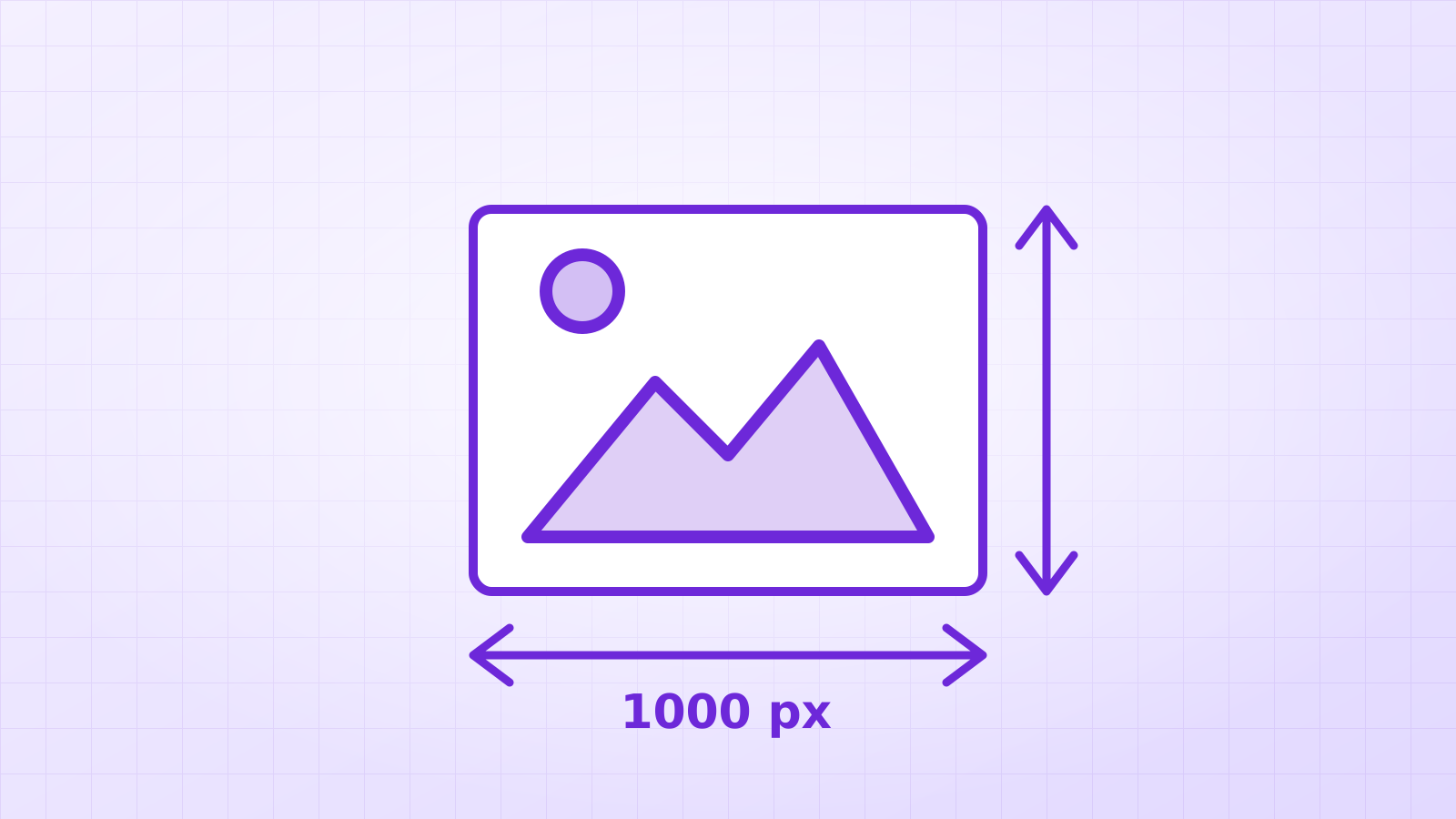
How big should an image be before you convert it to SVG?
Bigger is better, up to a point. How many pixels a logo, lettering or illustration needs for a clean SVG, with a real 220 px vs 1024 px test.
 Tips
Is it safe to upload your designs to online converters?
What happens to your file when you use an online converter, the questions that matter for client logos and unreleased designs, and how to check a service.
 Tips
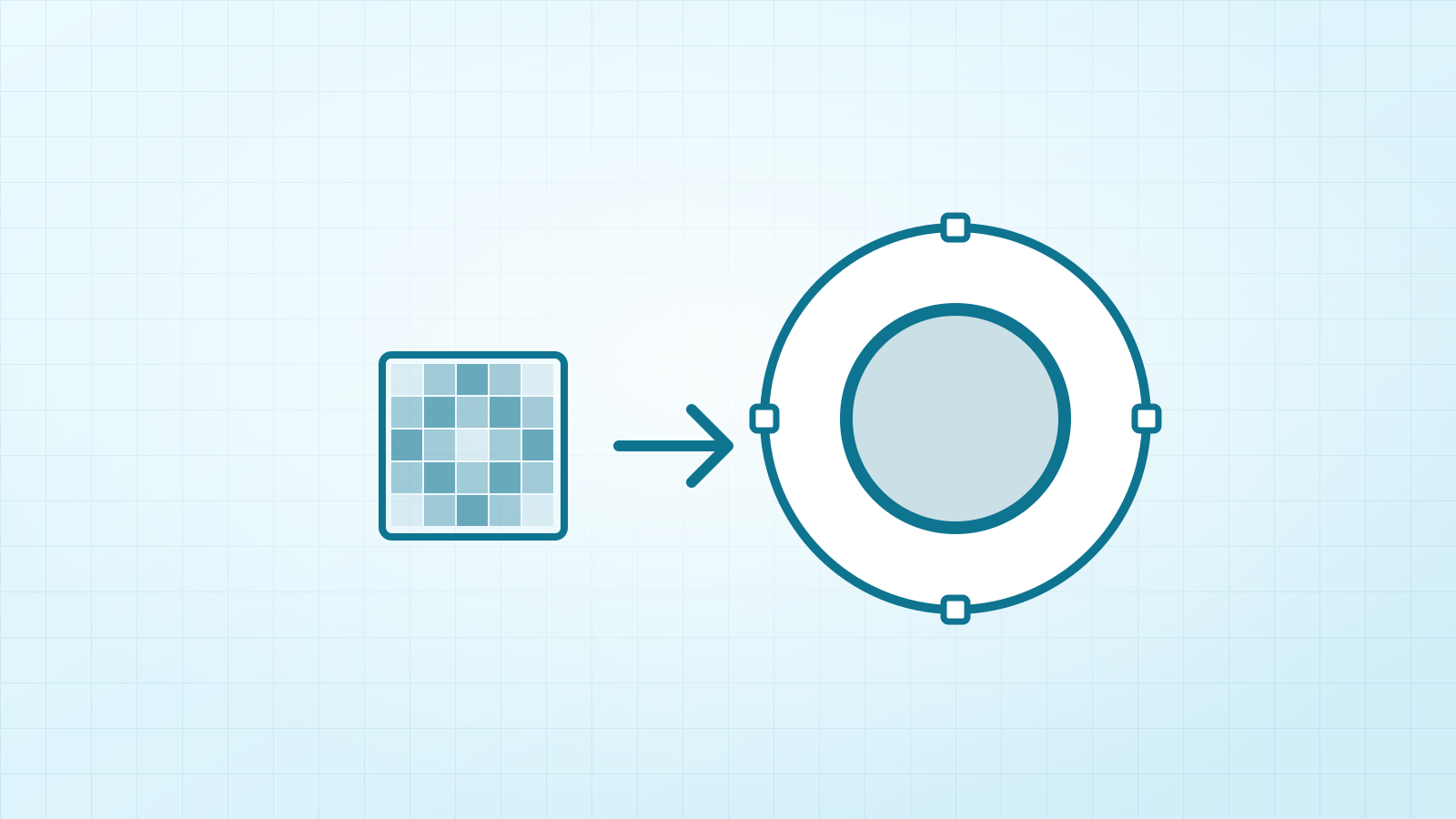
How to rescue a tiny, blurry logo
Only have a 200-pixel logo from a website or an email signature? How to turn it into a sharp vector you can print, with a real 220 px example.
 Tips
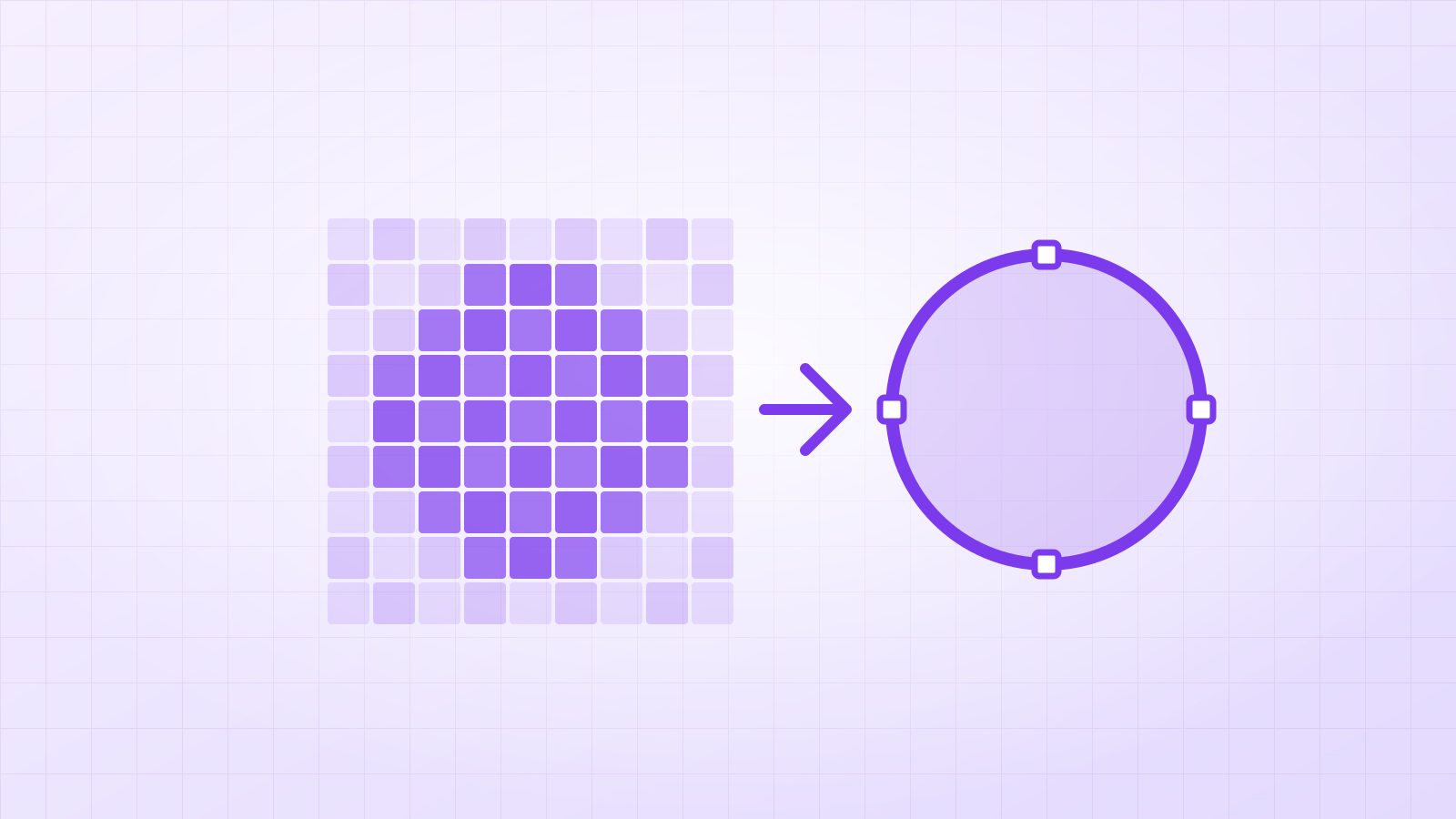
What does it mean to vectorize an image?
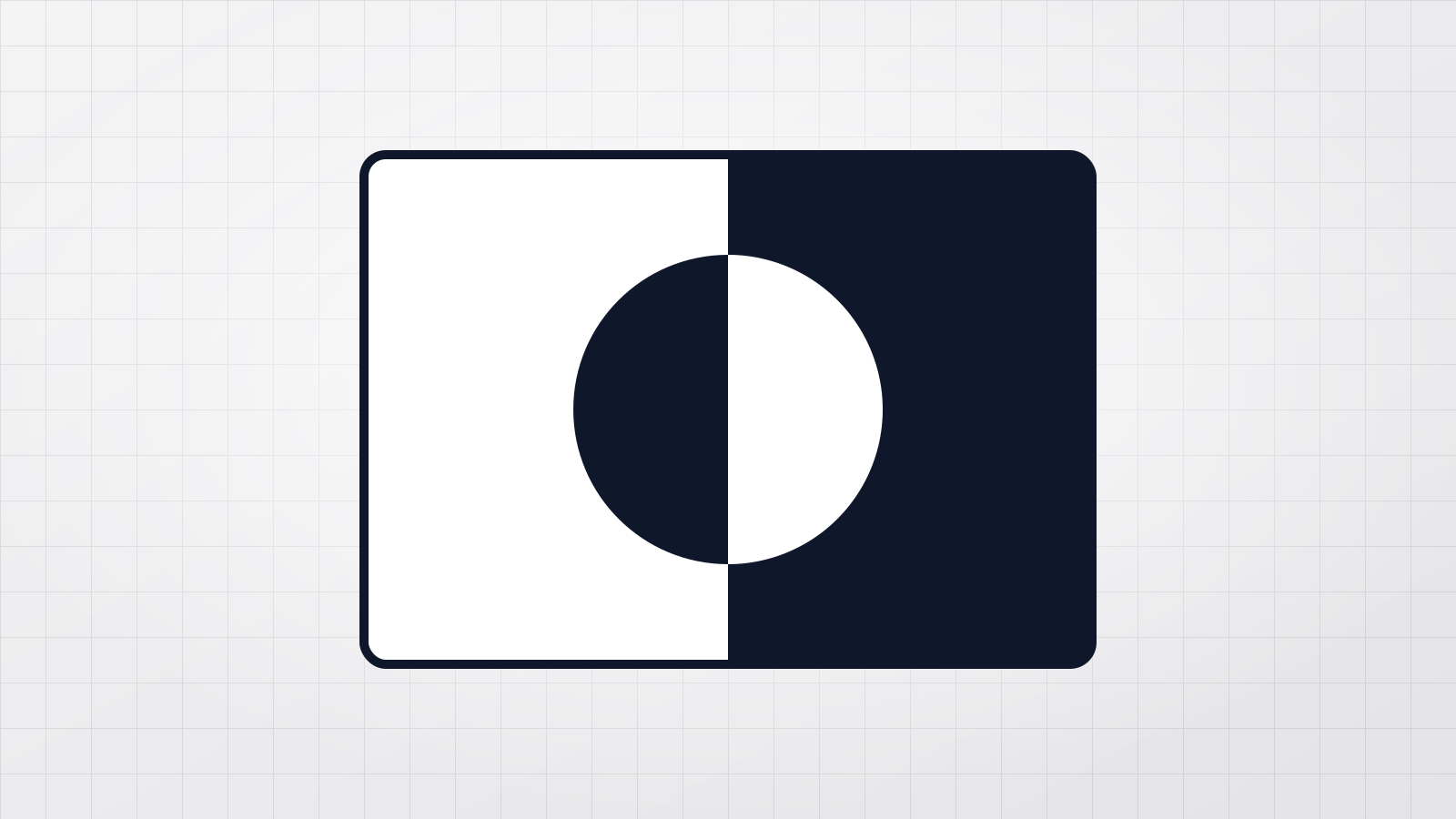
To vectorize an image is to redraw its pixels as shapes, so it stays sharp at any size. What that means, when it helps, when it doesn’t, and how to do it.
 Tips
How to vectorize an image in black and white
Turn a logo, sketch or lettering into a one-colour vector: pick the right mode, set the threshold, invert it if needed, and get a clean SVG for cutting or print.
 Projects
Vectorizing AI storybook art: what stays crisp and what changes
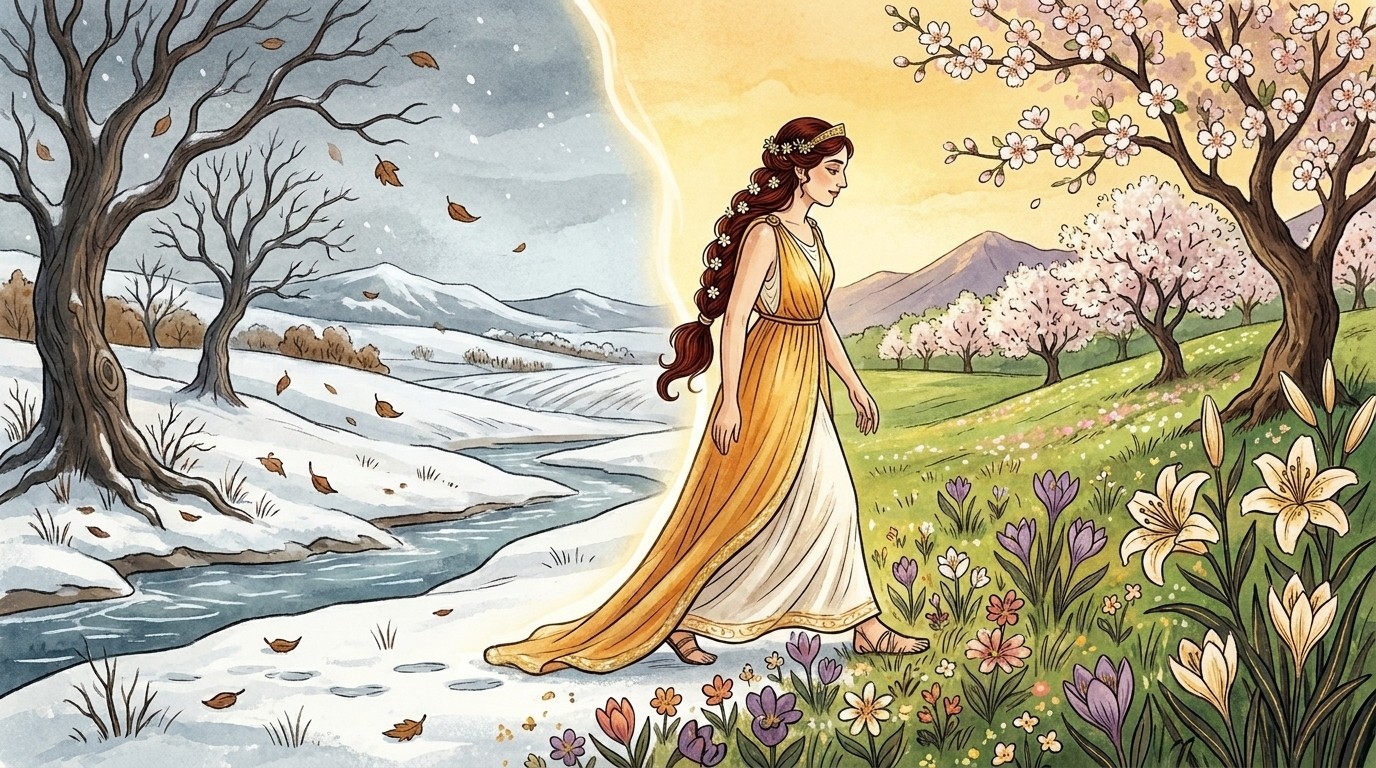
We vectorized two detailed AI storybook illustrations. Outlines, faces and flowers stayed crisp; watercolour glows became smooth bands. Real numbers.
 Tips
Why your sunset turns into stripes when you convert it to SVG
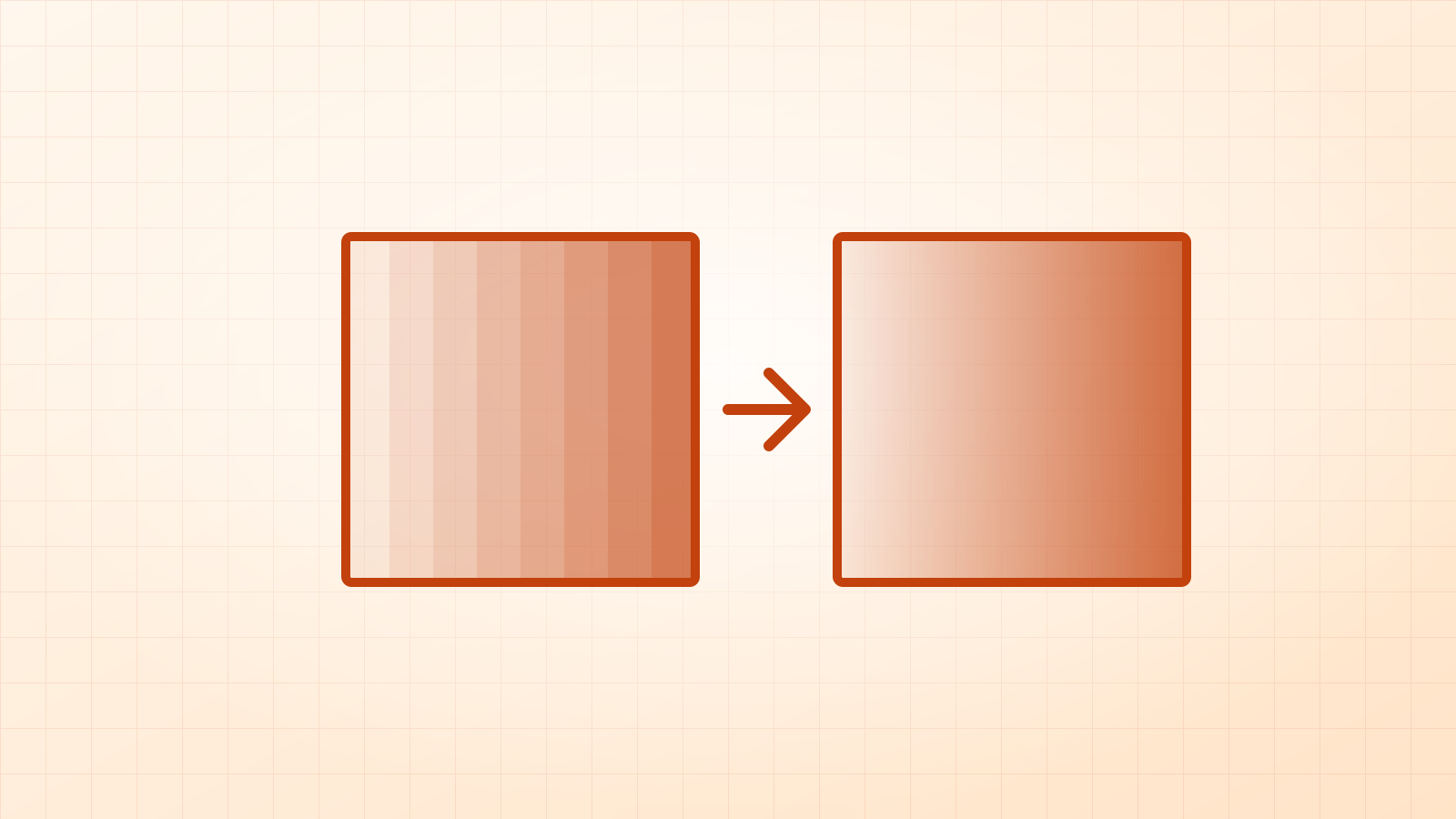
Most image tracers turn smooth colour fades into dozens of flat bands. Why it happens, what real SVG gradients are, and when you want them.
 Tips
SVG vs PNG for Cricut: which file should you use?
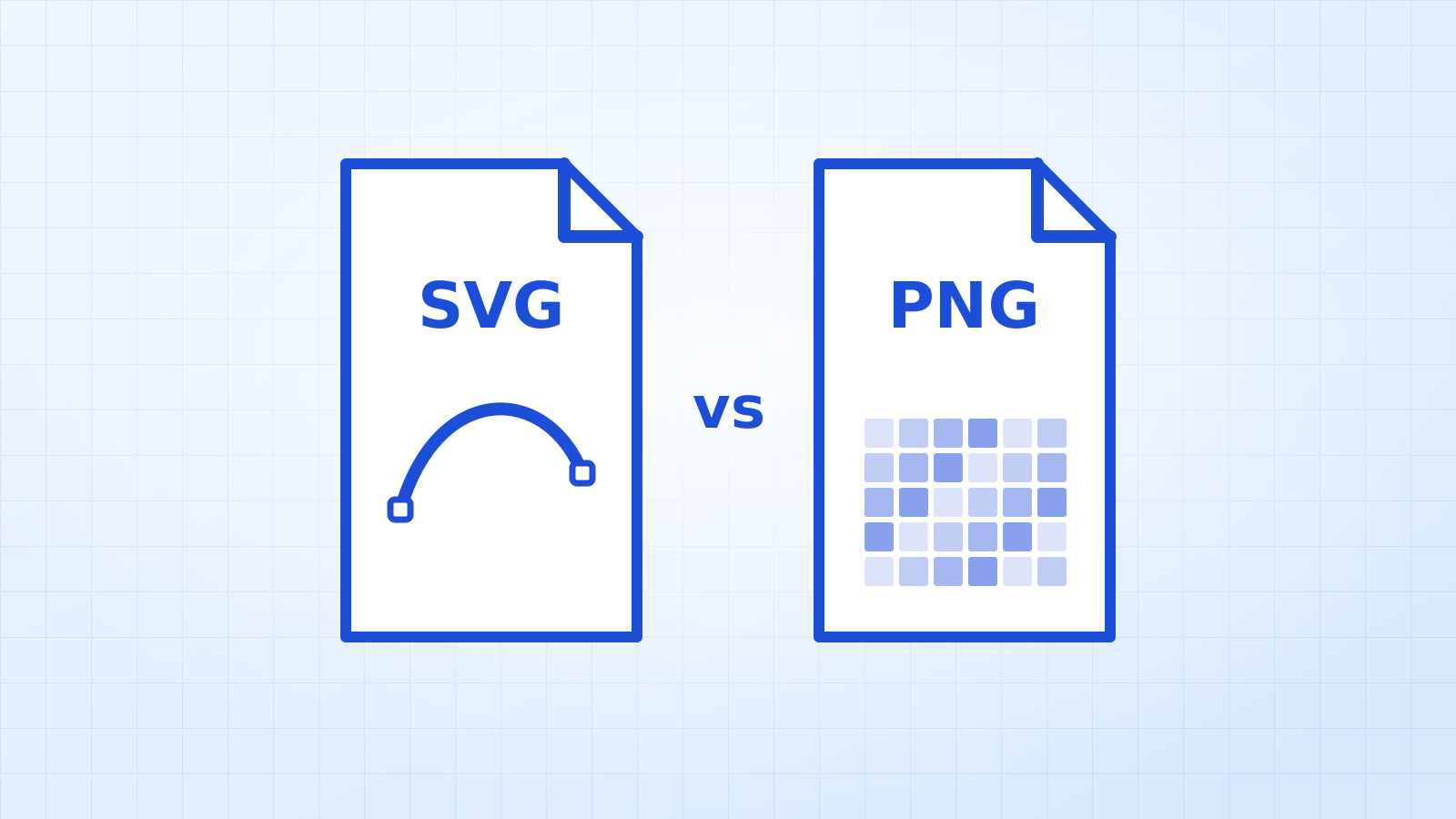
Use SVG for anything you cut and PNG for Print then Cut. Why, what Design Space does with each file, and how to get the right one from any picture.
 Tips
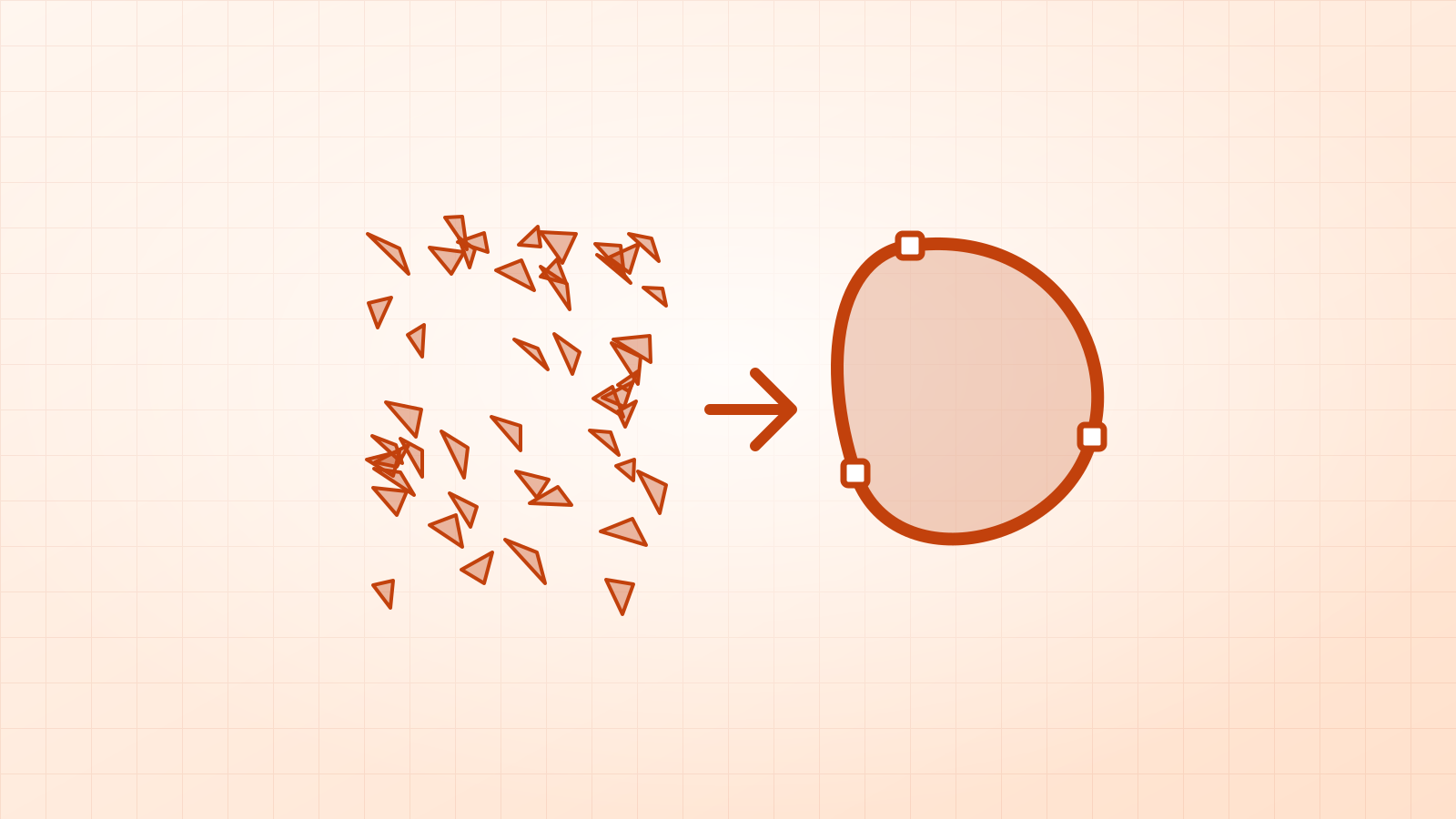
Why does my SVG have so many shapes?
A traced SVG with thousands of tiny shapes is slow, heavy and painful to cut. The five usual causes, how to spot each one, and how to fix them.
 Projects
From AI picture to Print then Cut sticker: the red panda
We took an AI-made red panda sticker, turned it into a clean SVG in 10 seconds and prepared it for Print then Cut. Every step, setting and number.
 News
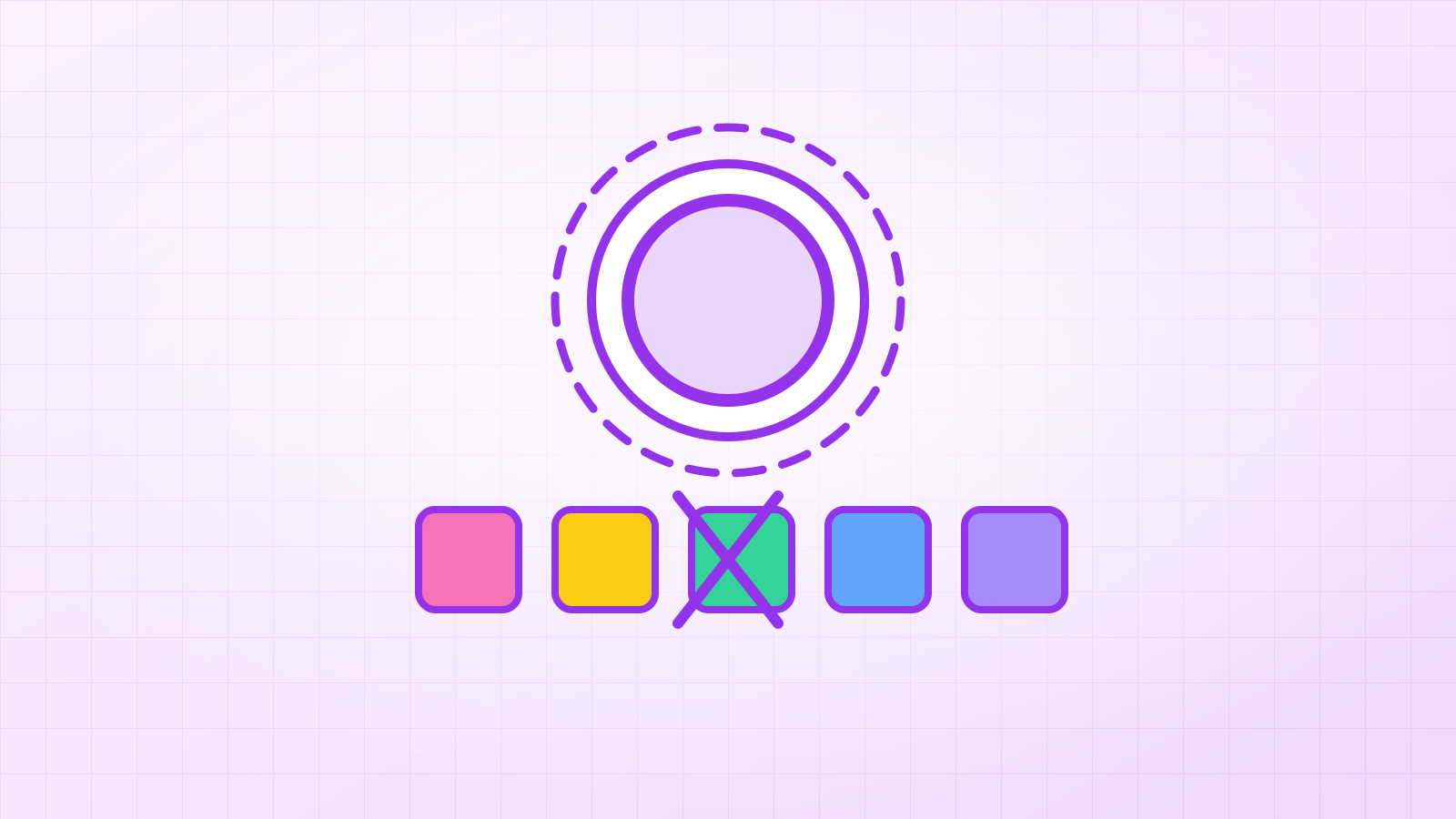
New in Vectacle: remove a colour, and add a sticker border
Two new tools in the converter: remove any colour from the traced SVG with one click, and add a white sticker border for Print then Cut. How they work.
 News
Vectacle is live: a free PNG to SVG converter that runs in your browser
Vectacle turns PNG and JPG images into clean SVG files in your browser: no sign-up, nothing stored, free while it’s new. What it does and who it’s for.