
Convert the picture in Clip art / stickers mode so each colour becomes its own layer, then lower the colour count to the vinyl colours you’ll actually cut and remove colours you don’t need (shadows, highlights). Most layered vinyl designs work best with 2–5 colours.
Layered vinyl looks great on mugs, shirts and signs, but the file has to be built for it: one clean shape per colour, no hairline slivers, and only as many layers as you’re willing to weed. Here’s how to get there from a single picture.
What is a layered vinyl SVG?
An SVG where each colour is a separate group of shapes. In Cricut Design Space each group shows up as its own layer, which you assign to a vinyl colour and cut separately; then you stack the cut pieces on the project.
How do I make one in Vectacle?
- Open the Cricut SVG maker and drop the picture in.
- Choose Clip art / stickers. It uses flat colours only (no gradients), and every colour becomes its own layer.
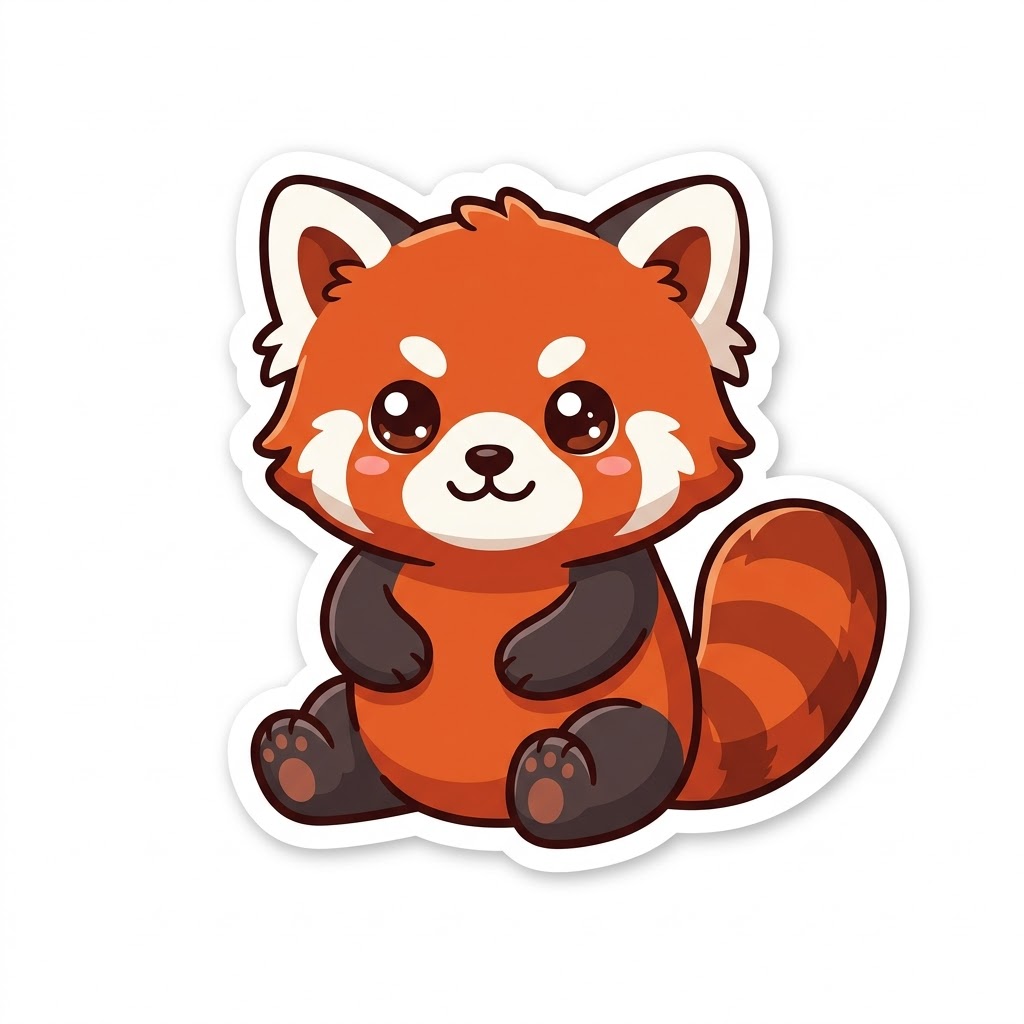
- Look at the colour list. Our sticker logo had 11 colours in Auto mode: fine for print, too many for vinyl.
- Lower the colour slider until only the colours you’ll cut remain, or remove individual colours such as shadows and shine.
- Set the width in inches and download the SVG.
How many layers should a vinyl design have?
| Layers | Good for | Effort |
|---|---|---|
| 1 | Decals, HTV text, stencils | Quick (use Logo / 1 colour) |
| 2–3 | Most mugs, shirts and signs | Comfortable |
| 4–5 | Detailed characters and logos | Careful alignment needed |
| 6+ | Rarely worth it in vinyl | Consider Print then Cut instead |
How do I avoid slivers and gaps between layers?
- Fewer colours: in-between shades along edges become their own thin layers when the colour count is too high.
- A bigger source: sharper edges mean fewer in-between shades in the first place.
- Offset in Design Space: if you want a bottom layer to peek out evenly, use Offset on that layer rather than tracing a border.


Uploading the result: how to upload an SVG to Cricut Design Space.
For a bold backing layer, add an even outline with the SVG offset tool, then fit all your pieces on the vinyl with SVG nesting.
Questions
How many colours can layered vinyl have?
Technically any number, but every colour is another layer to cut, weed and line up. Two to five is comfortable; beyond that, consider Print then Cut.
Why are there thin slivers between my layers?
Soft edges in the picture were traced as extra colours. Lower the colour count so in-between shades join the main colours.
Do layers line up in Design Space?
Yes, they stay in their positions when uploaded. Use Attach to keep them in place on the mat, or cut each layer and align them by eye when applying.