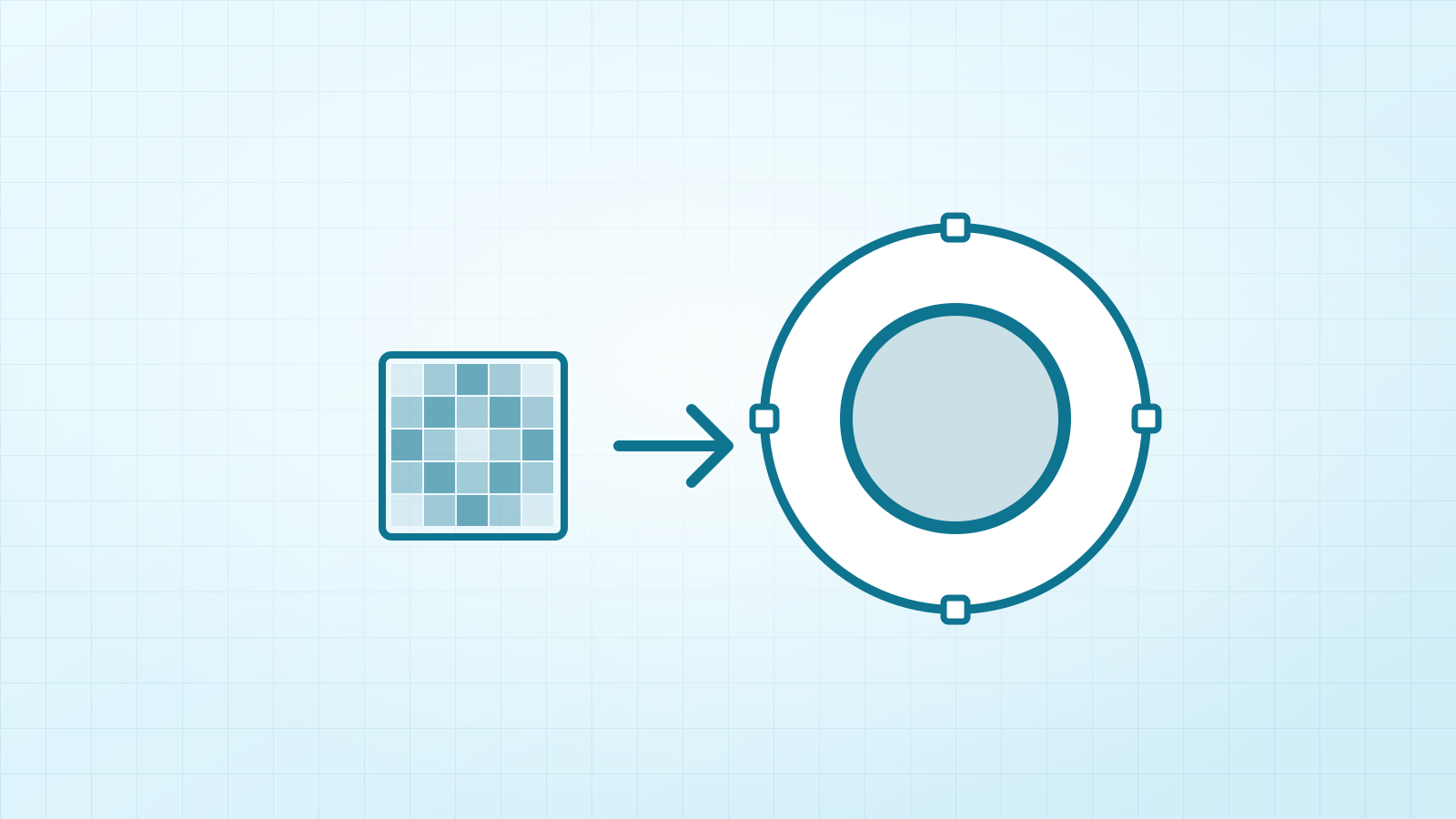

Vectacle is a new home for something I’ve been building for a long time: a converter that turns a PNG or JPG into a clean SVG, right in your web browser. Today it has its own website, and it’s free to use while it’s new.
Why another image-to-SVG converter?
Because most of them make a mess. Straight lines come out wobbly, circles turn lumpy, small text melts, and a simple logo becomes thousands of tiny shapes. Smooth colour fades, like a sunset, get chopped into dozens of stripes.
Vectacle was built to fix exactly those things, without keeping a copy of anything you convert.
What it does today
- PNG, JPG and WebP to SVG, with SVG, PNG and PDF downloads.
- Clean shapes: lines, arcs and corners are fitted as real geometry, so logos stay crisp.
- Real gradients: smooth fades become true SVG gradients instead of colour bands. See gradient to SVG.
- Sharp text: lettering is detected and traced with extra care.
- Cut-ready files: Logo / 1 colour for a single cut layer, Clip art / stickers for layered vinyl, Line art for drawings, and the width in inches set before you download. Made with Cricut and Silhouette in mind.
- Remove background with one switch.
- SVG to PNG as well: turn SVGs into PNG or JPG at any size, with print DPI saved in the file.
Nothing is stored
Vectacle doesn’t keep your pictures or your results, and there’s no account. That matters when it’s a client’s logo, an unreleased design, or simply something you’d rather keep to yourself. The privacy page explains exactly what happens, in plain words.
Who it’s for
- Cricut and Silhouette crafters who want clean cut files from a picture: SVG for Cricut, SVG for Silhouette.
- Etsy and print-on-demand sellers making stickers, shirts and cut files: sticker to SVG.
- Small businesses and print shops with only a blurry copy of a logo: logo to vector.
- Anyone making AI art who wants it sharp on a poster or a mug: AI art to vector.
How it gets better
Every change to the tracing engine is checked by eye on a large set of real designs before it goes live. If the result isn’t cleaner, it doesn’t ship. If you have an image that doesn’t trace the way you hoped, I’d genuinely like to see it: write to info@vectacle.com.
Want to learn the craft side too? The guides cover making SVGs for Cricut, fixing Silhouette’s “SVG not supported”, vectorizing in Illustrator, Inkscape, Photoshop and Canva, and converting SVG to PNG.