
Usually yes, but what matters is what the service does with your file afterwards: whether it’s stored, for how long, who can see it, and whether it’s used for anything else. A converter that processes the file and keeps nothing is the safest choice for client logos and unreleased designs.
When you drop a picture into most online converters, it travels to the company’s computers, gets converted there, and the result comes back. For a holiday photo that rarely matters. For a client’s logo, an unreleased product design or artwork you sell, it’s worth knowing what happens next.
What happens when you upload an image to a converter?
- Your file travels to the service’s servers, normally over an encrypted (https) connection.
- It’s converted, either in memory or after being saved to disk.
- What happens next is set by the service’s privacy policy and terms: whether it’s stored, how long, who can see it, whether it’s used to improve their systems, and where it’s kept.
Reputable services handle this responsibly. The point isn’t that uploading is dangerous; it’s that a stored copy is a copy under someone else’s rules.
Which questions matter most?
| Question | Good answer |
|---|---|
| Is my file stored? | No, or deleted within a short, stated time |
| Is it used for anything else, like training AI? | No |
| Who can see it? | Nobody; processing is automatic |
| Do I need an account? | No account usually means nothing tied to you is kept |
| Is the connection encrypted? | Yes (https) |
Who should care?
| You are… | Why it matters |
|---|---|
| A designer or print shop | Client logos and artwork are often under NDA, or simply not yours to share |
| An Etsy or print-on-demand seller | Unreleased designs are your income |
| A business | Company policies often limit where brand files may be kept |
| Anyone in a regulated job | Data rules may apply to where files are stored |
What does Vectacle do with your picture?
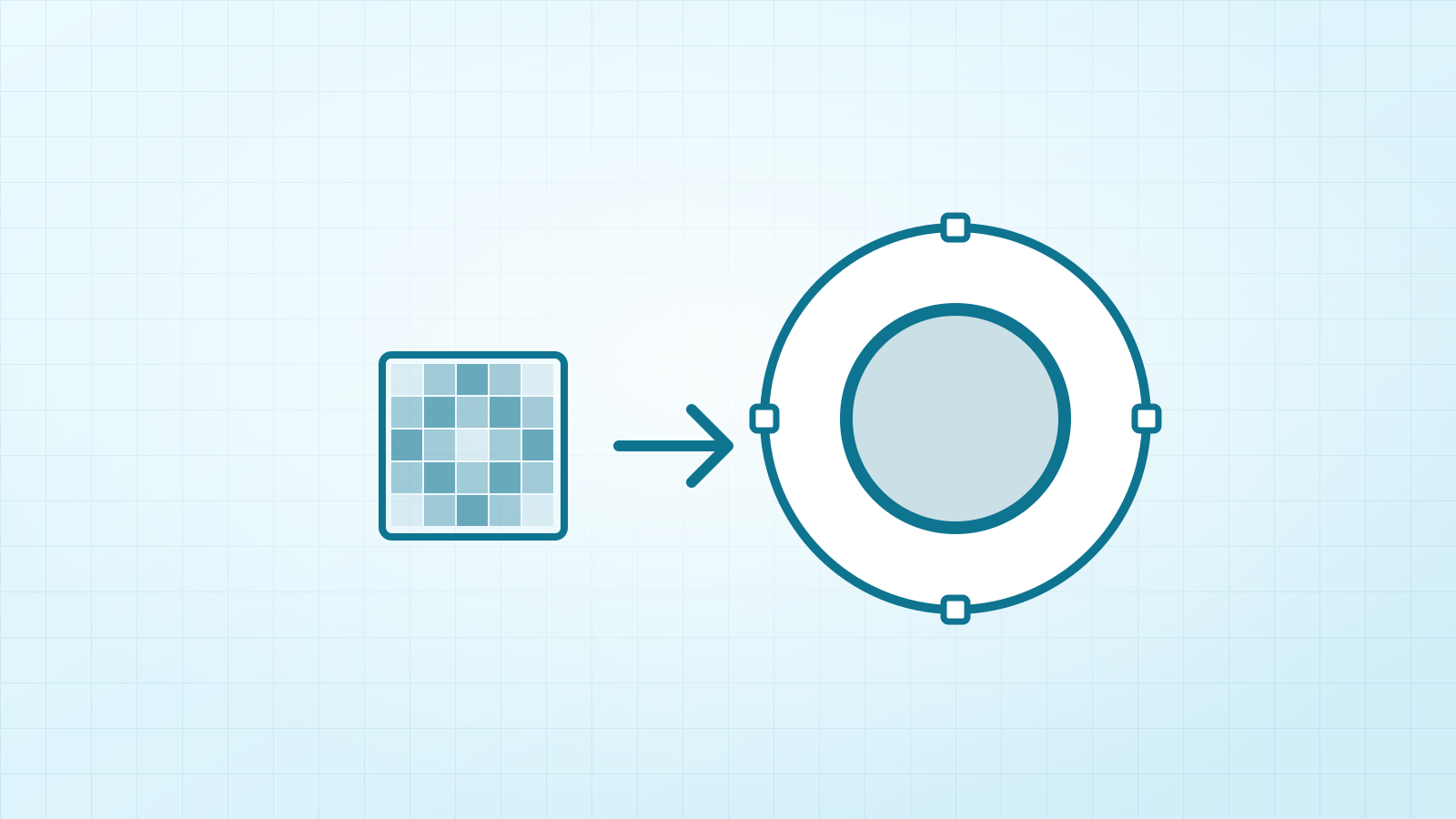
It keeps nothing. On most computers the whole tracing engine runs in your browser, so the picture is converted right there. On phones, tablets and computers without a graphics chip it may be converted on our server instead, because that’s faster: it travels over an encrypted connection, is processed in memory, and is deleted as soon as the SVG is sent back. It’s never stored, never looked at, and never used for anything else, including training. There’s no account. The privacy page has the details.
How can you check a converter yourself?
- Read the privacy policy for “store”, “retain”, “delete”, “train” and “third parties”.
- Check whether results stay in an account or a history: if they do, so do your files.
- Look for a stated deletion time. “Deleted after processing” is the best answer; “kept for 24 hours” is common and usually fine; no answer at all is a reason to ask.
Questions
Does Vectacle store my images?
No. On most computers the conversion runs right in your browser. On phones, tablets and computers without a graphics chip it may run on our server, where the picture is processed in memory and deleted as soon as the SVG is sent back.
How can I tell what a converter does with my file?
Read its privacy policy for words like “store”, “retain”, “delete” and “train”, and check whether you need an account (accounts usually mean your files are kept).
Is an encrypted connection enough?
Encryption (https) protects the file on the way. What happens after it arrives is set by the service’s policy, which is why “not stored” matters more.