To vectorize an image means to redraw a picture made of pixels (a PNG or JPG) as shapes defined by lines and curves. The result, usually an SVG, stays sharp at any size and can be edited, cut or printed.
You’ll see “vectorize” in design apps, printing instructions and Cricut tutorials, usually when a picture looks blurry or a print shop asks for a “vector file”. It sounds technical, but the idea is simple.
What is the difference between pixels and vectors?
| Raster image (pixels) | Vector image (shapes) | |
|---|---|---|
| Made of | A grid of coloured squares | Lines and curves described by maths |
| Common files | PNG, JPG, WebP | SVG, AI, EPS, DXF |
| When enlarged | Gets blurry or blocky | Stays sharp |
| Best for | Photos and soft painting | Logos, lettering, icons, cut files |
A pixel image stores the colour of every square. A vector stores instructions such as “draw this curve and fill it red”, so a computer can redraw it at any size.
What happens when you vectorize an image?
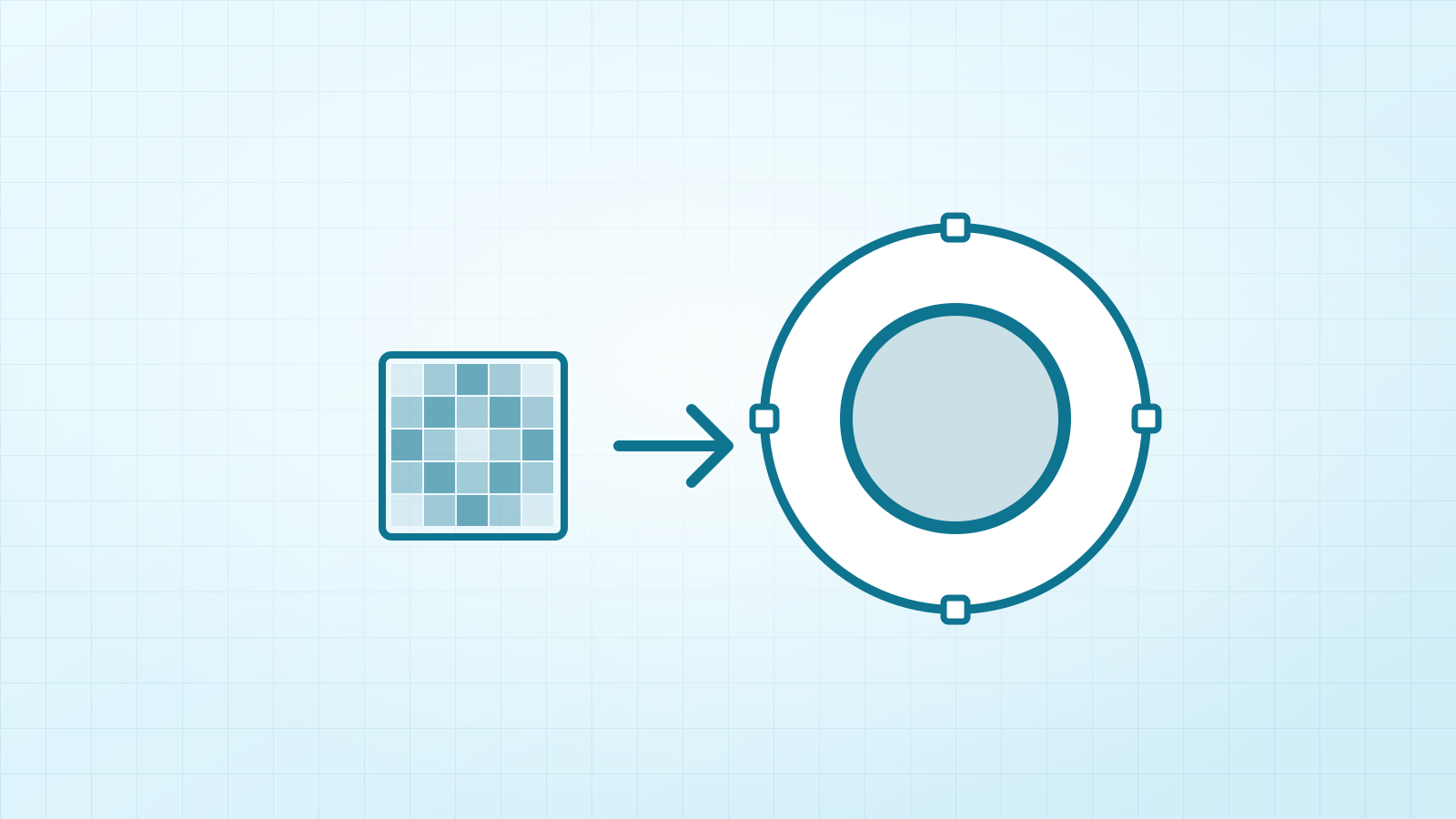
A vectorizer, or tracer, looks for areas of similar colour, follows their edges and replaces each area with a shape. A logo with three colours becomes three sets of shapes. This is also called image tracing, or converting raster to vector.
The result is a new drawing based on your picture, not the same picture with a new file name. That’s why simply renaming a PNG to .svg doesn’t work.
Why would you vectorize an image?
- Printing large: a small logo can go on a banner or a van without blurring.
- Cutting machines: Cricut, Silhouette and laser cutters follow paths, so clean shapes give clean cuts.
- Editing: you can change colours or move single shapes in a vector app.
- Print shops: many ask for vector artwork for screen printing, signs and embroidery.
When is vectorizing a bad idea?
Vectors suit clear shapes and flat colours. Photos and soft watercolours turn into many flat patches, so they lose their natural look and the file can grow large. For those, keep a high-resolution PNG or JPG.
How do you vectorize an image?
| Method | Cost | Good for |
|---|---|---|
| Vectacle | Free | A quick SVG in your browser, with no install |
| Inkscape | Free | Full manual control in a desktop app |
| Illustrator | Paid | Designers who already use Adobe apps |
| Canva | Paid plans (Vectorify app) | Working inside a Canva design |
How do you get the best result?
- Start from the biggest, sharpest version you have.
- Remove a plain background if you don’t need it.
- Use as few colours as the design really has.
- Zoom in and check edges and small text before you use the file.
Questions
Is vectorizing the same as upscaling?
No. Upscaling adds more pixels, so the image is still made of pixels and has a limit. Vectorizing replaces the pixels with shapes, which have no fixed size.
Does vectorizing improve image quality?
It gives clean edges at any size, but it doesn’t bring back detail that was never there. A sharp source gives a better result than a tiny, blurry one.
Can you vectorize a photo?
Yes, but it turns into flat patches of colour, like a poster, and the file can get large. Keep real photos as JPG or PNG.
Is SVG always a vector?
No. An SVG file can also hold an embedded pixel image, which still blurs when enlarged. Renaming a PNG or saving it as SVG doesn’t vectorize it; it has to be traced.
Sources: MDN: SVG · Inkscape tutorial: Tracing bitmaps