Most tracers can only fill a shape with one flat colour, so a smooth fade is cut into many bands. SVG itself supports real linear and radial gradients; a tracer that detects fades can draw a sky as one shape with one gradient instead of 50 stripes. Use gradients for print and screen, flat colours for cutting.
Convert a sunset, a glowing logo or a soft shadow with a typical online tracer and the result looks like a topographic map: stripe after stripe of slightly different orange. Zoom in and every stripe is a separate shape.
Why do tracers turn fades into stripes?
Classic tracing works in two steps: reduce the picture to a small set of flat colours, then draw an outline around each colour area. A fade has no edges, only a slow change, so the first step slices it into bands of the nearest available colours. More colours means thinner stripes, but never a smooth fade.
What is a real SVG gradient?
SVG can fill a shape with a colour that changes across it. A linear gradient fades along a straight line (a sky from purple to orange); a radial gradient fades outward from a point (a sun or a lamp glow). Both are part of the SVG standard (W3C SVG 2), so every browser and vector app understands them.
Stripes vs gradients: what changes?
| Flat bands | Real gradient | |
|---|---|---|
| Look | Visible steps, especially when printed large | Smooth, like the original |
| Shapes | One per band (often 30–100 for a sky) | One shape |
| Recolouring | Edit every band | Change two or three colour stops |
| Cutting machines | Each band becomes a cut | Not cuttable (print only) |
What did Vectacle do with our Paris sunset?
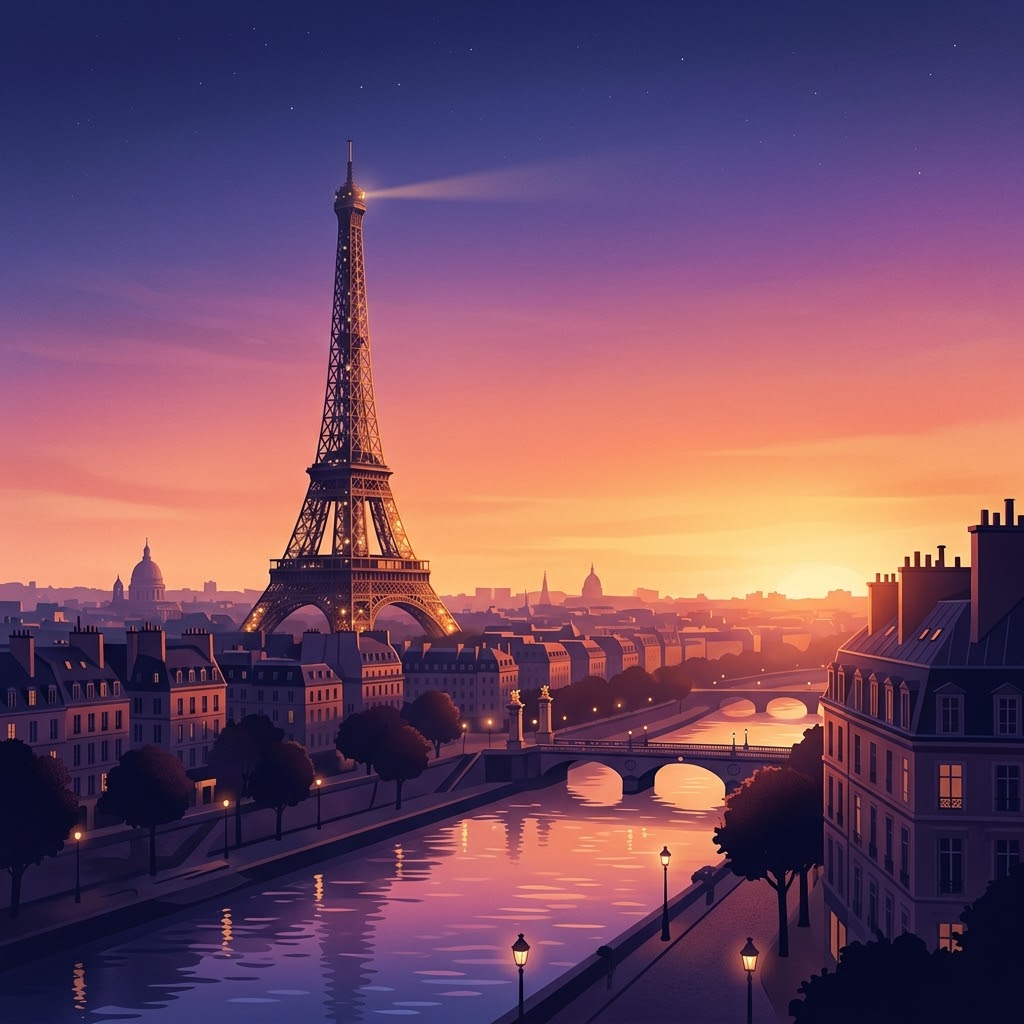
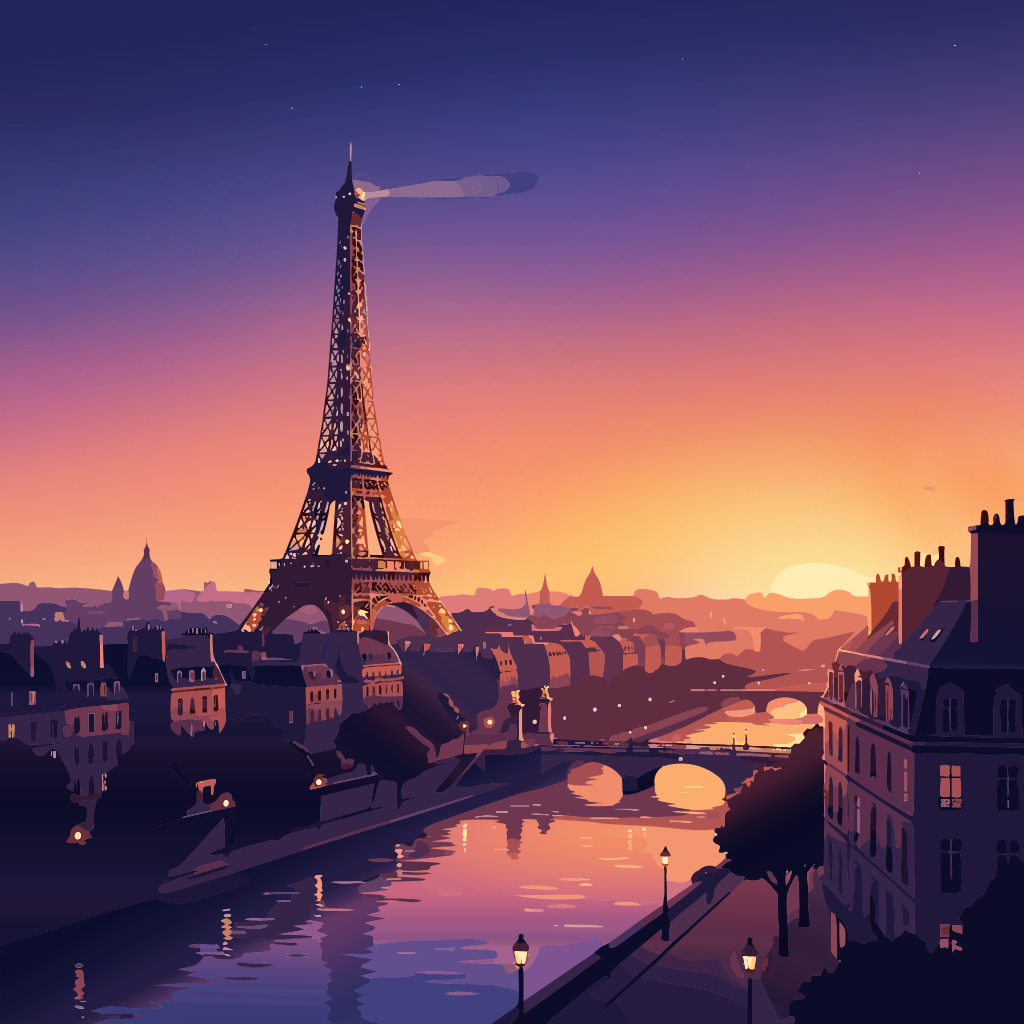
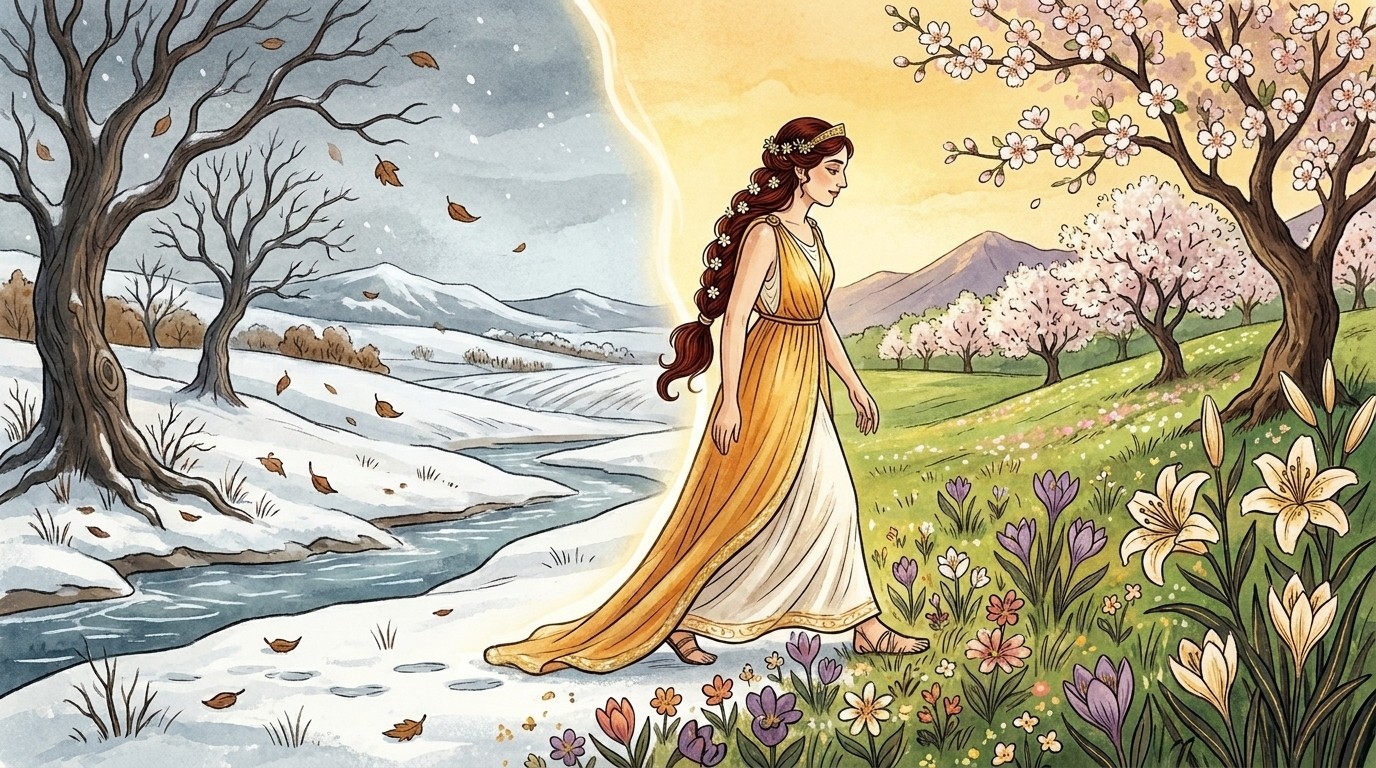
The SVG uses 8 gradients (7 linear, 1 radial) for the sky, the light and the water, and flat colours for everything with real edges. Vectacle uses a gradient only where the original truly fades: flat areas stay flat and edges stay sharp. In the storybook “spring” illustration, the golden sky became 3 linear gradients behind crisp flowers and hair.
When should you turn gradients off?
For anything a blade will cut. Cutting machines follow outlines, so gradients either print (Print then Cut) or disappear. That’s why Vectacle’s cut-file modes, Logo / 1 colour and Clip art / stickers, always use flat colours, and why Smooth gradients is an option you turn on under More options. Try it on your own picture with the gradient to SVG converter.
Questions
Can Cricut cut gradients?
No, a blade cuts outlines. For Print then Cut the gradient is printed; for vinyl and other cut projects, use flat colour layers.
Will SVG gradients open in Illustrator and Inkscape?
Yes. linearGradient and radialGradient are standard SVG elements, so they stay editable in any vector app and display in every browser.
Are gradient SVGs bigger files?
Usually smaller. One shape with a gradient replaces dozens of banded shapes.