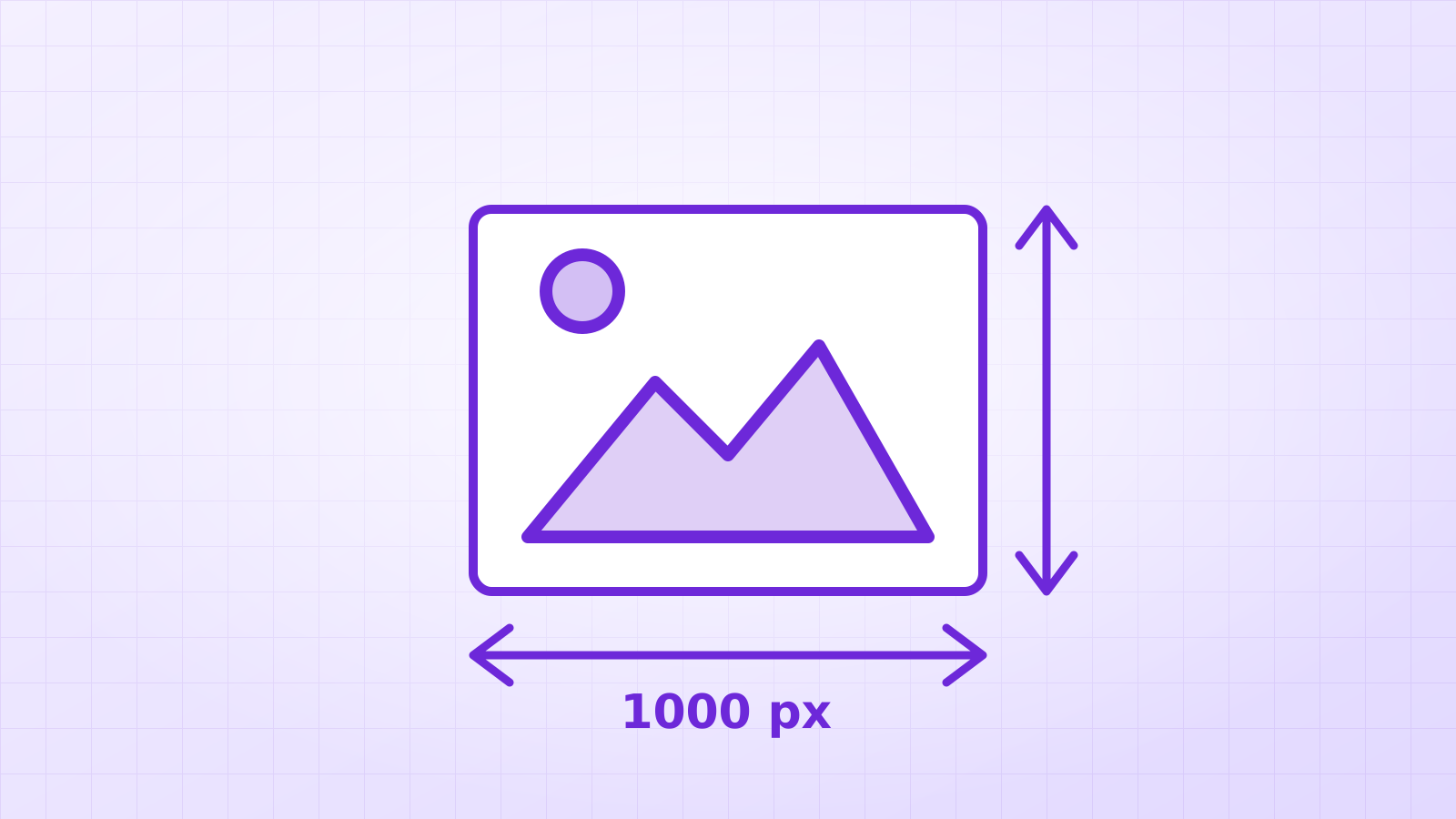

Find the largest copy you can, convert it with a tracer that enlarges small images with AI first and fits real lines and curves, then check corners and lettering at full zoom. Our 220 × 220 pixel test logo became a sharp 10 KB SVG that prints cleanly at any size.
It happens to every print shop and every small business: someone needs the logo on a banner, and the only copy is a 200-pixel PNG from the website footer. Here’s how to get a sharp, printable version back, and where the limits are.
Step 1: where can I find a bigger copy?
Before converting anything, look for the largest version that exists. Larger sources always beat clever processing.
| Where to look | Why |
|---|---|
| The website’s social sharing image or favicon files | Often larger than the logo in the header |
| Old PDFs: invoices, brochures, menus | PDFs often contain the original vector logo; open in a vector app |
| Social media profile and cover images | Usually 400–1,500 px |
| The person who made it, or the previous print shop | The original file may still exist |
Step 2: how do I convert a small logo?
- Open the logo to vector converter and drop the image in.
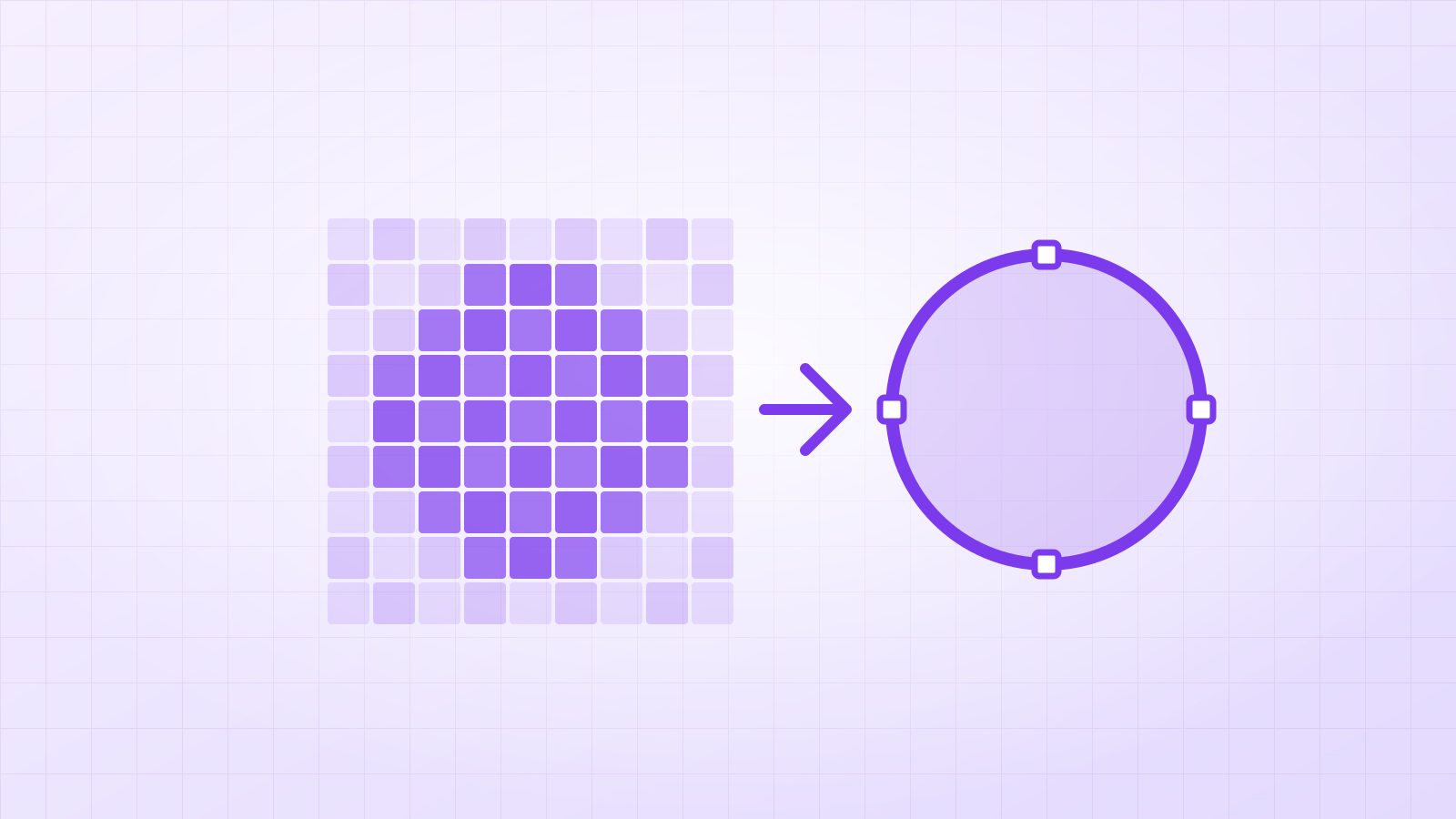
- Because it’s under 1,000 pixels, Vectacle first enlarges it with a small AI model. That sharpens the edges the tracer will follow.
- The tracer then fits straight lines, arcs and corners as real geometry instead of following each blurry pixel.
Step 3: what should I check?
Zoom in on the corners (still sharp?), the curves (round, not lumpy?) and any lettering (correct letter shapes?). If parts merged together, try Logo / 1 colour and move the threshold slider.
What did our 220-pixel test give?
We shrank a skyline logo to 220 × 220 pixels, which is blocky and soft at full size, then converted it. The result: a 10 KB SVG with 2 shapes, straight tower edges, even window rows and smooth curves underneath.


Where are the limits?
A tracer can only rebuild what is still visible. Tiny text, thin taglines and fine details below a few pixels are guesses at best. In those cases, rebuild the wording with the real font, and use the traced vector for the symbol. And make sure you have the right to use the logo: rebuilding a file doesn’t change who owns the design.
Once you have the SVG, the free SVG editor can remove stray shapes, change colours or add text.
Questions
How small is too small?
Below about 100 pixels across, fine details are simply gone, and no tool can know what they were. Text especially: if you can’t read a letter in the original, the tracer can’t either.
Should I upscale the logo before converting?
Vectacle does this automatically for images under 1,000 pixels: a small AI model enlarges it before tracing. You can turn it off with “Upscale small images first”.
Will the vector match the original font?
It traces the letter shapes as they appear, so it looks like the original. If you know the font, retyping the text in that font gives the most exact result.