Guides
Clear, step-by-step help with SVG files, cut files and print-ready images, whichever app you use.
These guides cover the jobs people most often bring to Vectacle: making SVG cut files for Cricut and Silhouette, getting a sharp vector from a blurry logo, vectorizing a picture in Adobe Illustrator, Photoshop, Canva or the free Inkscape, uploading an SVG to Cricut Design Space, fixing Silhouette Studio’s “SVG not supported” message, and turning SVG files back into PNG for printing and listings.
Each guide starts with a short answer, then walks through the steps with the real menu names, the settings that matter and the mistakes to avoid. Where an app can’t do the job well, we say so and show a free alternative. New guides are added regularly.
Not sure where to start? If you have a picture and need a cut file, begin with how to make an SVG file for Cricut. If you already have an SVG, see how to upload it to Design Space or how to turn it into a PNG for printing. If you would rather stay in an app you know, the Illustrator, Photoshop, Canva and Inkscape guides show each app’s own tracing, the settings that give the cleanest result, and when a dedicated converter does the job better.
 Cricut
How to Print Then Cut on a Cricut
Use Cricut Print Then Cut: prepare the image, flatten it, print with bleed and cut along the sensor marks. Plus file tips and fixes for common errors.
 Cricut
How to make stickers with a Cricut
Make stickers with a Cricut step by step: prepare the design with a white border, Print then Cut on sticker paper, and fix common cutting problems.
 Vectorizing
How to make an SVG file: three ways
Three ways to make an SVG file: convert a picture online, draw it in a vector editor, or export from a design app. Steps, pros and cons.
 Silhouette
 Studio won’t open an SVG? Here’s what to do
Silhouette Studio Basic Edition can’t open SVG files. Why, and three ways to still cut your design on a Cameo or Portrait, starting free.
 Vectorizing
How to vectorize an image in Photoshop
Photoshop has no Image Trace, but you can still make vector paths: select, make a work path, add a shape layer and export. Plus faster options.
 Vectorizing
How to vectorize an image in Inkscape
Vectorize an image in Inkscape for free: turn a PNG, JPG or other raster image into vector with Trace Bitmap. Best settings, cleanup, saving SVG and fixes.
 Vectorizing
How to vectorize an image in Illustrator
Vectorize a PNG or JPG in Illustrator with Image Trace: the right preset, key settings, expanding, removing the white background and saving as SVG.
 Vectorizing
How to vectorize an image in Canva
Vectorize an image in Canva with the Vectorify app on paid plans, or free by tracing it first and uploading the SVG. Steps for logos, cut files and more.
 Cricut
How to upload an SVG to Cricut Design Space
Upload an SVG to Cricut Design Space on a computer, iPhone, iPad or Android, add it at the right size, and fix the usual problems step by step.
 Cricut
How to make an SVG file for Cricut
Turn a PNG or JPG into a Cricut SVG cut file: single-colour decals, layered vinyl and Print then Cut, sized in inches, with tips for easy weeding.
 SVG to PNG
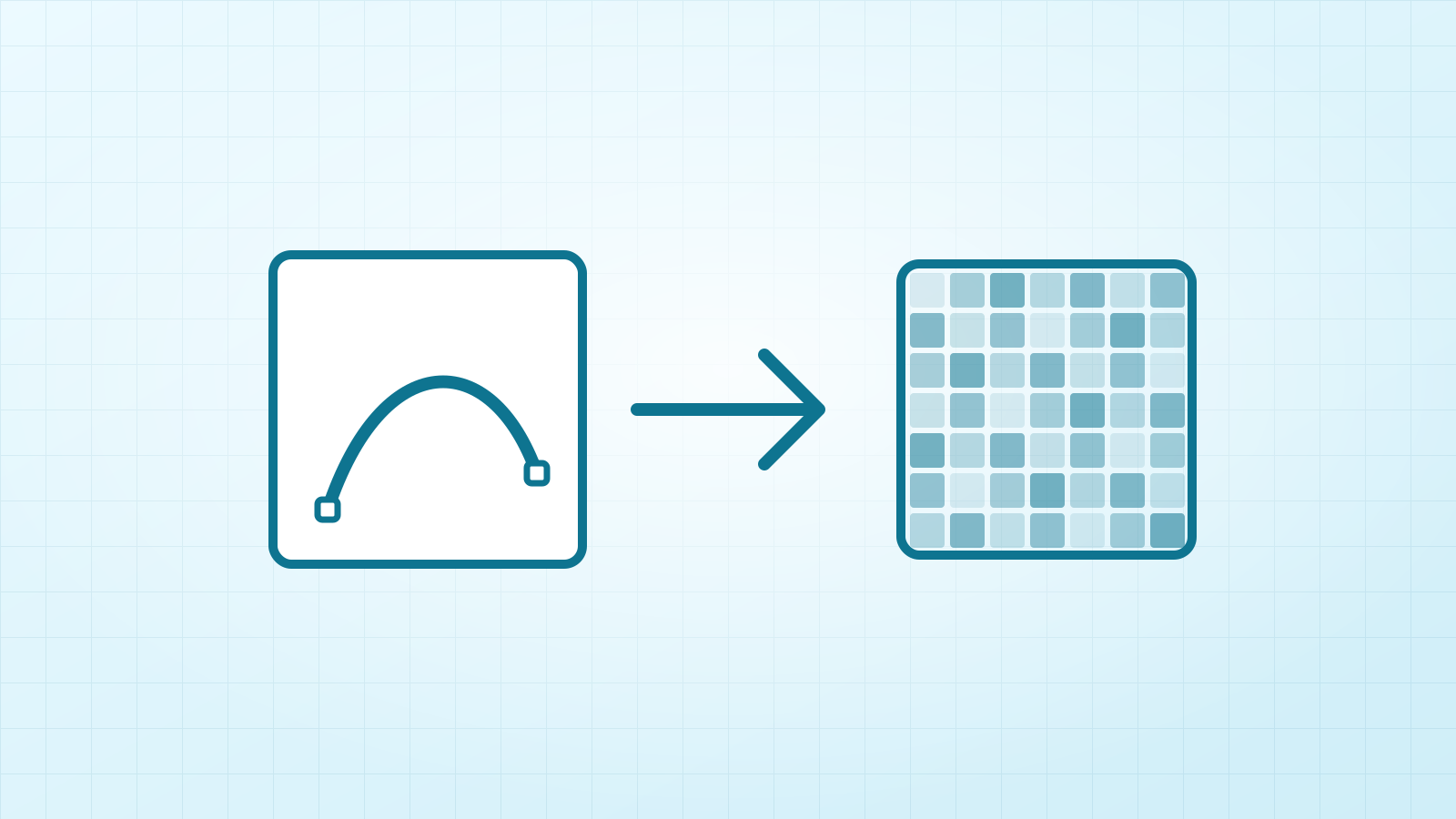
How to convert SVG to PNG
Four ways to turn an SVG into a PNG: in your browser, Inkscape, Canva or a design app. Keep the background transparent and pick the right size for print.