
Detailed AI illustrations vectorize well where they have clear shapes and outlines (faces, flowers, roofs, trees) and become simplified where they are soft (watercolour washes, glows, paper texture). Our two 1376 × 768 storybook pictures each took 13–16 seconds and became SVGs of about 1.2 MB with 530 and 1,067 shapes.
People increasingly ask whether AI illustrations, the soft, storybook kind, can become real vectors for posters, book covers and merch. We tried two of them, start to finish, and noted what came through and what didn’t.
What did we test?
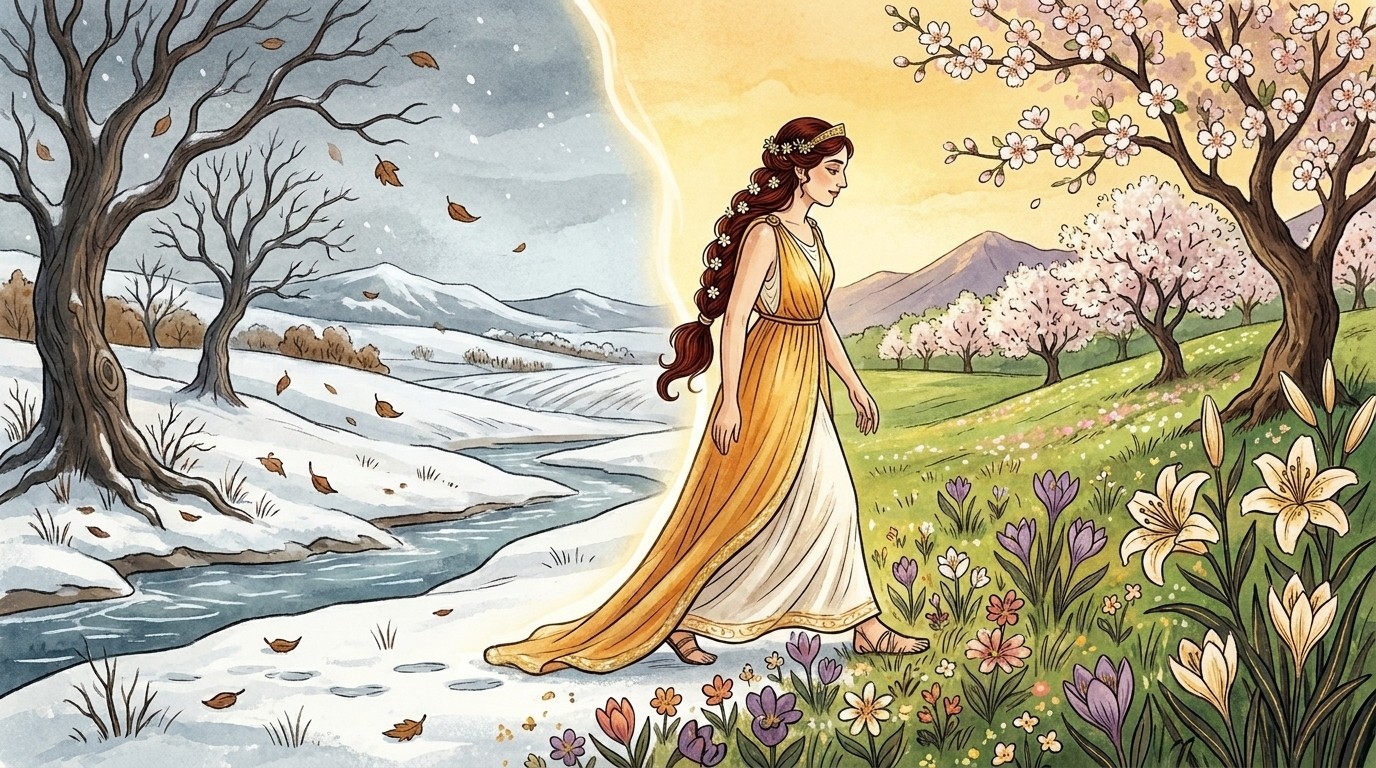
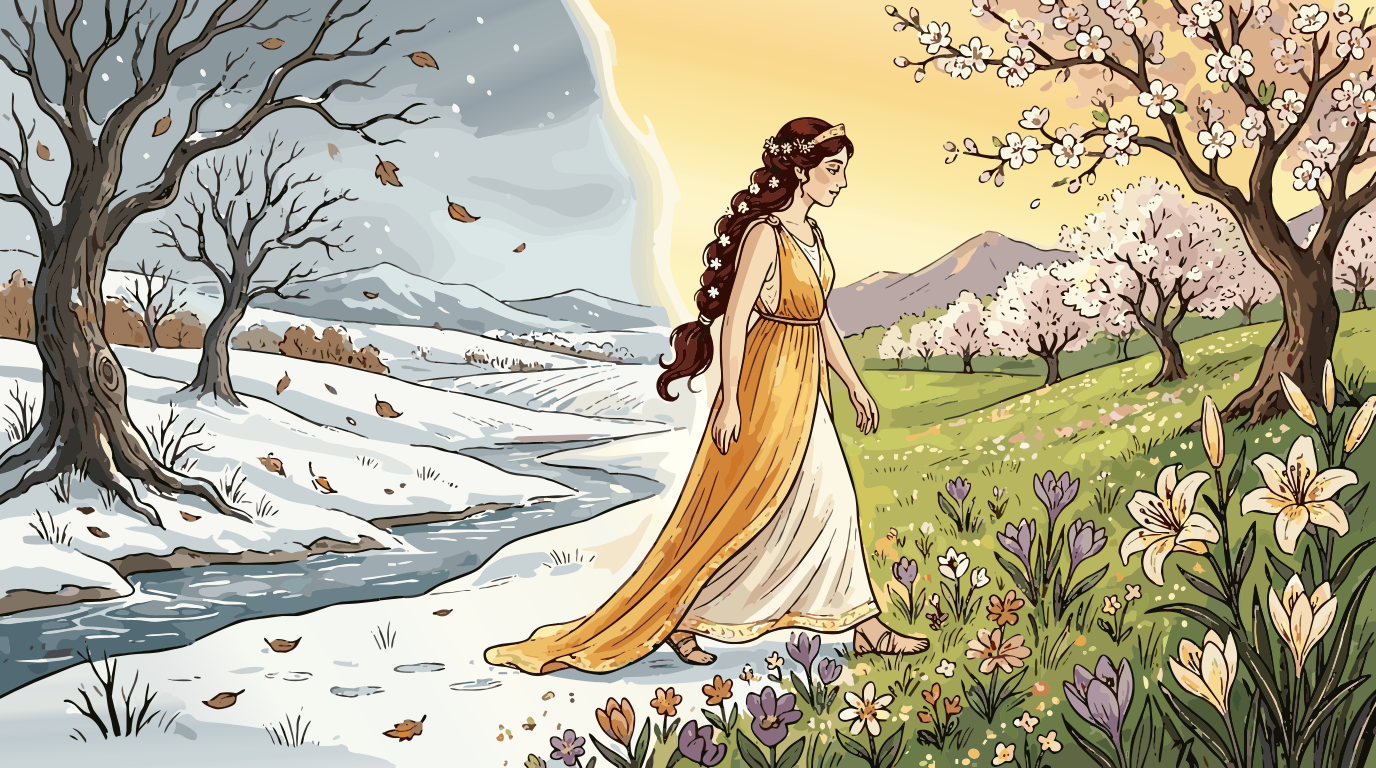
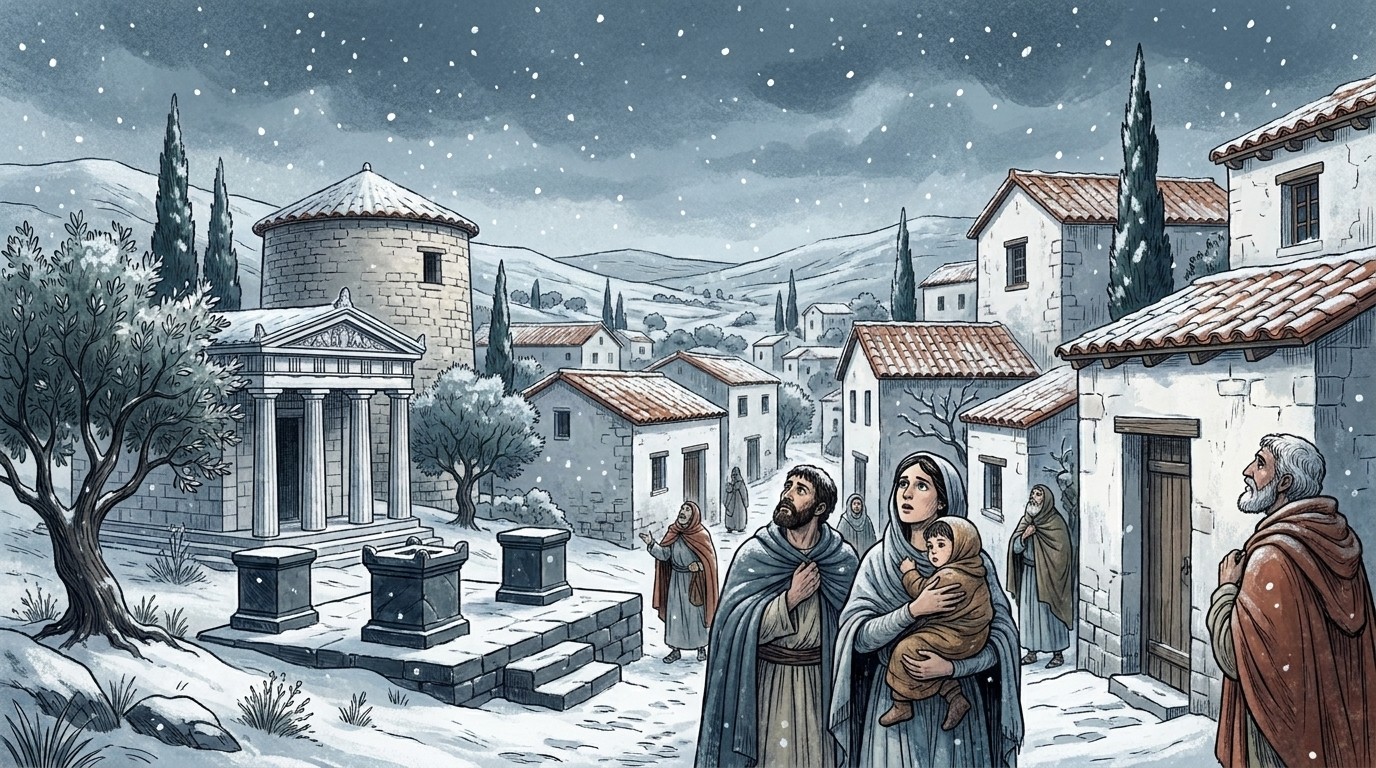
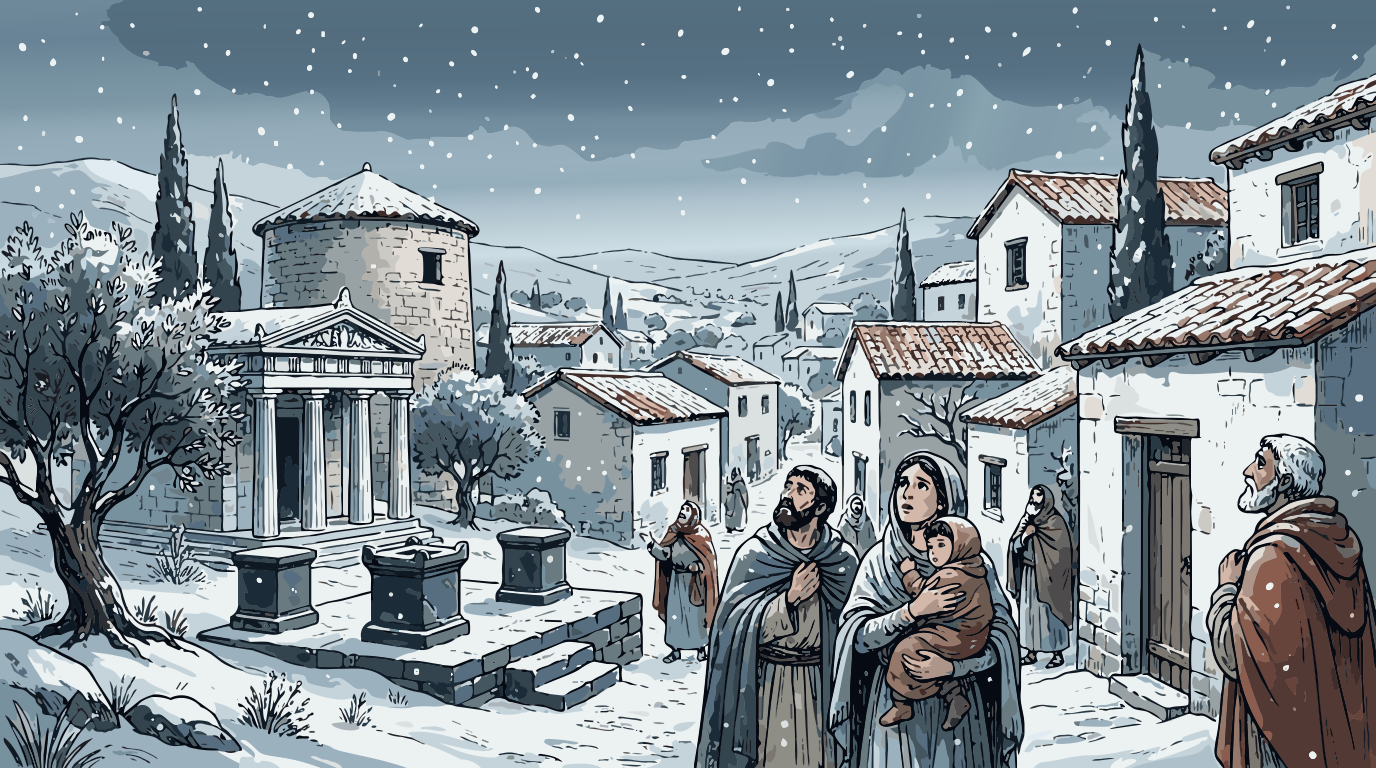
Two AI-made illustrations, both 1376 × 768 JPGs of about 430 KB: a snowy ancient village with figures in the foreground, and a woman in a yellow dress walking from winter into spring. Both have fine line work and large soft areas (snowy sky, golden glow, watercolour paper).
What stayed crisp?
- Outlines and line work: roof tiles, columns, tree branches and the inked outlines of the figures.
- Faces and hands at normal viewing size.
- Small bright details: the white flowers in the hair, blossoms, snowflakes.
What changed?
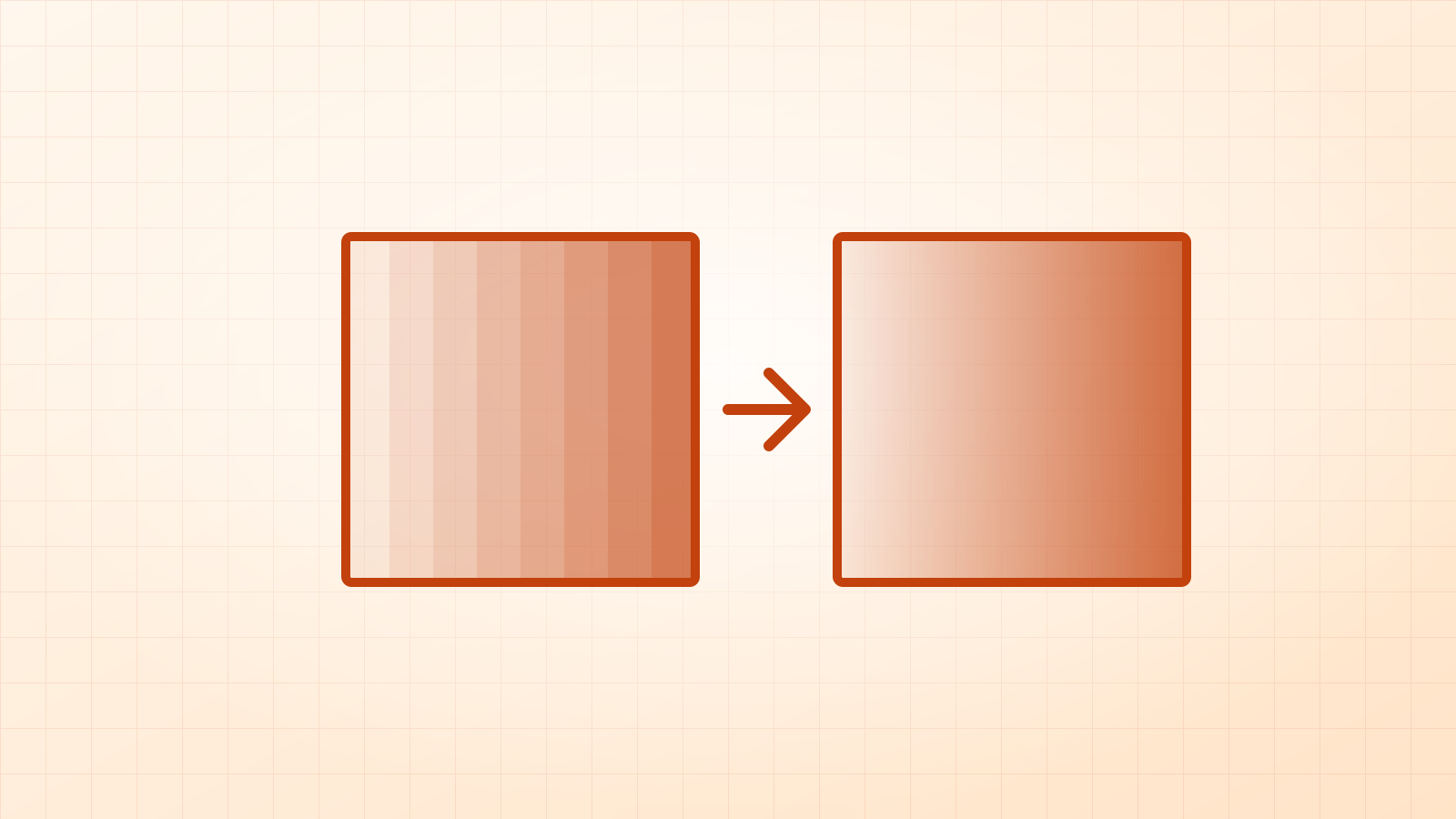
- Watercolour washes became a few smooth tone bands, a clean poster look rather than painted texture.
- The big glow between winter and spring became soft bands plus gradients rather than a perfect blur.
- Paper grain disappeared. Vectors can’t sensibly hold millions of tiny texture dots.
The numbers
| Picture | Time | Shapes | Gradients | SVG size |
|---|---|---|---|---|
| Snowy village | about 16 s | 530 | 3 linear | 1.2 MB |
| Winter to spring | about 14 s | 1,067 | 3 linear | 1.2 MB |
Times are from a laptop, with the AI edge-sharpening step running in the browser. In our test, choosing the Illustration mode by hand gave exactly the same SVG as Auto.
Should you vectorize storybook-style AI art?
Yes, when you need it big and sharp (a poster, a canvas, a book cover) or editable (recolour the dress, move a figure). Keep the original too, for anything where the painted texture is the point. If you’re generating new art specifically to vectorize, ask the AI for flat colours and clear outlines: you’ll get smaller, cleaner SVGs. More on that on the AI art to vector page.
Questions
Is a 1.2 MB SVG a problem?
Not for print or editing. For a website, a PNG or WebP of the right size is usually lighter; keep the SVG as your master file.
Can I get the watercolour texture back?
Not as vectors: paper grain is millions of tiny variations. If the texture matters, print the original at high resolution and use the SVG where sharp edges matter.
Which AI styles vectorize best?
Flat, sticker, logo and line-art styles. Ask your AI tool for “flat vector style” or “clean outlines” if you plan to vectorize.