
Use SVG for anything you cut (vinyl, iron-on, cardstock, stencils): it keeps clean cut lines and separate colour layers. Use PNG for Print then Cut, where the printer needs a picture and the cut follows its outer edge. You can make an SVG from a PNG, and a PNG from an SVG, for free.
Cricut Design Space accepts both SVG and PNG files, but they do very different jobs. Picking the wrong one is the most common reason for rough cuts, missing layers and blurry prints.
What is the difference between SVG and PNG?
| SVG | PNG | |
|---|---|---|
| Made of | Shapes (outlines described as maths) | Pixels (a grid of coloured dots) |
| Scaling | Sharp at any size | Blurs when enlarged |
| In Design Space | Ready-made cut lines, one layer per colour | One picture; Design Space works out an outline |
| Best for | Vinyl, HTV, cardstock, stencils, layered designs | Print then Cut stickers and labels |
| Transparency | Empty areas are simply not drawn | Supported (alpha channel) |
The technical details of both formats are on MDN: SVG and image file types.
When should you use SVG for Cricut?
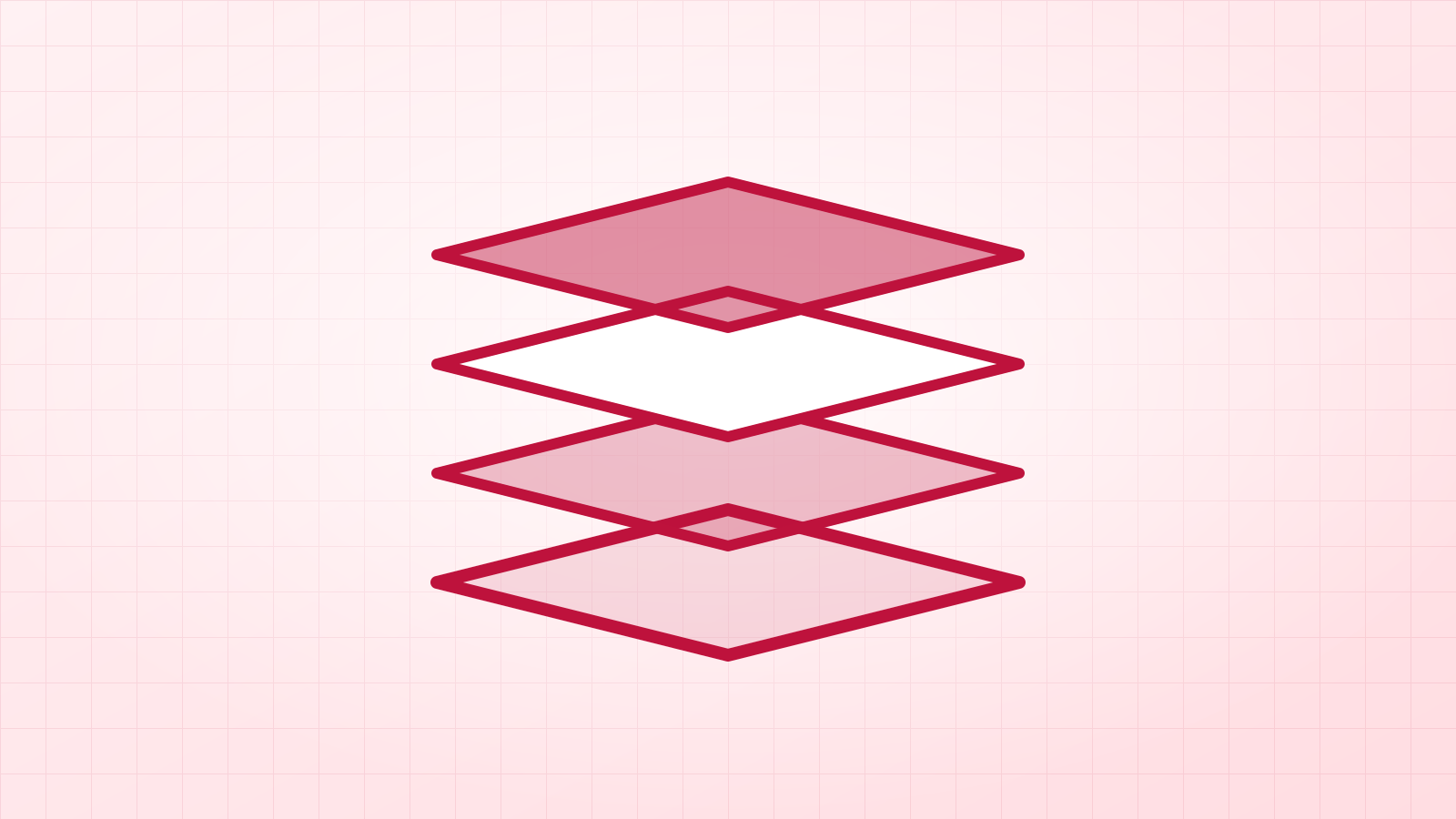
Whenever the blade does the work. The cut line in an SVG is exactly the outline of each shape, so curves are smooth and corners sharp. A layered design arrives with one layer per colour, ready to assign to different vinyls. Lettering stays crisp even at 12 inches wide.
When should you use PNG for Cricut?
For Print then Cut. Your home printer prints the picture, and the machine cuts around its outer edge. Here a PNG with a transparent background is ideal: the cut follows the design, not a white box. Make it large enough for the print size (inches × 300 pixels).
How do I turn one into the other?
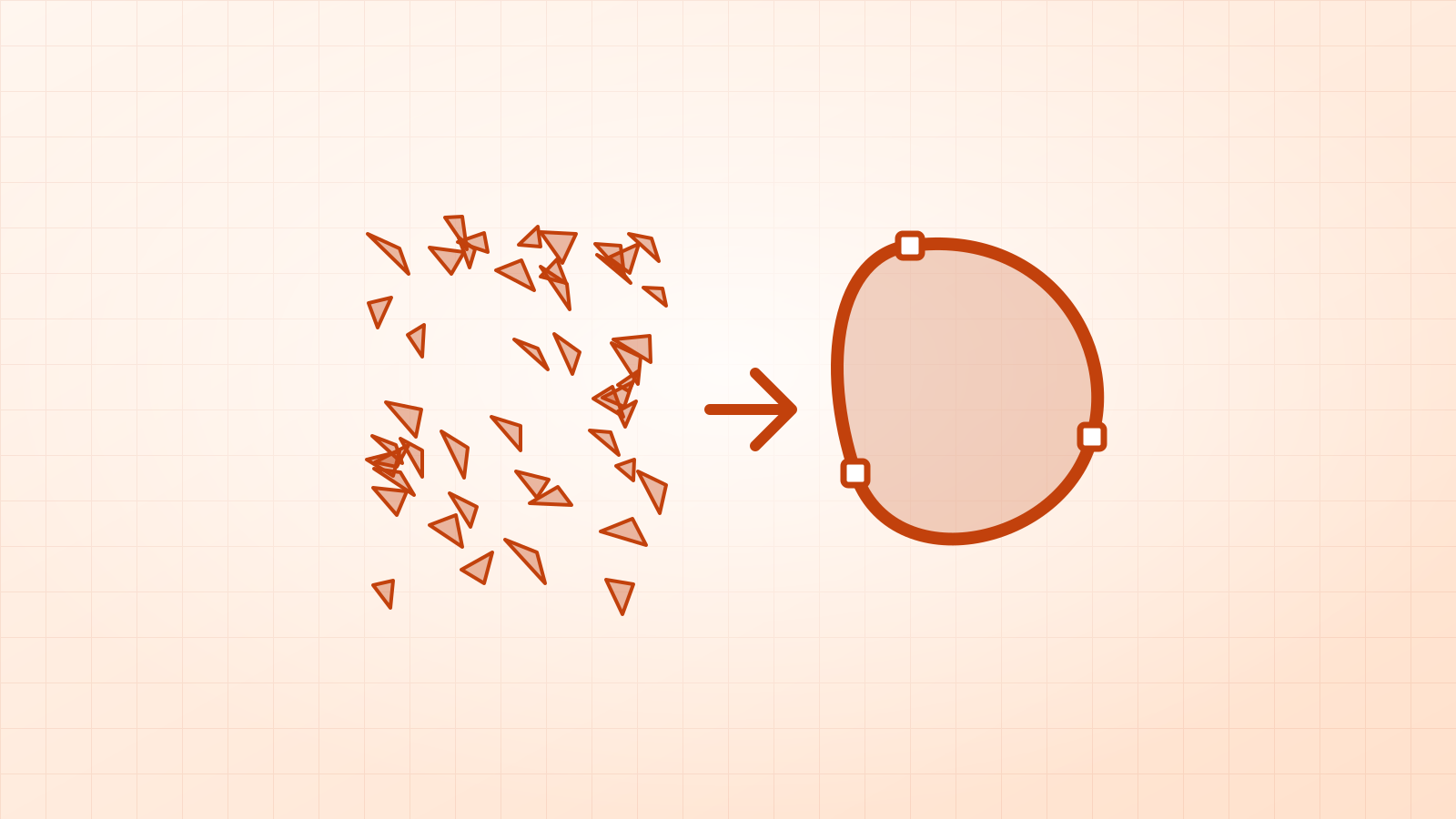
- PNG or JPG to SVG: Vectacle’s Cricut SVG maker traces the picture into clean shapes, sized in inches.
- SVG to PNG: SVG to PNG draws the SVG at any size, with the DPI saved in the file and a transparent background.
What did we see when testing both?
Our “Dream Big” script lettering, a 1024-pixel JPG, traced into a single 7.4 KB SVG shape in Logo / 1 colour mode. The swashes and hairlines came back as smooth curves, which is what the blade needs. The same lettering as a PNG would cut along pixel steps on every curve.


Cutting lettering? Text to SVG makes real outlines, with script letters joined into one piece if you want.
Questions
Can Cricut cut a PNG?
Yes. Design Space can turn an uploaded PNG or JPG into a cut image, cutting around its outline. It works for simple shapes, but the cut follows the pixels, so soft edges give rough cuts and colours don’t become separate layers.
Why does my SVG come in as one black shape?
It was made as a single-colour cut file. For layered vinyl, make the SVG with a colour mode so each colour is its own layer.
What PNG size do I need for Print then Cut?
Use the sticker size in inches at 300 DPI: a 3-inch sticker needs about 900 pixels across. Vectacle’s SVG to PNG tool can save that size and DPI for you.