PNGJPGWebPSVG
Vectorize any image, in your browser
Turn a PNG, JPG or WebP into a clean vector: smooth outlines, true colours and real gradients, ready to scale, print, edit or cut.
- Cut files for Cricut & Silhouette
- Real gradients
- Crisp small text
- Nothing is stored
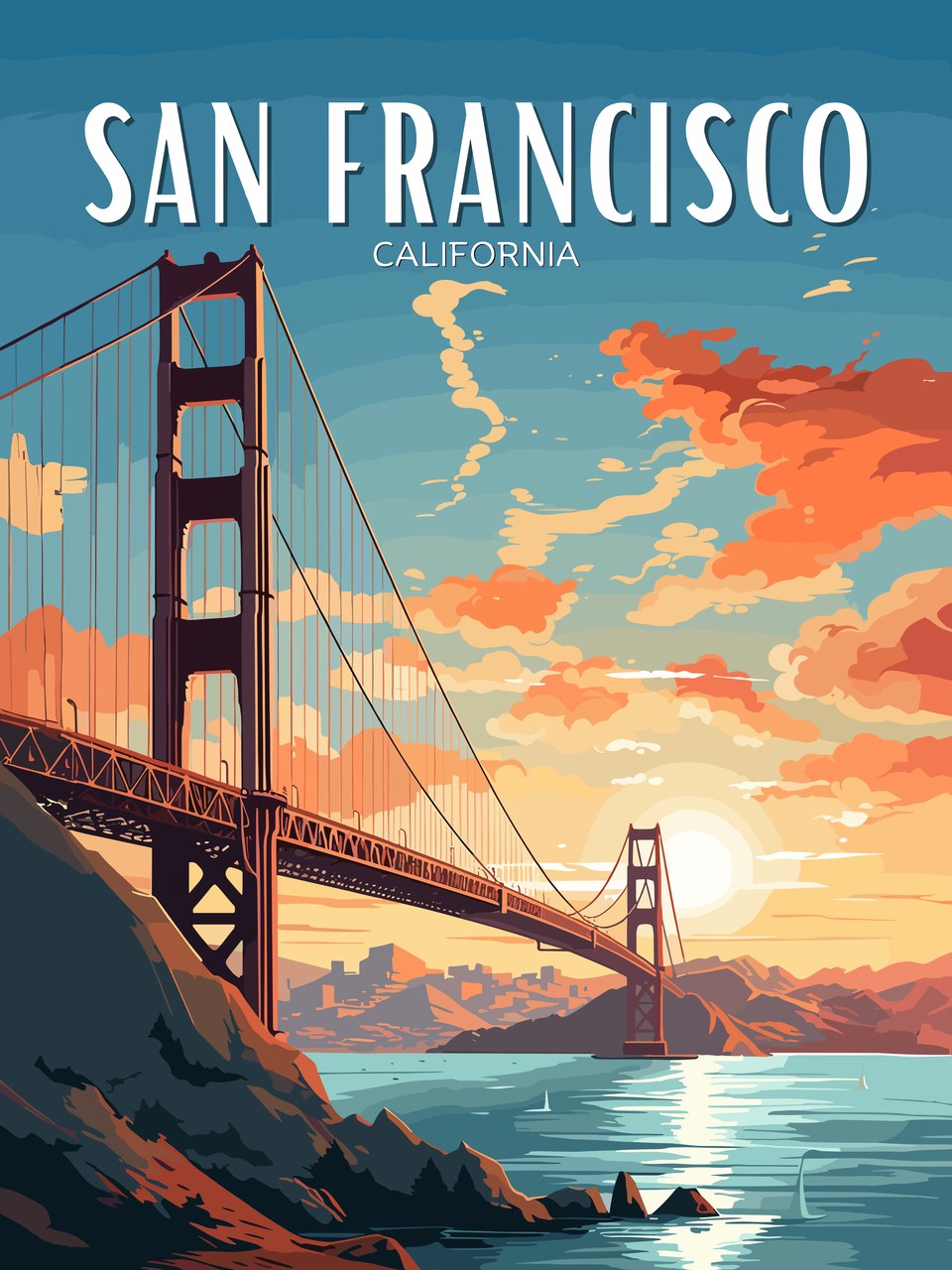
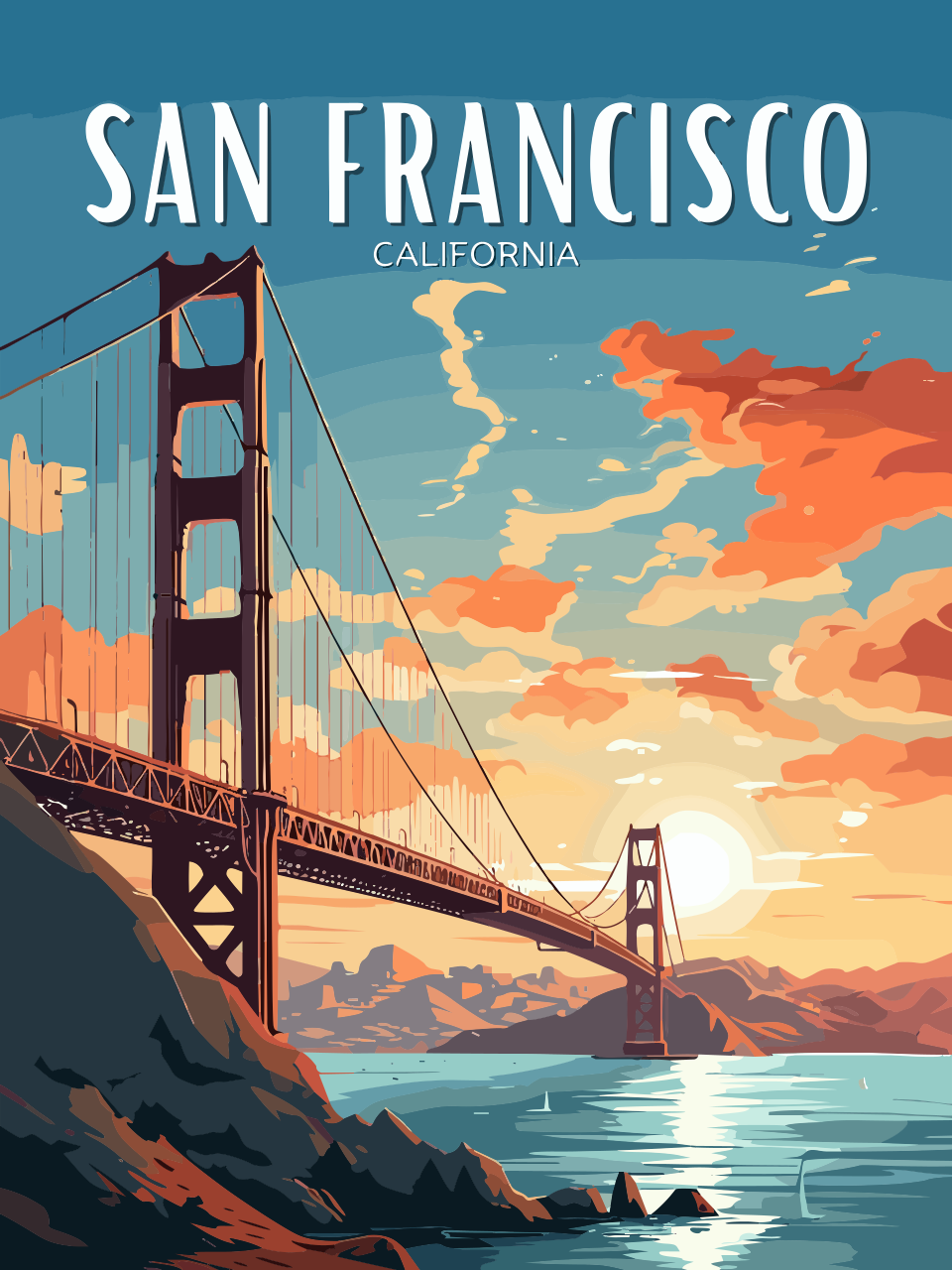
- Upscaling small image
- Reading colours
- Sharpening edges (AI)
- Tracing shapes
- Smoothing curves
How to vectorize an image
- Drop your image above: PNG, JPG or WebP. Bigger and sharper gives a better vector; images under 1,000 pixels are enlarged with a small AI model first.
- Pick a type. Auto works out the colours. Use Logo / 1 colour for a single-colour shape, Clip art / stickers for flat colours, or Line art for drawings.
- Remove the background if the design sits on a plain box.
- Zoom in and compare the original and the vector side by side.
- Download the SVG, or a large PNG or a PDF.
Raster image vs vector: what changes?
Any size
A vector is redrawn from shapes at every size, so a logo stays sharp on a business card and on a banner.
Editable
Change a colour, move a shape or delete a background element in any vector app, without repainting pixels.
Cuttable
Cutting machines, engravers and vinyl plotters follow outlines. A vector gives them clean paths to follow.
Often smaller
A one-colour logo can be a single shape of a few kilobytes, smaller than the picture it came from.
What makes Vectacle’s vectors cleaner?
Edges first. A small AI model sharpens the edges before tracing, so blurry and small images trace smoother.
Real geometry. Straight lines, arcs and corners are fitted as true lines and curves, not wobbly chains of tiny steps.
Fewer, truer colours. The in-between shades that blur and JPEG compression create are grouped back into the real colours, so you don’t get slivers along every edge.
Real gradients. Smooth fades become SVG gradients instead of dozens of bands (gradient to SVG).
Vectorized with Vectacle
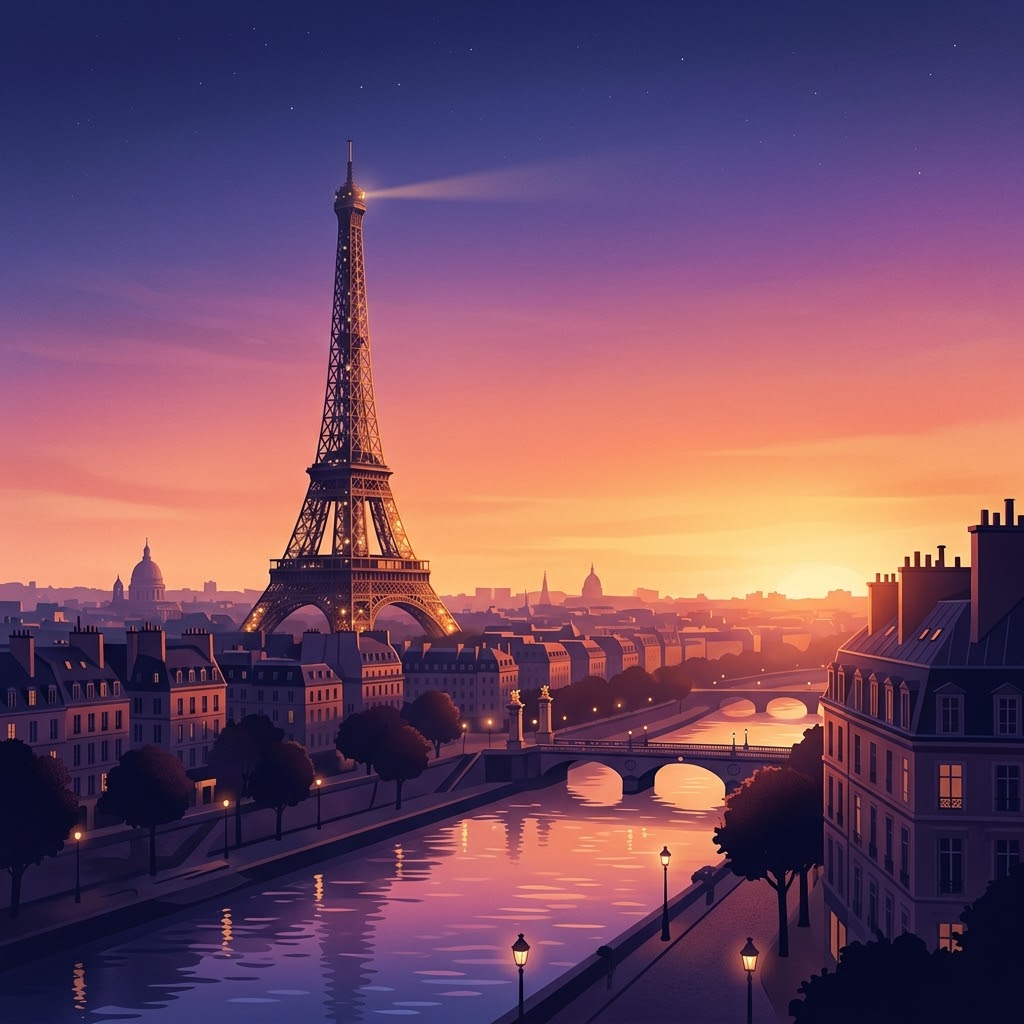
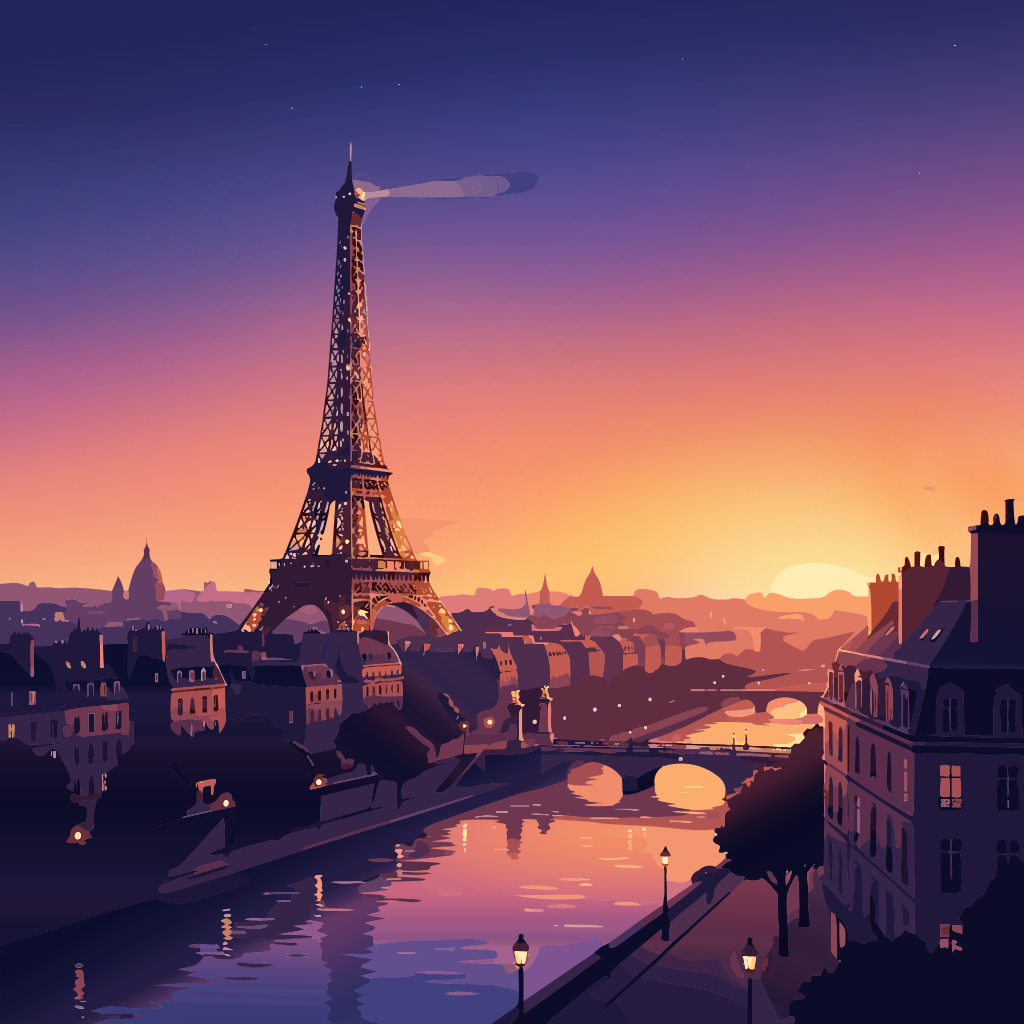
Vectorize for a specific job
Guides and articles
How big should an image be before you convert it to SVG?
Bigger is better, up to a point. How many pixels a logo, lettering or illustration needs for a clean SVG, with a real 220 px vs 1024 px test.
TipsWhat does it mean to vectorize an image?
To vectorize an image is to redraw its pixels as shapes, so it stays sharp at any size. What that means, when it helps, when it doesn’t, and how to do it.
Questions
What does it mean to vectorize an image?
A normal picture is a grid of coloured pixels. Vectorizing traces that grid into shapes described by lines and curves (a vector file, usually SVG). The vector can be enlarged to any size without going blurry, recoloured, edited and cut by machines.
Which images vectorize best?
Logos, lettering, stickers, clip art, icons, line art and illustrations with clear edges. Photos and soft paintings can be vectorized, but they become many flat colour areas, so a high-resolution photo file is usually the better choice for those.
What file do I get?
An SVG, the standard vector format that opens in Illustrator, Inkscape, Affinity, Figma, Canva, Cricut Design Space and browsers. You can also download a large PNG or a PDF.
Is the image vectorizer free?
Yes, free while Vectacle is new, with no sign-up.
Is my image stored?
No. It’s converted and then forgotten; Vectacle keeps no copy.