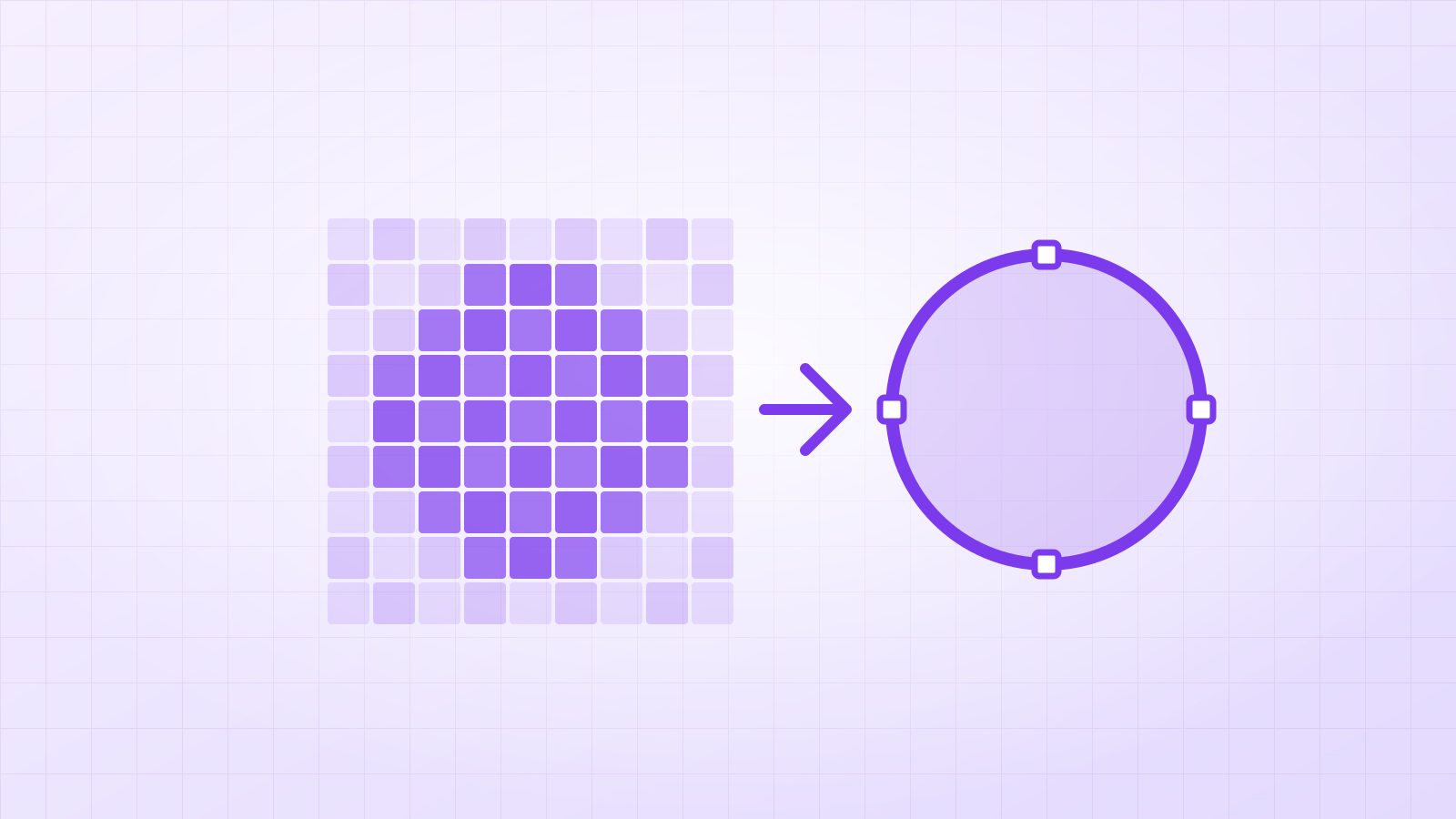

Aim for at least 1,000 pixels across the design, and use the biggest, sharpest copy you have. Below that, tracing has fewer pixels to follow and small details get lost; an AI upscale step (Vectacle does this automatically under 1,000 px) helps, but cannot restore detail that isn’t in the picture.
“What resolution do I need?” is the most common question before vectorizing. The honest answer is: as much as you have. But there are useful rules of thumb, and we tested what happens when the picture is small.
How many pixels does each kind of design need?
| Design | Minimum width | Comfortable | Why |
|---|---|---|---|
| Bold logo, simple icon | 500 px | 1,000 px+ | Few, large shapes; edges are easy to follow |
| Lettering, script fonts | 1,000 px | 2,000 px+ | Thin hairlines and swashes need several pixels each |
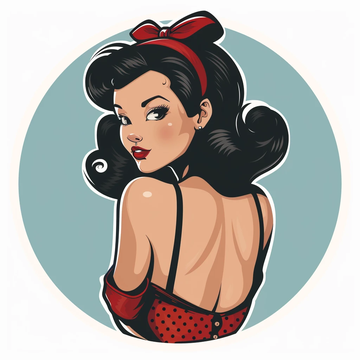
| Detailed sticker or clip art | 1,000 px | 2,000 px+ | Small highlights, outlines and eyes |
| Illustration, AI art | 1,000 px | The largest the tool gives | Many small shapes and colour areas |
The rule behind the table: the thinnest line in the design should be at least 3–4 pixels wide in the source. Thinner than that and the tracer can’t tell the line from blur.
What happened in our 220 px test?
We converted the same skyline logo twice: once from the original 1,024 × 1,024 PNG and once from a copy shrunk to 220 × 220 pixels.
| Source | Mode | Shapes | SVG size | Result |
|---|---|---|---|---|
| 1,024 px | Logo / 1 colour | 1 | 7.9 KB | Straight towers, even window rows, smooth curves |
| 220 px | Auto (AI upscale first) | 2 | 10 KB | Still clean; the finest window gaps are slightly simplified |


A bold logo survives a small source because its shapes are big compared to the pixels. Thin lettering at the same size would not.
Does upscaling help?
Yes, for edges. An AI upscaler (Vectacle runs a small AI model in your browser on most computers) turns soft, blocky edges into sharp ones, which the tracer can follow smoothly. What it can’t do is invent detail that was never in the picture, like the letters of a tagline that is three pixels tall.
Where can I find a bigger copy?
- The original file from whoever made the design.
- PDFs (invoices, menus, brochures) often contain the logo as a vector already.
- Social media profile and cover images, which are often larger than website logos.
- Your AI tool’s “upscale” button, before downloading.
More on tiny logos in how to rescue a tiny, blurry logo.
Photo from an iPhone? HEIC to JPG gives you a file you can drop into the converter.
Questions
Does a bigger image make a bigger SVG?
Not much. The SVG stores shapes, not pixels. A clean 2,000 px logo and a clean 1,000 px logo trace to similar file sizes; the bigger one just has smoother outlines.
Should I upscale an image before vectorizing?
If it’s small (under about 1,000 px), yes. An AI upscaler sharpens edges before tracing. Vectacle does it for you; you can switch it off with “Upscale small images first”.
Is DPI important for vectorizing?
No. DPI is only a label for print size; the tracer only sees the pixel count. A 300 DPI image that is 600 pixels wide has the same detail as a 72 DPI one at 600 pixels.