
SVG for cutting machines and editing (Cricut, Silhouette Designer Edition, Illustrator, Inkscape). PNG for Print then Cut, Etsy previews and anything on screen. PDF for print shops and sharing a proof. DXF mainly for Silhouette Studio Basic Edition and CAD or laser software.
Cut-file bundles on Etsy usually come with four formats, and print shops ask for yet another thing. Here’s what each format is and when you need it.
What is each format?
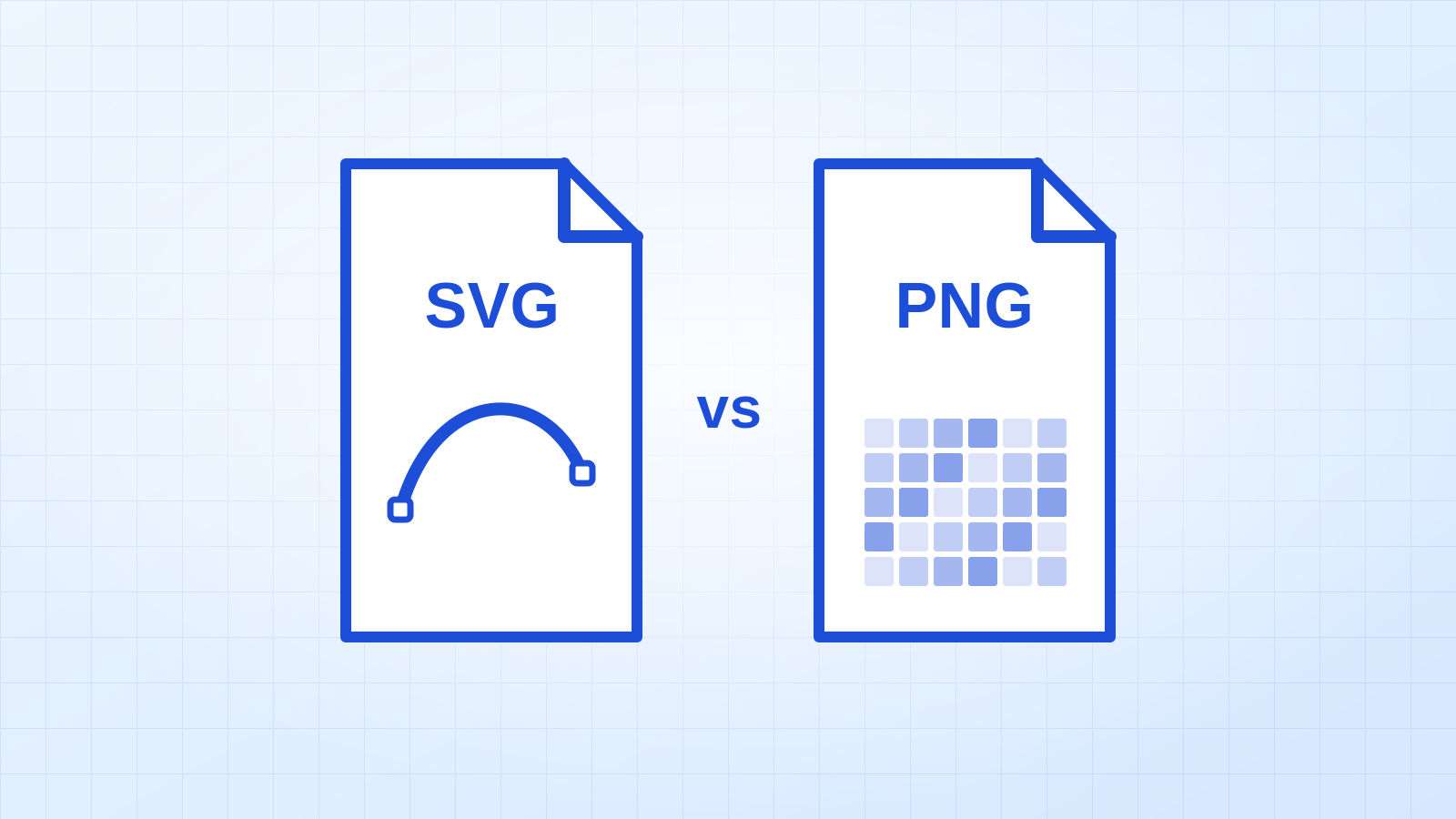
| Format | Made of | Best for | Watch out |
|---|---|---|---|
| SVG | Vector shapes | Cricut Design Space, Silhouette Designer Edition, editing, web | Silhouette Basic Edition can’t open it |
| PNG | Pixels, with transparency | Print then Cut, Etsy listing images, mockups, screens | Blurs when enlarged; make it big enough |
| Vectors and/or pixels | Print shops, proofs, sharing a design | Not a cut file for most craft software | |
| DXF | Vector lines (CAD format) | Silhouette Basic Edition, laser and CNC software | Usually loses colours and fills |
Technical background: SVG on MDN and image file types on MDN.
Which file does each machine or app want?
| Machine or app | Use |
|---|---|
| Cricut Design Space | SVG to cut; PNG for Print then Cut |
| Silhouette Studio Designer Edition and up | SVG (or PDF) |
| Silhouette Studio Basic Edition | DXF, or a sharp PNG and the Trace tool (guide; editions on Silhouette’s site) |
| Print shop | PDF or SVG, or a PNG at print size × 300 DPI |
| Canva | SVG (flat colours) or PNG |
| Etsy listing photos | PNG or JPG |
How do I get each file with Vectacle?
- SVG and PDF: convert any PNG, JPG or WebP with the converter.
- PNG from a picture: after converting, click PNG for a large, sharp, transparent version.
- PNG from an SVG: use SVG to PNG, with print size and DPI.
- DXF: click DXF next to the download button after converting.


More free converters: SVG to PDF for true vector PDFs, PDF to SVG for scans and printouts, and HEIC to JPG for iPhone photos.
Questions
Does Vectacle make DXF files?
Yes. After converting, click DXF next to the download button. It opens in Silhouette Studio Basic Edition, and also suits laser software; see our Silhouette guide.
Can a PDF be a vector?
Yes. A PDF can hold vector shapes, which is why print shops like it. Vectacle’s PDF download keeps the design as vectors.
Which file should I sell on Etsy?
Usually a ZIP with SVG plus PNG, and DXF if many of your buyers use Silhouette Basic Edition.