
A good cut file has the right size, few and clean shapes, one layer per colour, no hairline slivers or specks, lines thick enough to weed, text turned into shapes, no hidden background box, and it opens correctly in the cutting software. Check those before you cut, sell or share it.
Whether you’re cutting for yourself or selling SVG bundles on Etsy, a few checks save wasted vinyl and unhappy buyers. Run through these ten before every cut file goes out.
The checklist
| # | Check | Why it matters |
|---|---|---|
| 1 | The design opens at a sensible size | Saves resizing; set the width in inches when you make it |
| 2 | No hidden background rectangle | Otherwise the machine cuts a box around everything |
| 3 | One layer per colour, and few colours | Each layer is another cut, weed and alignment |
| 4 | No hairline slivers between colours | Slivers cut as useless strips that tear |
| 5 | No tiny specks | Each speck is a cut the blade makes and you weed |
| 6 | Thinnest parts at least about 1 mm at final size | Thinner lines tear when weeding |
| 7 | Script letters touch (or are welded) | So a word cuts as one piece |
| 8 | Text converted to shapes | Fonts may be missing on the buyer’s computer |
| 9 | Closed, smooth outlines | Open or jagged paths cut badly |
| 10 | Tested in the real software | Design Space and Silhouette Studio are the final judge |
How does Vectacle help with the checklist?
- Size (1): type the width in inches before downloading.
- Background (2): Logo / 1 colour only traces the ink; other modes have Remove background.
- Layers and slivers (3–4): Clip art / stickers gives one layer per colour and groups in-between shades back into the main colours.
- Specks (5): stray specks are removed automatically.
- Text (8): the output is shapes only, never live text.
- Smooth outlines (9): lines, arcs and corners are fitted as real geometry.
Thin parts (6), script joins (7) and the final test (10) are still worth checking by eye. In Logo / 1 colour, our “Dream Big” script came out as one compound shape on a single layer; where letters touch in the original, they stay joined.


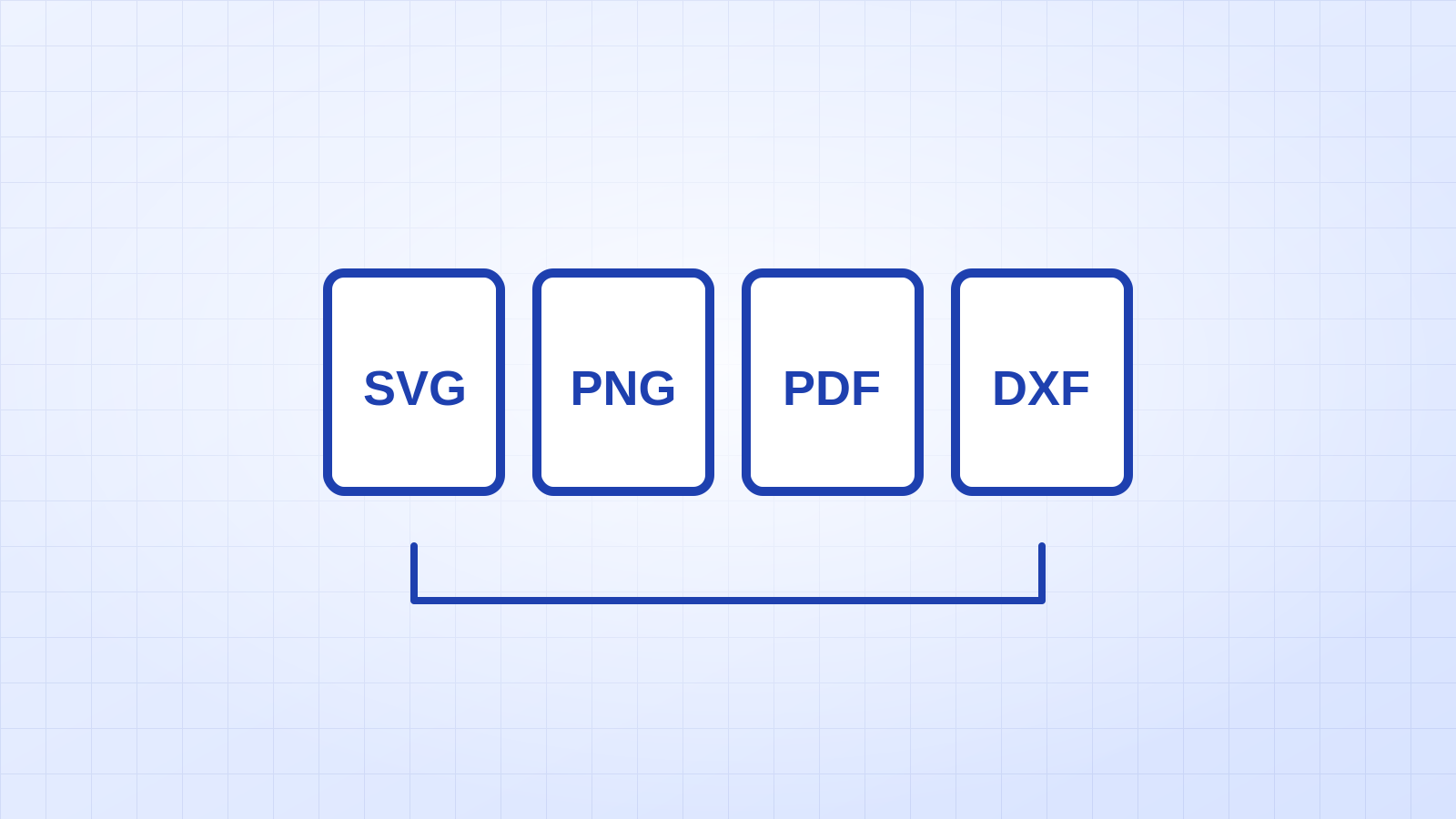
What formats should a cut file come in?
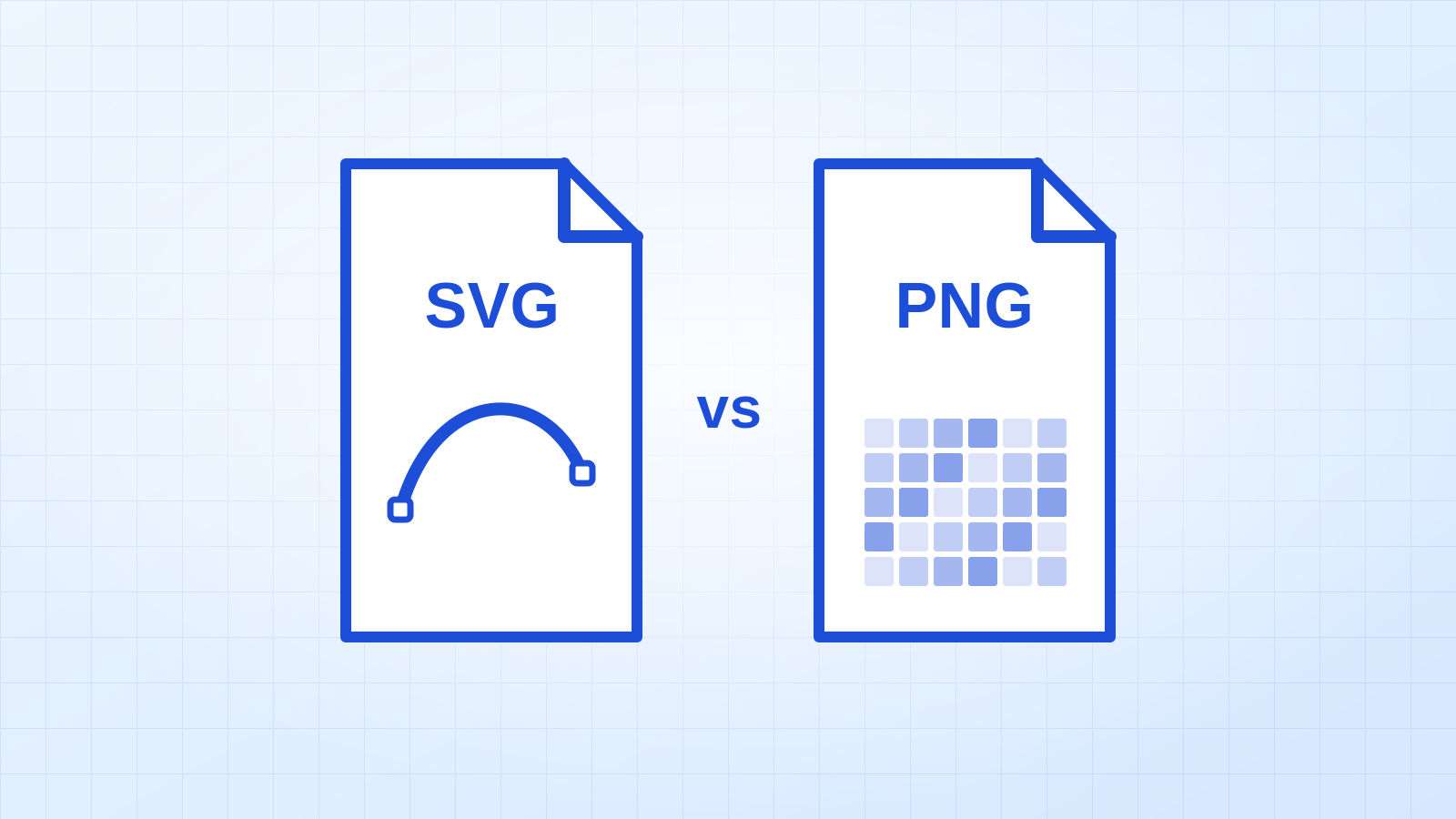
See SVG, PNG, PDF or DXF: which file for which job, and for Cricut specifically, SVG vs PNG for Cricut.
Handy for the last checks: the SVG editor removes stray shapes, the SVG offset tool welds overlaps into one outline, and the SVG optimizer makes the file smaller.
Questions
How do I check an SVG before cutting?
Upload it to your cutting software and look at the layers panel and the mat preview. Count layers, look for tiny pieces, and check the size before pressing Make.
Should I sell SVGs with PNG and DXF too?
Many buyers expect several formats: SVG for Cricut and Silhouette Designer Edition, PNG for Print then Cut, and DXF for Silhouette Basic Edition. Include what your buyers’ machines need.
Why does my cut file have a box around it?
The background was traced as a shape. Remove it before tracing, or delete the large rectangle layer.