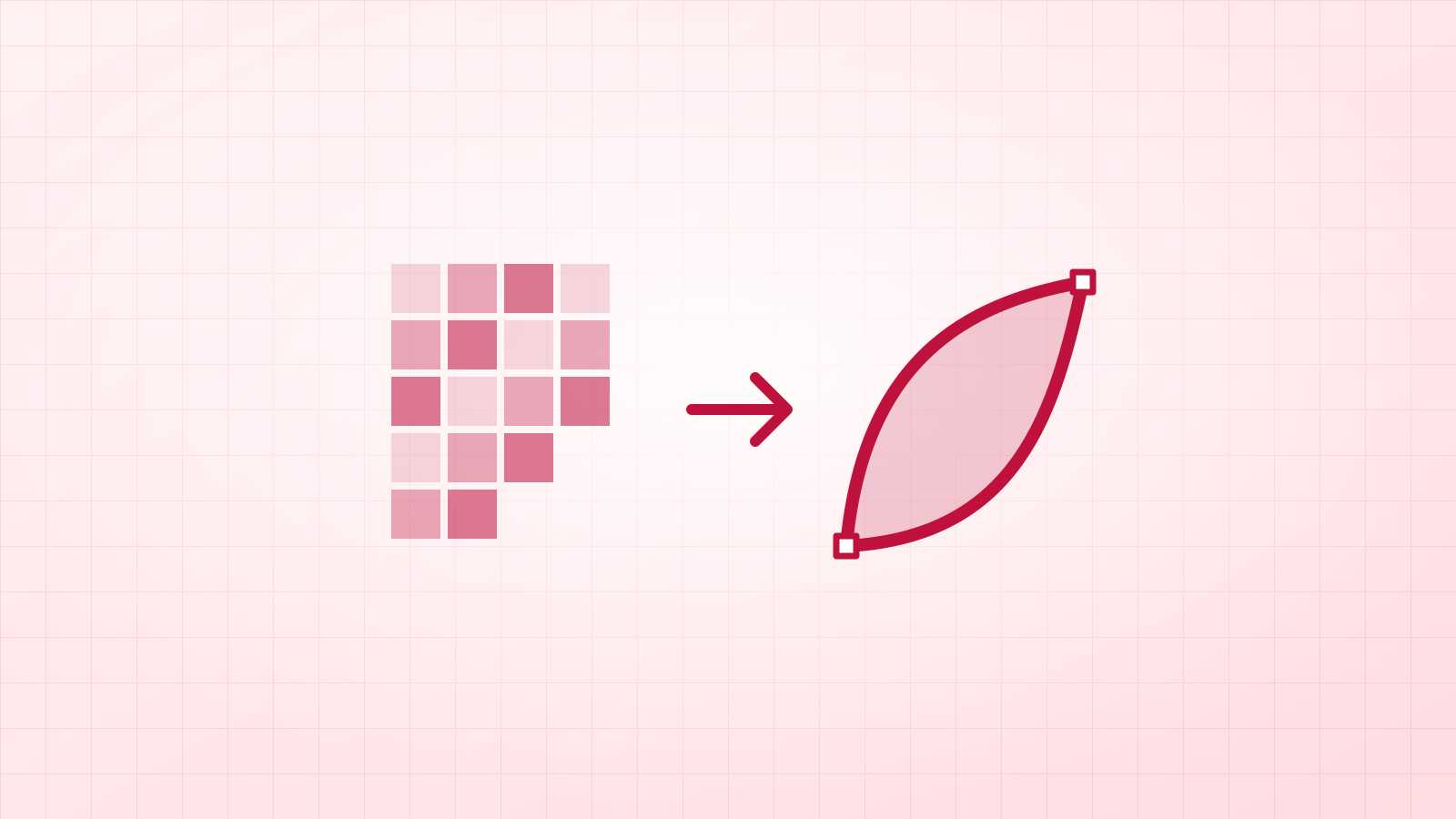

A vector file stores a picture as shapes described by maths (lines, curves and fills) instead of a grid of pixels. That is why it stays sharp at any size. Common vector formats are SVG, AI, EPS and DXF; PDF can hold vectors too. JPG, PNG and WebP are pixel files, not vector files.
If a printer, a client or a cutting machine has asked you for a “vector file”, this is what they mean, and why they ask.
What is the difference between vector and pixel files?
A pixel file (also called a raster file) is a mosaic: thousands of tiny coloured squares. Enlarge it and the squares get bigger, so edges turn soft or blocky. A vector file is a set of instructions: start here, curve to there, fill with red. Enlarge it and the computer simply redraws the same shapes, so the edge stays sharp.
Which file types are vector?
| Format | Vector? | Mostly used for |
|---|---|---|
| SVG | Yes | Cutting machines, websites, editing |
| AI | Yes | Adobe Illustrator working files |
| EPS | Yes | Older print workflows |
| DXF | Yes | Laser cutters, CAD, Silhouette Basic Edition |
| Sometimes | Sending work to a print shop | |
| PNG, JPG, WebP | No | Photos, screens, print-ready pictures |
When do you actually need one?
- Cutting: a Cricut, Silhouette or laser follows paths, so it needs shapes.
- Large print: a logo that must work on a business card and a banner.
- Editing: changing one colour or removing one element without repainting.
- Selling designs: one master file you can export at whatever size each product needs.
You don’t need a vector for a photo, or for a picture that will only ever appear small on a screen.
How do you get a vector file from a picture?
Renaming doesn’t work: changing logo.png to logo.svg only breaks the file. The picture has to be traced, which means finding the edges and drawing real shapes along them. Vectacle does this in your browser: drop in the picture, compare it with the original, then download SVG, PDF or DXF. Designs with clear shapes (logos, lettering, stickers, clip art) give the cleanest results.
More detail in what it means to vectorize an image and which file for which job.
Have a PDF scan rather than a picture? PDF to SVG traces a page into a vector. Need a PDF for a printer? Use SVG to PDF.
Questions
Is a PNG a vector file?
No. A PNG is a grid of pixels, even if the picture looks like clean vector art. Saving a PNG with a new name or extension doesn’t change that; it has to be traced into shapes.
Is a PDF a vector file?
It can be. A PDF is a container that may hold vector shapes, pixel images or both. If you zoom far in and the edges stay sharp, that part is vector.
What opens a vector file?
Web browsers open SVG files. Inkscape is a free editor, and Illustrator, Affinity and CorelDRAW are paid ones. Cricut Design Space and Silhouette Studio import cut files.
Can a photo be a vector file?
Technically yes, but a photo becomes thousands of flat colour patches and loses its natural look. Keep photos as JPG or PNG.
Sources: MDN: SVG