AI upscaling makes more pixels and keeps a painted or photo look, but the result is still a fixed size. Vectorizing rebuilds the picture as shapes that stay sharp at any size and can be recoloured, but it simplifies fine texture. Use a vector for logos, stickers, lettering and flat art; use an upscaler for photos and painterly work.
Both promise to rescue a small image, so they often get confused. They work in opposite ways, and picking the wrong one costs you either texture or sharpness.
What is the difference?
An AI upscaler studies your pixels and predicts new ones in between. A 1,000 px image might become 4,000 px. It is still a pixel image, just a bigger one.
A vectorizer finds the edges and colour areas and redraws them as mathematical shapes. No pixels are left, so there is no fixed size.
| AI upscale | Vector | |
|---|---|---|
| Output | Bigger PNG or JPG | SVG, PDF, DXF |
| Maximum size | Fixed; soft if pushed further | No limit |
| Texture, brushwork | Kept or imitated | Simplified |
| Edges | Much sharper, still pixels | Perfectly clean |
| Change a colour | Needs editing software | Change one fill |
| Cutting machines | No | Yes |
What does that mean for a real poster?
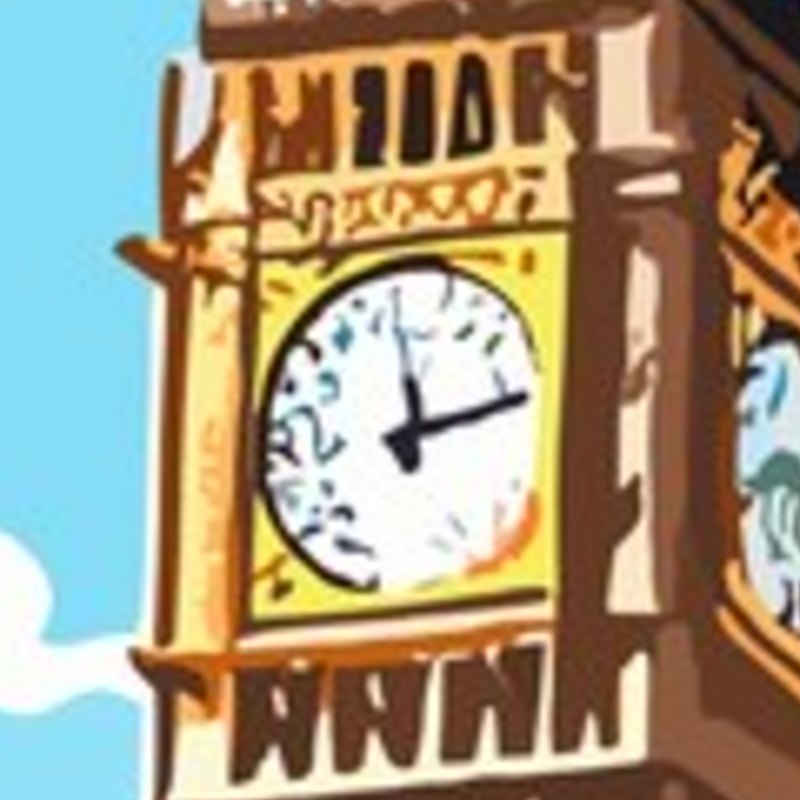
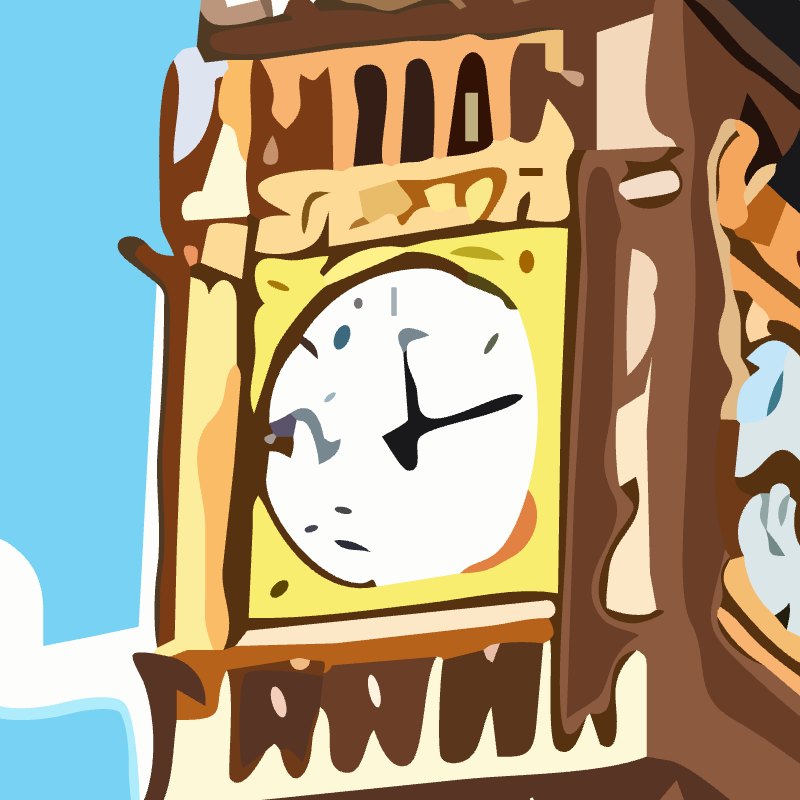
Take a 960 × 1,280 px image and an 18 × 24 inch poster. As it stands, that is about 53 DPI: clearly soft. A 4× upscale gives 3,840 × 5,120 pixels, about 213 DPI, which is good for a wall. Selling at 24 × 36 inches or bigger? You upscale again, and the invented detail starts to show.
The same image as a vector needs no such sums. Our test poster became a 539 KB SVG, and it exports at whichever size you choose. The trade-off is the look: it becomes cleaner and more graphic, with the tiniest specks simplified.
Which should you choose?
- Logo, lettering, icon: vector, every time.
- Sticker, clip art, shirt graphic: vector. Clean edges, and you can recolour it for each product.
- Anything for Cricut, Silhouette or a laser: vector. Machines follow paths.
- Travel poster, flat illustration: try the vector and compare. It often wins.
- Watercolour, oil paint, pencil texture: upscale.
- Photo: upscale.
The easy test
Ask what would be missed if it disappeared. If it is the texture, upscale. If it is the shapes and edges, vectorize. Not sure? Drop the picture into Vectacle, zoom in on the side-by-side view, and decide with your own eyes. It costs nothing, and for flat artwork you may never need an upscaler again.
See how textures behave in watercolour and textured art to SVG.
Questions
Can I use both?
Yes, and it often helps. Upscaling first gives the tracer cleaner edges to follow. Vectacle does this automatically for images under 1,000 pixels.
Does upscaling add real detail?
It adds believable detail, predicted by the AI. It can look great, but it may also invent odd textures, or change faces and lettering, so check closely.
Is vector always better for print?
No. A photo or textured painting usually prints better as a high-resolution PNG or JPG. Vectors win when clean edges matter most.
Which gives the smaller file?
For simple designs, the vector, often by a long way. A very detailed vector can be large, but still scales to any size.