
SVG stands for Scalable Vector Graphics. An SVG file describes a picture as shapes rather than pixels, so it stays sharp at any size. It is used for logos, website graphics and cutting machines. Any modern web browser can open one, and Inkscape is a free way to edit it.
You downloaded a design, or a Cricut project asked for one, and now you have a file ending in .svg. Here’s what it is and what you can do with it.
What is inside an SVG?
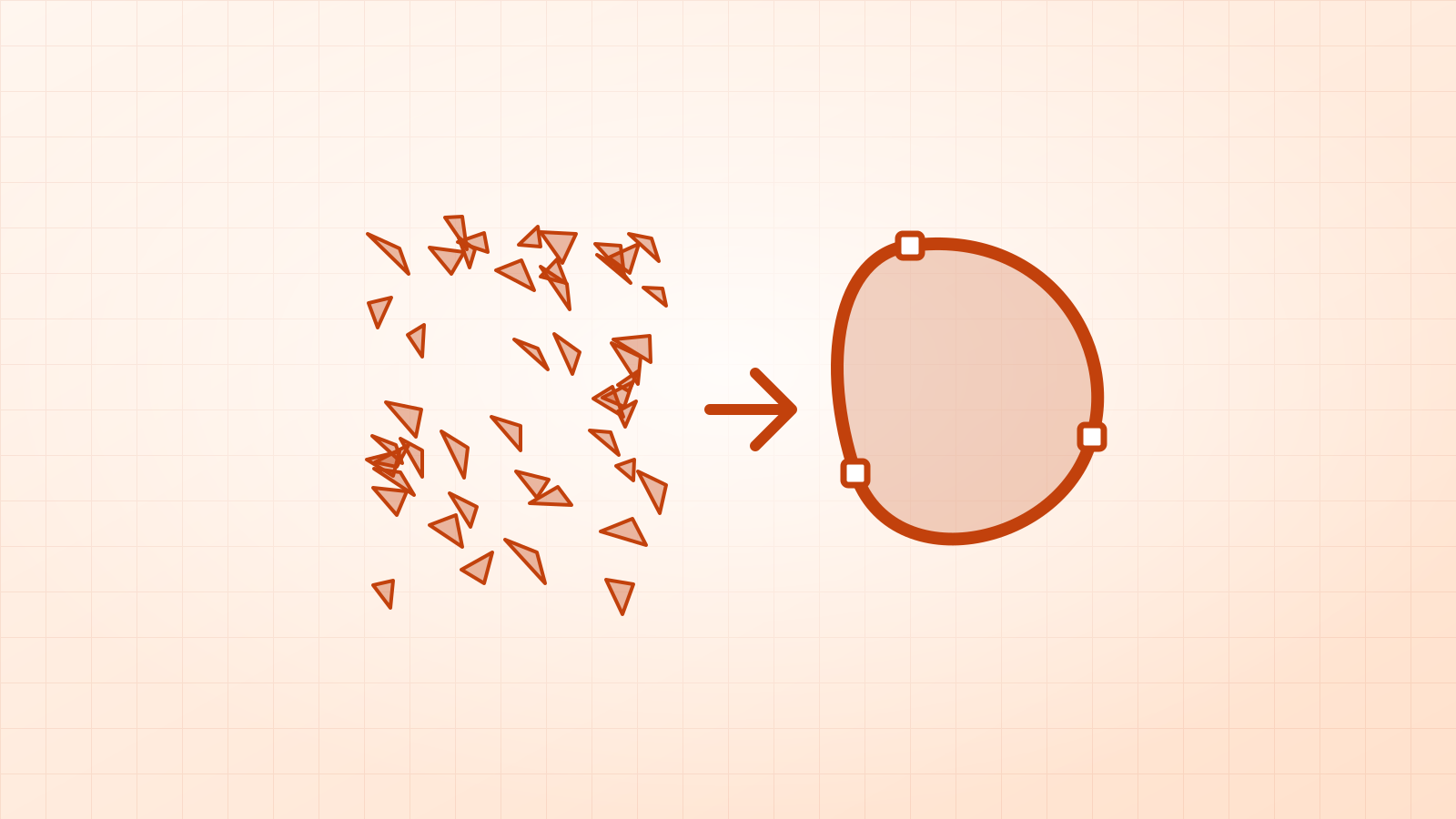
Unlike a JPG, an SVG is really a text file. It lists shapes, roughly “draw a circle here, fill it red”. Your browser or design app reads that list and draws the picture fresh at whatever size is needed. That is the whole trick behind “scalable”.
What is an SVG used for?
- Cutting machines: Cricut, Silhouette and lasers follow the paths.
- Logos: one file that works on a card and a banner.
- Websites: icons that stay crisp on any screen, often in very small files.
- Print design: a master file to export at any size.
How do you open an SVG file?
| You want to | Use | Cost |
|---|---|---|
| Just look at it | Chrome, Edge, Safari or Firefox | Free |
| Edit shapes and colours | Inkscape | Free |
| Professional editing | Illustrator, Affinity, CorelDRAW | Paid |
| Cut it | Cricut Design Space; Silhouette Studio Designer Edition or above | Depends on the app |
Tip: if double-clicking opens the wrong app, drag the file onto an open browser window.
When should you not use an SVG?
Skip it for photos and heavily textured art. Thousands of tiny shapes make a big file and lose the natural look. Also check what your destination wants: many print-on-demand sites and marketplaces work best with a PNG. Printify does accept SVG, but advises JPEG or PNG for photographs and raster images.
How do you make your own SVG?
- Start with the sharpest PNG or JPG you have.
- Drop it into Vectacle. Auto picks sensible settings.
- Zoom in and compare with the original.
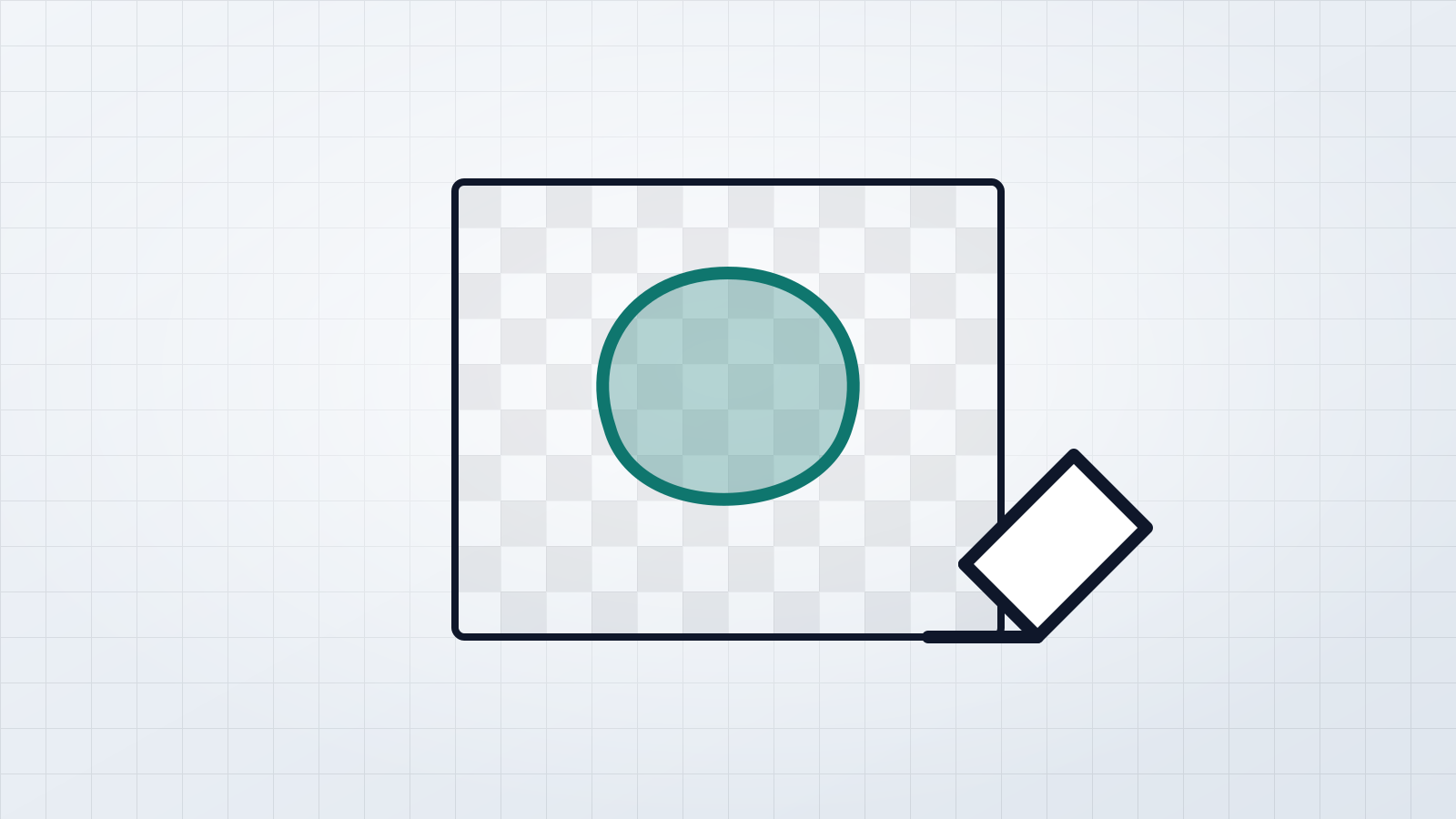
- Remove the background if you need to, then download the SVG.
The small blurry logo example went from a 220 px picture to a clean 10 KB SVG with 2 shapes. For the difference between a vector and pixels in general, read what is a vector file.
Already have an SVG? Change it with the free SVG editor, shrink it with the SVG optimizer, or see all our SVG tools.
Questions
Is an SVG better than a PNG?
For logos, icons and cut files, usually yes. For photos, no. A PNG is often the better file for uploading to print-on-demand sites or using in Print Then Cut.
Can I open an SVG on my phone?
Yes, most phone browsers display SVG files. Editing one is easier on a computer.
Can I turn an SVG into a PNG?
Yes. Our free SVG to PNG tool does it in your browser, at any size you choose.
Is an SVG file safe to open?
Normally yes, but it can contain code, so treat files from unknown sources with the same care as any download.
Can I just rename a PNG to SVG?
No. Renaming doesn’t change what’s inside the file. The picture must be traced into shapes.
Sources: MDN: SVG · W3C: Scalable Vector Graphics