
Remove it when the design sits on a plain white or coloured box you don’t want in the file (stickers, clip art, logos for print). Keep it when the background is part of the artwork or when the drawing has many closed shapes that would leave patches. For one-colour cut files you usually don’t need to: the background isn’t traced as a shape.
Most pictures you’d vectorize come on a box: a white square around a sticker, cream paper behind clip art, a coloured panel behind a logo. Whether that box should end up in your SVG depends on what you’ll do with the file.
When should you remove the background?
| Project | Remove? | Why |
|---|---|---|
| Stickers, Print then Cut | Yes | The cut follows the design, not the box |
| Logo for a website, shirt or mug | Yes | It sits on any colour without a box |
| Clip art for collages and mockups | Yes | Layers cleanly over other images |
| One-colour cut file (Logo mode) | Not needed | Only the ink is traced as the cut shape |
| Artwork where the background is part of the design | No | A poster’s sky or paper colour is the picture |
| Line art with many closed shapes | Usually no | Can leave patches inside faces and hair |
How does background removal work in Vectacle?
It looks at the edges of the picture for a plain colour, and if it finds one, it leaves that connected area out of the trace, so the SVG has real transparency there. If there is no plain colour around the edges, the switch tells you so. The same colour inside the design, like the white of an eye or a white sticker border, stays.
What happened on our examples?
| Design | Background | Result |
|---|---|---|
| Red panda sticker | Plain white | Removed cleanly; the white sticker border stayed |
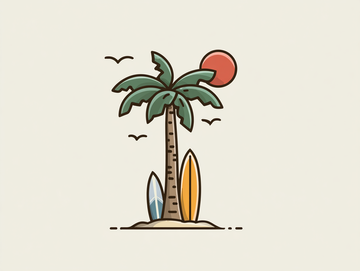
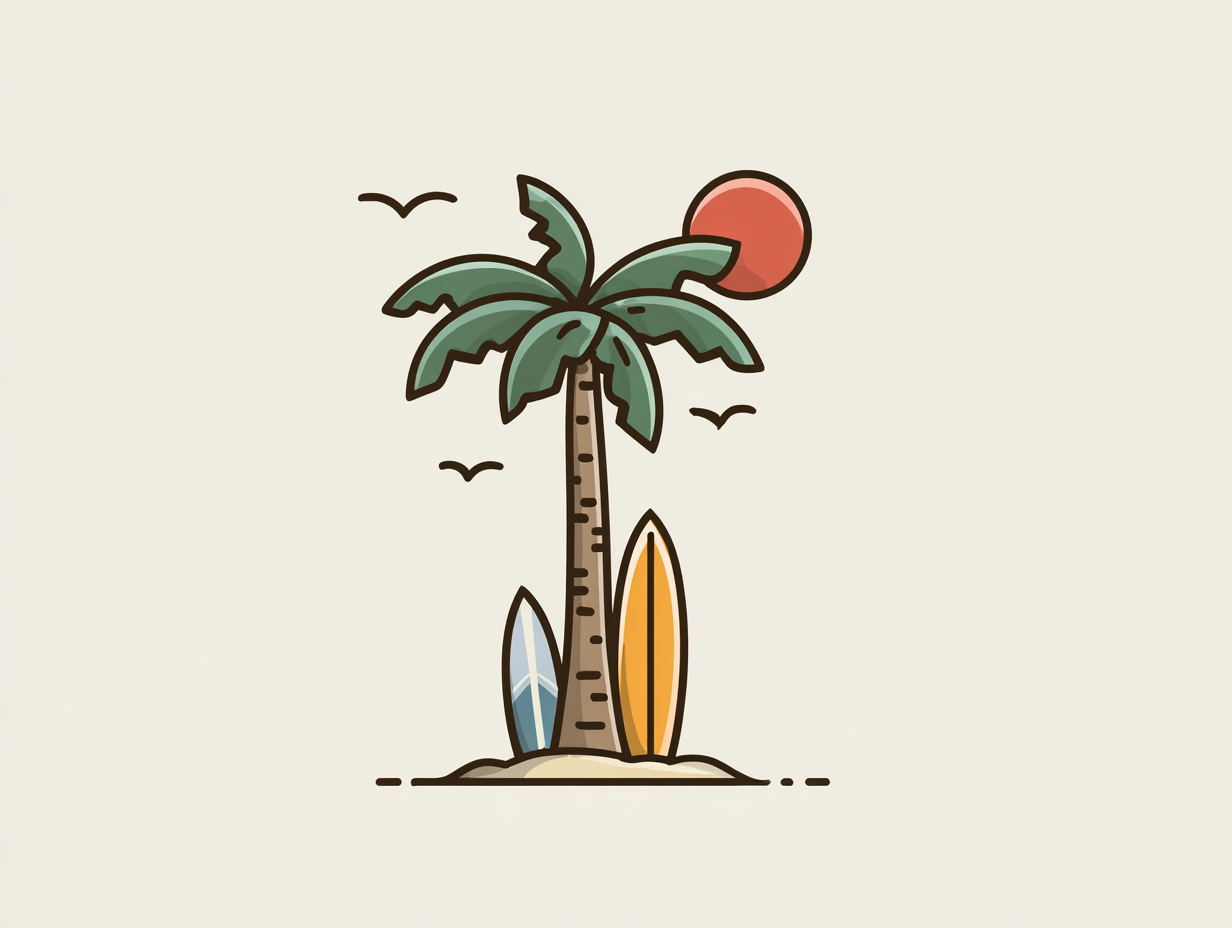
| Palm tree clip art | Plain cream | Removed cleanly |
| Castro Labs logo | Near-white | Removed; the white outlines around the letters stayed |
| One-line drawing of three friends | Textured cream paper | Removed outside the figures but not inside closed shapes: patchy, so we kept the paper |

What if the background isn’t plain?
For a photo scene or a busy pattern behind the design, background removal by colour can’t tell design from background. Use a dedicated background remover first (many photo apps have one), save a PNG with transparency, and vectorize that. Or use Remove a colour to drop specific background colours after tracing.
Questions
Why does a white box show up behind my SVG?
The white background was traced as a shape. Re-convert with Remove background on, or delete the large white shape in a vector app.
Can it remove a busy background, like a photo scene?
No. Background removal looks for a plain colour around the edges of the picture. For busy backgrounds, use a dedicated background-removal tool first, then vectorize the result.
Does removing the background change the design?
It removes the plain area connected to the picture’s edges. Areas of the same colour inside the design (like the white of an eye) stay.