Vectorizing keeps the shapes and colours of watercolour and textured art but simplifies the texture: brush grain, paper and wash variations become a few flat or gradient areas. The result looks cleaner and more graphic. Keep the original as a high-resolution PNG when the texture is the point.
Watercolour patterns, brush-stroke lettering and textured AI art are popular, and people often ask for them as SVG. They can be vectorized, but it’s worth knowing what changes before you promise a client “the same, but vector”.
What happens to texture when you vectorize?
| Part of the artwork | After vectorizing |
|---|---|
| Outlines, shapes, lettering | Kept, sharp at any size |
| Main colours | Kept as flat colour areas |
| Smooth washes and fades | Become flat areas or bands, or gradients if you turn on Smooth gradients |
| Brush grain, paper texture, speckles | Simplified away |
| Soft, bleeding edges | Become clean edges |
What did our watercolour stripes test show?
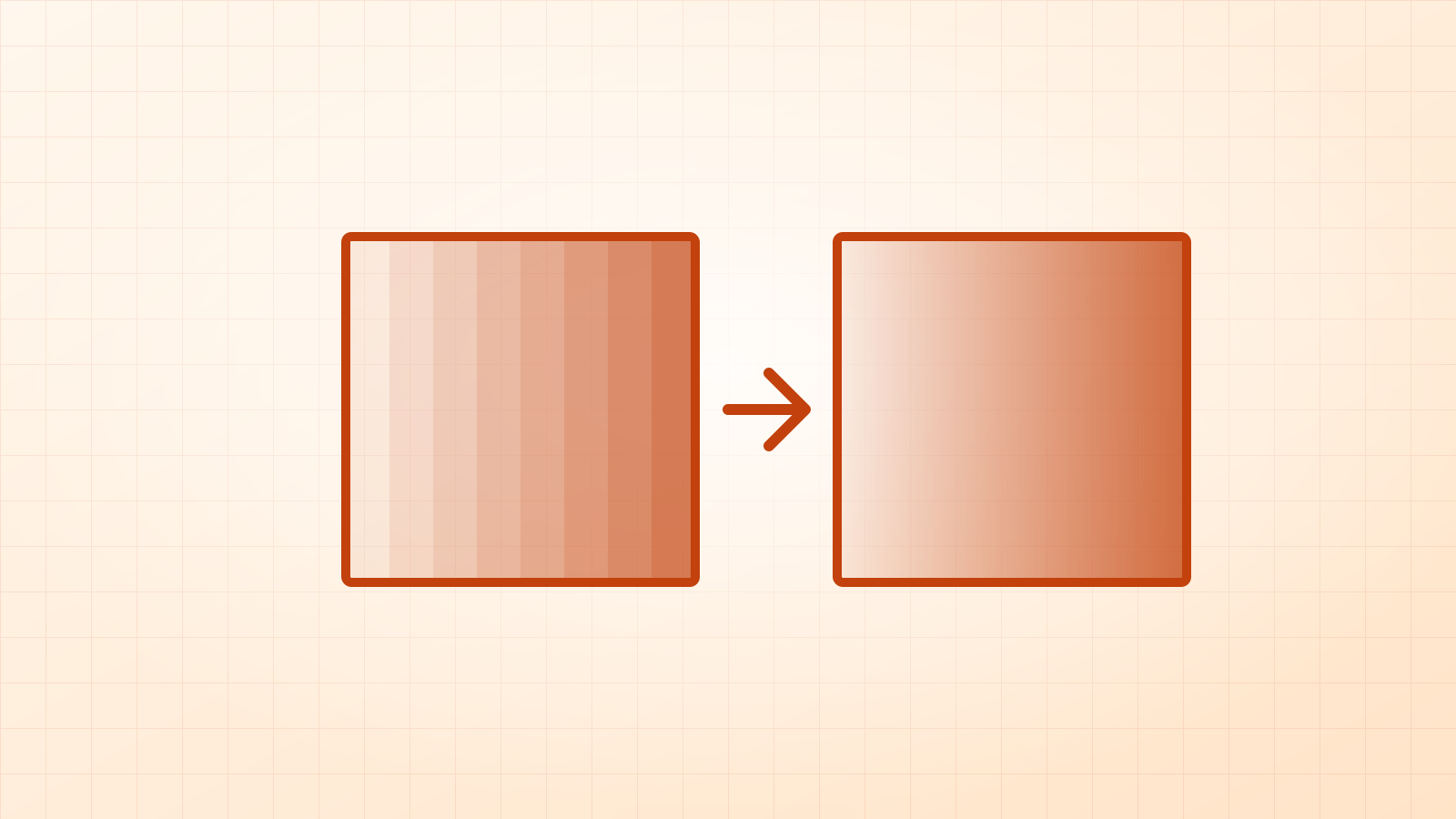
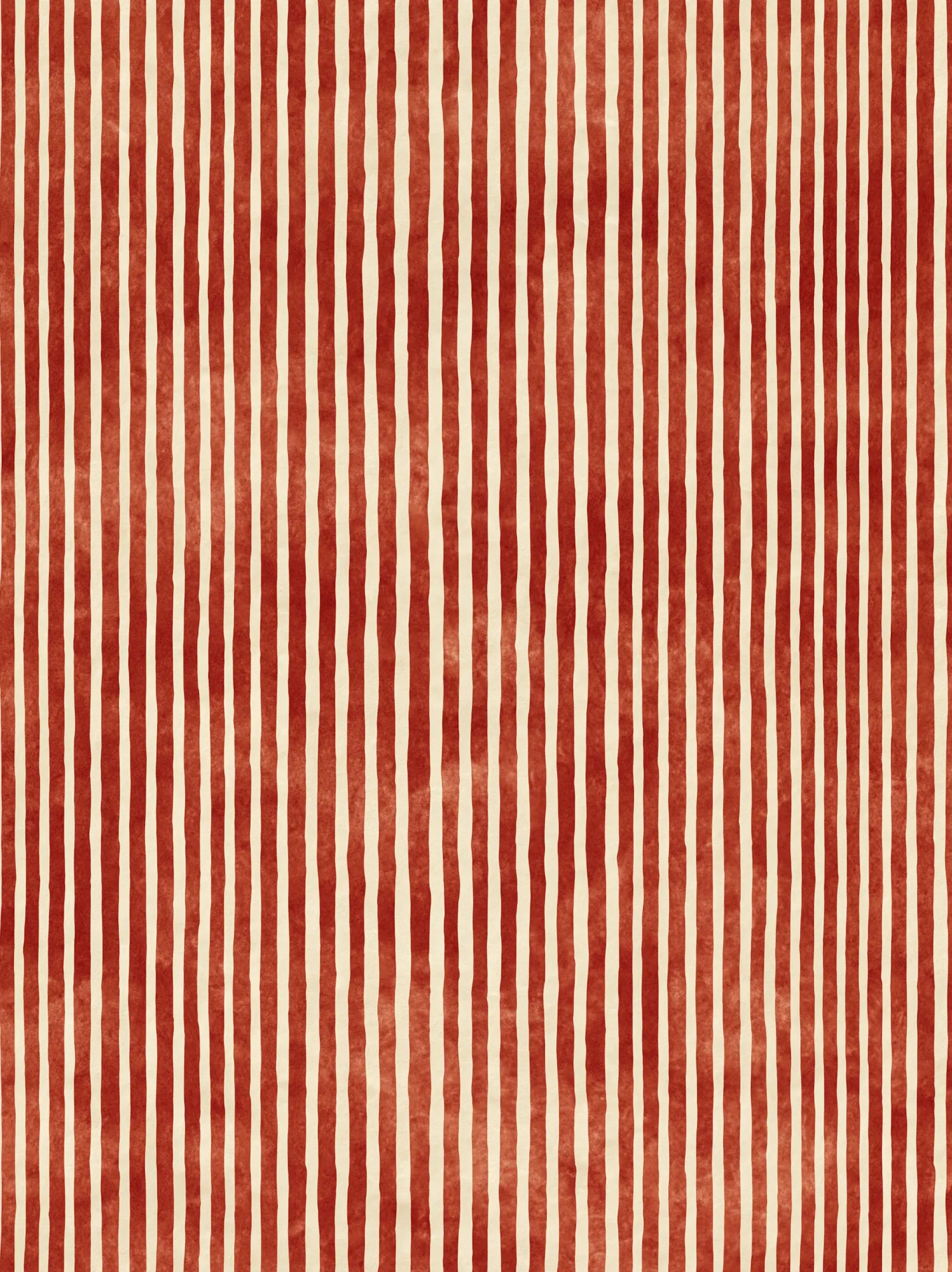
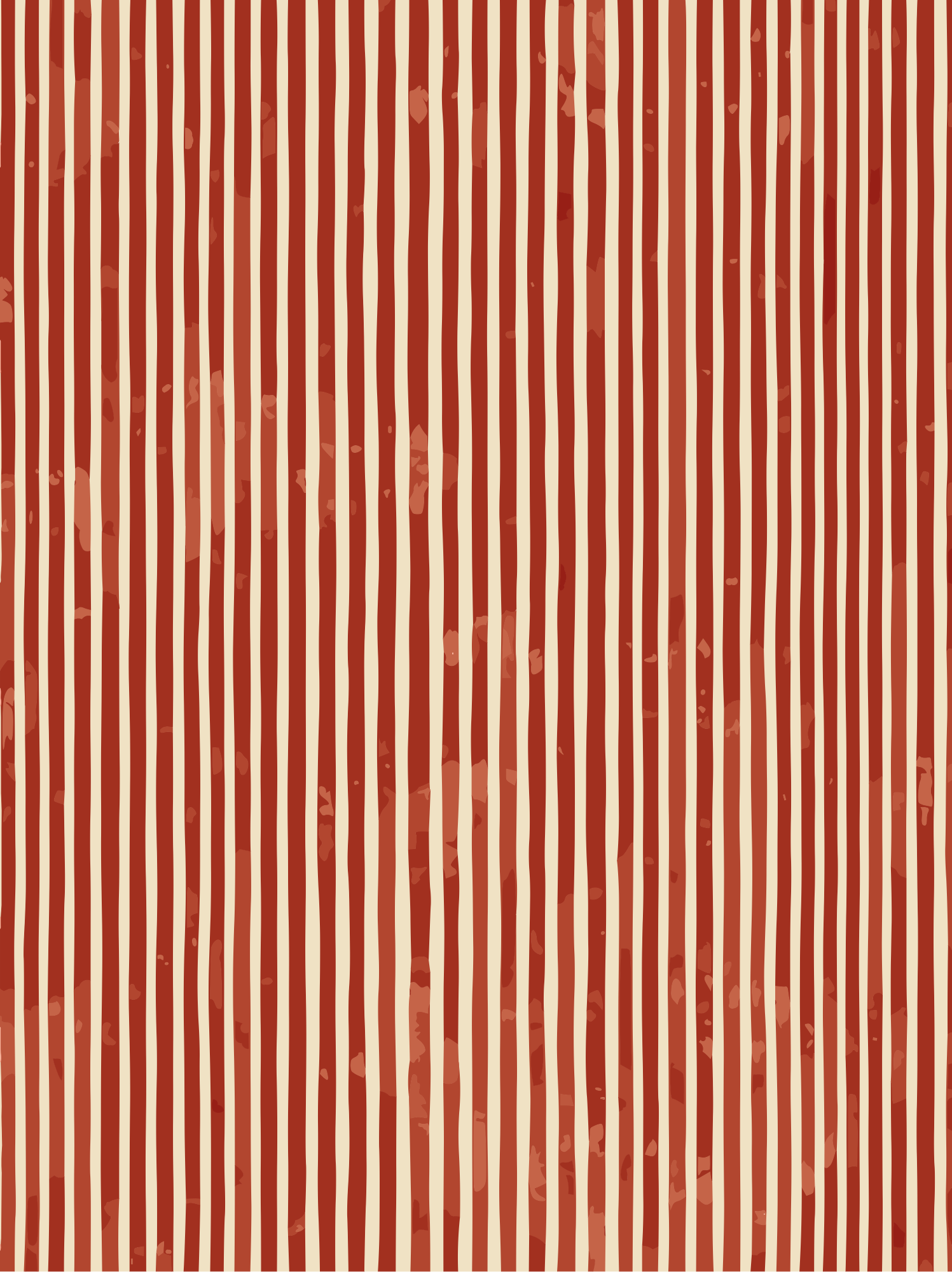
We vectorized a hand-painted-style watercolour stripe pattern (1,497 × 2,000 px): red stripes with visible wash texture on cream.
- Result: 22 shapes, 7 colours, a 183 KB SVG.
- Kept: every stripe, its slightly wavy hand-drawn edge, and the red-on-cream look.
- Simplified: the mottled wash inside each stripe became mostly flat red with a few lighter patches.
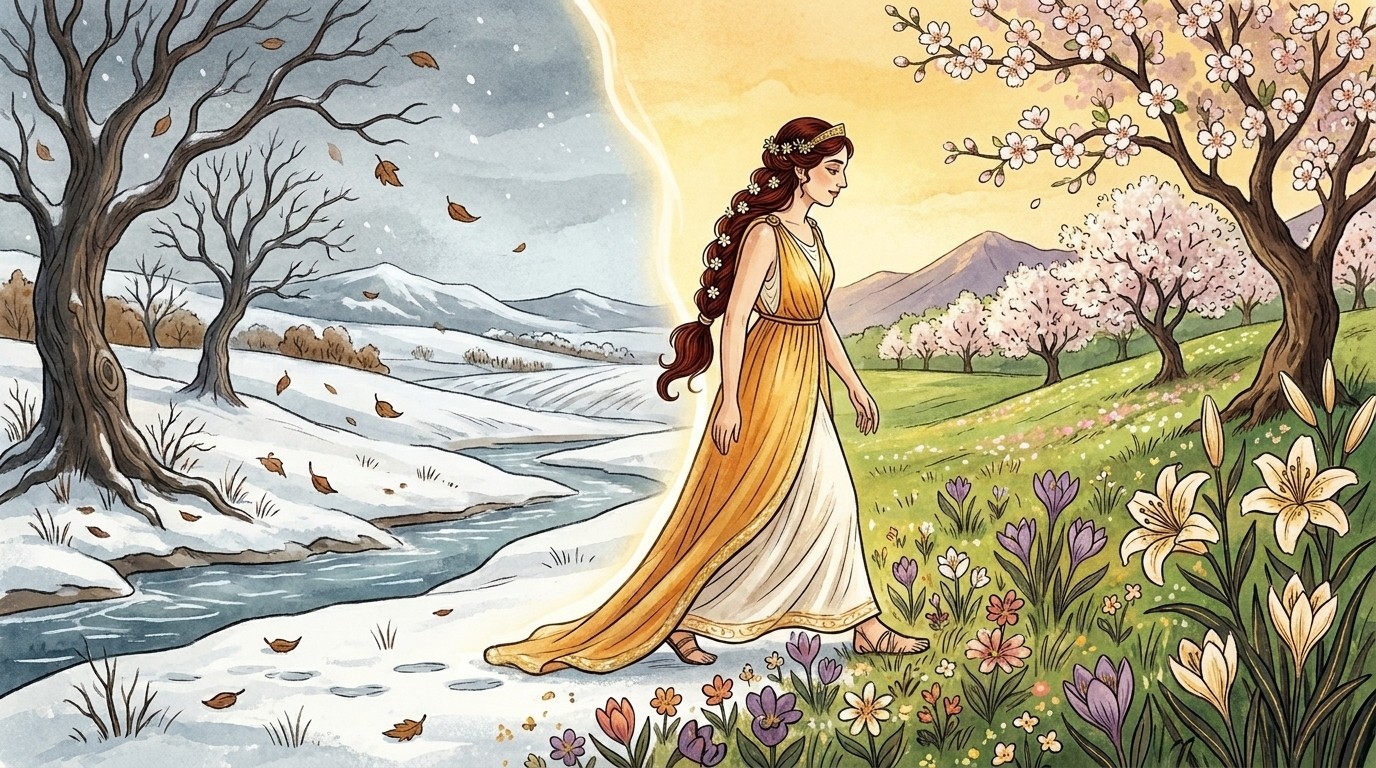
In our storybook illustration test, soft glows likewise became smooth bands and gradients, while outlines and flowers stayed crisp.
How do you get the best result from textured art?
- Start large: more pixels mean smoother edges, even if the texture goes.
- Fewer colours for a cleaner, poster-like result; more colours keep more tonal variation (and a bigger file).
- Keep gradients on in Auto mode for soft washes (why gradients matter).
- Combine: SVG for sharp outlines and lettering, the original image for texture underneath.
Questions
Can SVG store texture?
Not efficiently. Texture is millions of tiny variations; as vectors that would mean huge files that are slow to open. SVG is best for shapes, lines and smooth fades.
How do I keep the watercolour look and still get a vector?
Use the SVG for the sharp parts (outlines, lettering) and place the original texture underneath as an image in your design app, or print the original at high resolution.
Will a watercolour SVG work for cutting?
Yes, if you trace it with a cut mode: the shapes become flat cut layers. The texture won’t carry over, which is usually what you want for vinyl.