For a drawing made only of lines, use Line art mode: each line becomes one smooth stroke with its own width, ideal for pens, plotters and editing. If the drawing also has colour areas, use Auto, which traces lines and colour blocks as filled shapes and keeps everything in place.
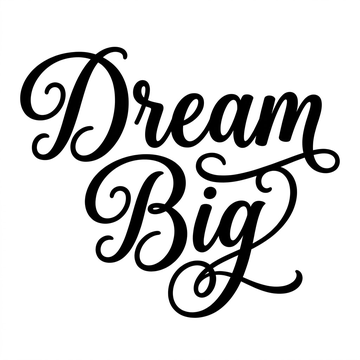
One-line drawings, sketches and minimalist line art are everywhere on Etsy and Pinterest, and people want them as SVG for prints, engraving, embroidery software and cutting. Line art is also one of the hardest things to trace well, because the lines are thin and every wobble shows. Here’s what works.
Should line art be traced as strokes or as filled shapes?
| Strokes (Line art mode) | Filled shapes (Auto / Logo) | |
|---|---|---|
| What you get | A centre line with a width per line | The outline of each line, filled |
| Best for | Pen plotters, laser engraving paths, easy editing | Exact look, print, cutting machines |
| Varying line thickness | One width per stroke | Kept exactly |
| Colour areas | Not supported | Kept as their own shapes |
What did we find on a real drawing?
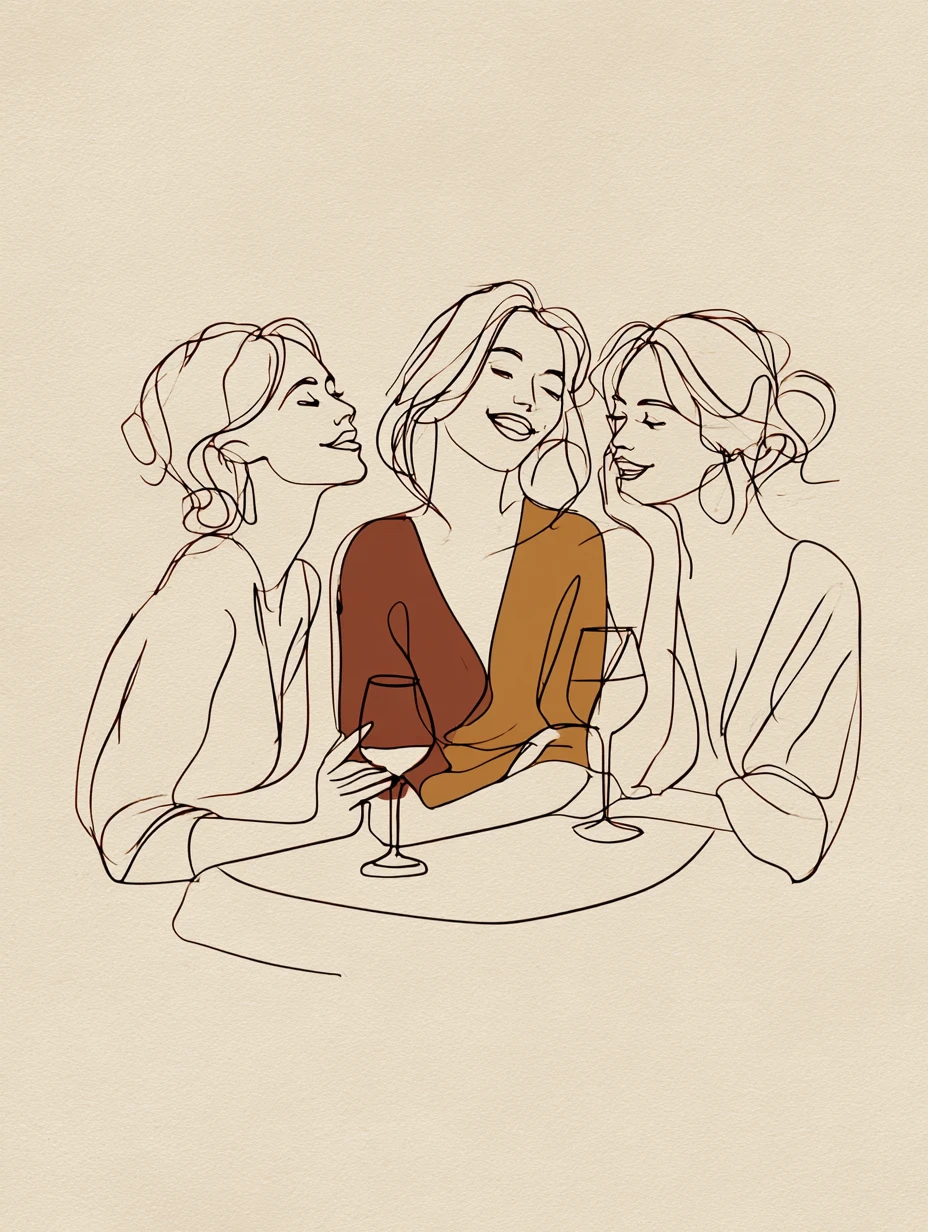
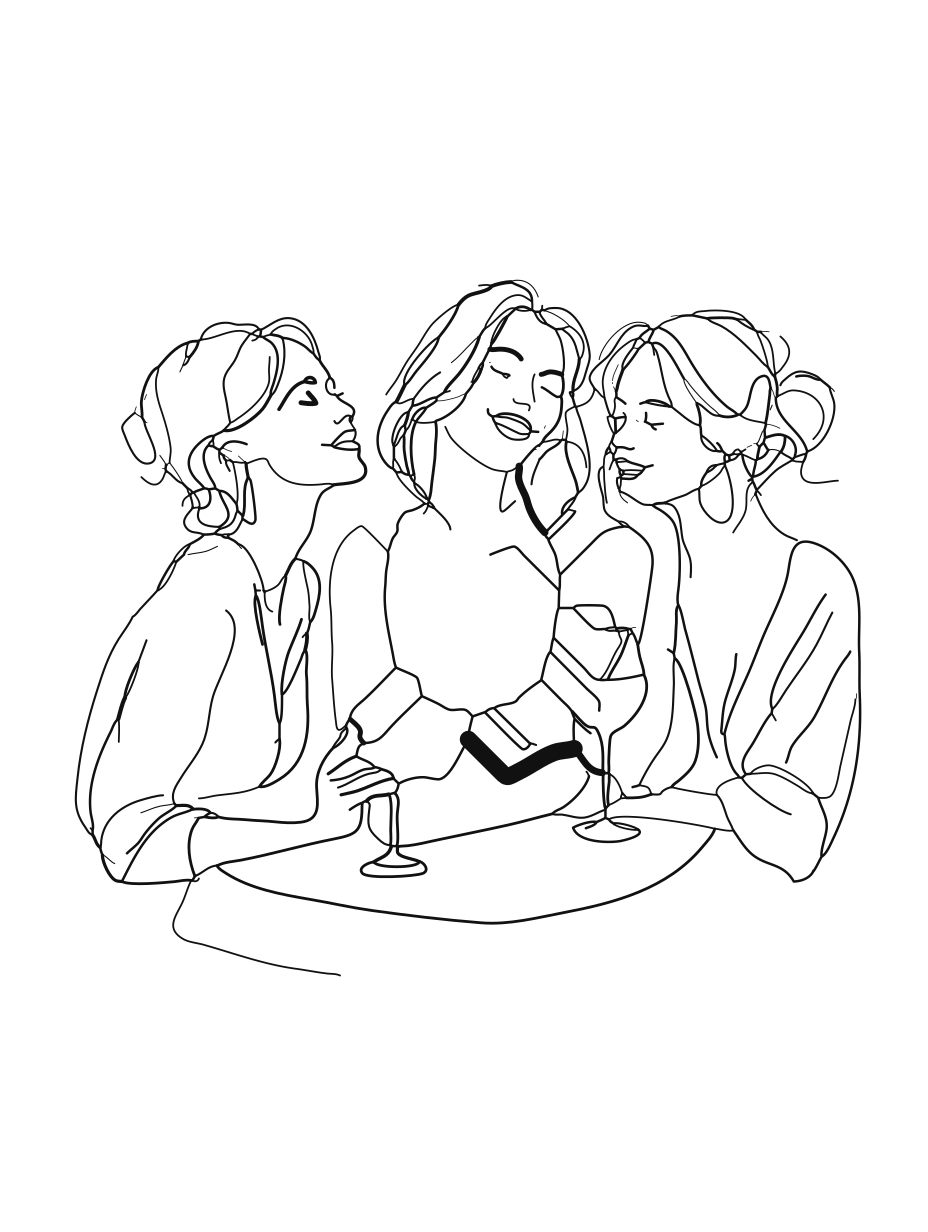
We tested an AI-made one-line drawing of three friends at a table (928 × 1,232 px), with two coloured blocks behind the middle figure.
- Auto mode: the lines stayed thin and smooth, the two colour blocks stayed flat, and the cream paper stayed as the background.
- Line art mode: 14 smooth strokes, 39 KB, with widths from under 1 px to 2 px for the drawing itself. But the two colour blocks don’t belong in a line drawing, so that mode turned them into a stray thick stroke. For drawings with colour areas, Auto is the right choice.
Should I remove the paper background?
Usually not for line art. On our drawing, background removal took the paper away around the figures but not inside the closed shapes (faces, hair), which looked patchy. Keeping the paper, or deleting it in a vector app afterwards, gave the cleaner result. More on that in should you remove the background before vectorizing?
Tips for tracing line art
- Size matters most: the thinnest line should be at least 3–4 pixels wide in the source.
- High contrast helps: dark lines on a plain light background trace far better than grey pencil on textured paper.
- For cutting, use Logo / 1 colour and check thin lines at the final size.
Questions
What’s the difference between strokes and filled shapes?
A stroke is a centre line with a width, like a pen line. A filled shape is an outline that is filled in. Strokes are easier to edit and plot; filled shapes reproduce the exact look of varying line thickness.
Can I cut line art on a Cricut?
Cutting machines follow outlines, so very thin lines become fragile cuts. For cutting, use Logo / 1 colour, which turns the drawing into one filled shape, and make sure the thinnest line is at least about 1 mm at the final size.
Why do my lines look wobbly after tracing?
Usually the source is small or soft. Use a bigger, sharper copy; thin lines need several pixels of width to trace smoothly.