
Work out the pixels first: print inches × DPI. For large wall art, 150 DPI is a common minimum, so an 18 × 24 inch poster needs at least 2,700 × 3,600 pixels and a 24 × 36 inch poster 3,600 × 5,400. Most AI images fall well short, so vectorize art with clear shapes, or AI-upscale painterly art, then export at the full print size.
Large-format prints are one of the best things to sell from AI art, and also where weak files show most. A soft image on a phone screen is a blurry mess at two feet tall. Here’s how to work out what you need, with a real test.
How many pixels does a poster need?
| Poster (inches) | Minimum, 150 DPI | Best, 300 DPI |
|---|---|---|
| 12 × 18 | 1,800 × 2,700 | 3,600 × 5,400 |
| 18 × 24 | 2,700 × 3,600 | 5,400 × 7,200 |
| 24 × 36 | 3,600 × 5,400 | 7,200 × 10,800 |
Printify recommends 300 DPI in general and asks for 120–150 DPI on very large items, so these two columns are a sensible range. Print shops vary, so check before you order.
What happened in our poster test?
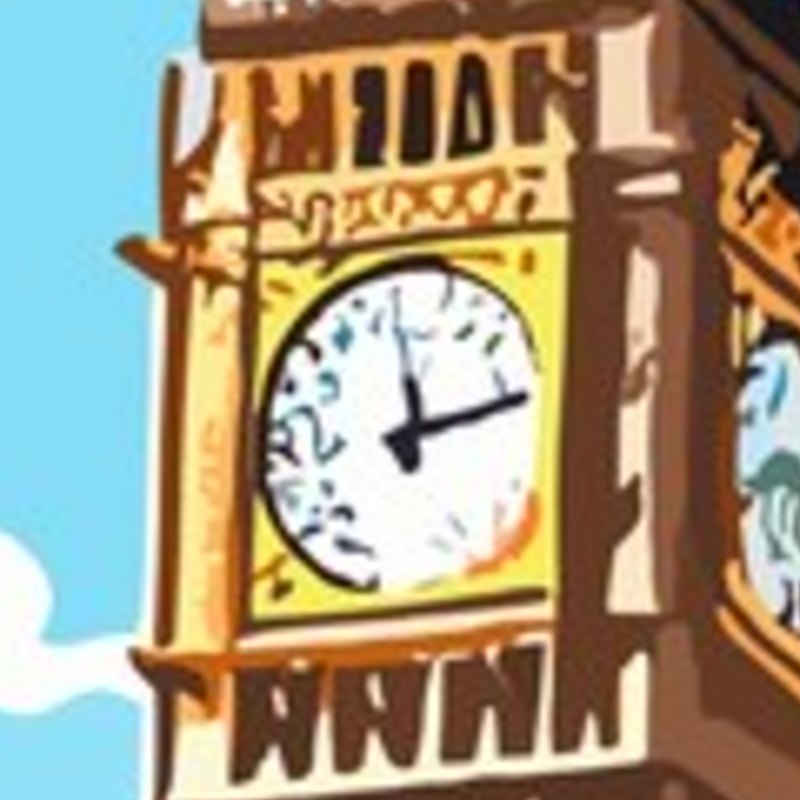
We took a 960 × 1,280 px travel poster (a 3:4 shape, which suits 18 × 24 inches). At that size, the original gives only about 53 DPI.
| Route | Pixels | At 18 × 24 inches |
|---|---|---|
| Original JPG | 960 × 1,280 | 53 DPI, visibly soft |
| 4× upscale | 3,840 × 5,120 | 213 DPI, fine for a wall |
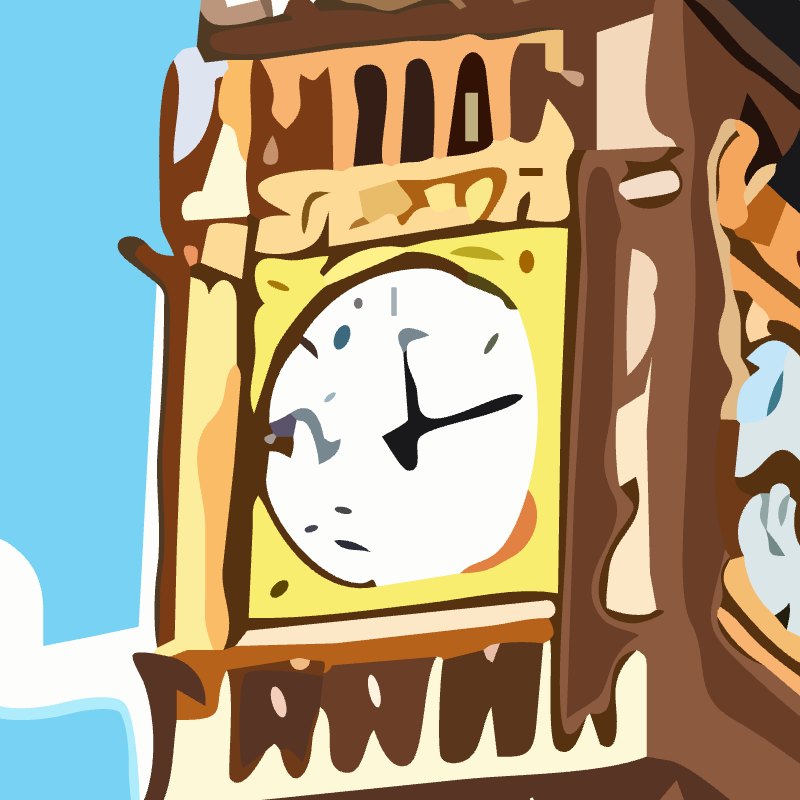
| Vector, exported | 5,400 × 7,200 | 300 DPI, clean edges |
Vectacle made the SVG in about 10 seconds: 1,484 shapes, 291 colours, 539 KB. The upscale row is simple multiplication, shown for comparison.
What are the steps?
- Choose your shape first. Ask the AI for the aspect ratio of the poster you want to sell.
- Ask for a style that scales. “Flat colours, clear outlines, screen-print style” vectorizes best.
- Download the largest version your AI tool offers.
- Vectorize in Vectacle and compare. If texture matters, use an upscaler instead.
- Fix any lettering. AI text is often garbled. Replace it in a design app.
- Export in SVG to PNG. Enter the width in inches and pick the DPI. It handles up to about 50 megapixels, so 24 × 36 works at 150 DPI, and 18 × 24 works at 300 DPI.
- Print one first. A single copy shows colour and sharpness before any buyer sees them.
Should you sell the print or the download?
Both can work. A digital download means no printing or shipping, but include several sizes and a short note on printing. Print on demand ships a finished product, but costs more per sale. Either way, remember to follow each marketplace’s AI rules; Etsy requires AI use to be disclosed in the listing.
Need the basics first? See what 300 DPI means and our print on demand file guide.
Does your print shop want a PDF? SVG to PDF makes a true vector PDF at the size of your artwork or a custom page.
Questions
What size should I sell as digital poster downloads?
Sell ratios rather than one size: 2:3 fits 24 × 36 in, 3:4 fits 18 × 24 in, and 4:5 fits 16 × 20 in. Include a file for each, so buyers don’t have to crop.
Can I print a poster from a 1,024 px image?
Only small. At 150 DPI it is about 6.8 inches wide. A vector or an upscale is needed for a real poster.
JPG or PNG for a poster?
Either works at high quality. Printful suggests JPEG for full-coverage posters and canvas where file size matters. PNG suits designs with sharp edges.
Do I need bleed?
If the art runs to the paper’s edge, usually yes. Print shops often want about 0.125 inch extra on each side, but ask yours.
Sources: Printify Help: print file requirements · Printful Help: preparing a print file