Most AI images come out around 1,000–2,000 pixels wide, which at 300 DPI prints only about 3–7 inches wide. To sell it on bigger products, raise the quality first: download the largest version, then vectorize designs with clear shapes, or AI-upscale painterly and photo-like ones. Export a PNG at the exact size the product needs, and check the result up close before you list it.
An AI picture can look perfect on your screen and still print soft on a poster or a shirt. It isn’t your fault: screens need far fewer pixels than paper. Here is the whole route, for people who have never prepared a print file.
Why isn’t an AI image ready to print?
Print needs far more pixels than a screen. A common target is 300 pixels per inch, so a 1,024 px image is about 3.4 inches wide at full quality. A 15-inch shirt print at the same quality needs 4,500 pixels: more than four times wider.
What are the steps?
- Start from the biggest file. Use your AI tool’s upscale button and download the original, not a copy from a chat or social app.
- Check it up close. Look at hands, eyes, edges and any lettering. Regenerate or repair mistakes now; they will be bigger in print.
- Remove the background if the design goes on a shirt, sticker or mug.
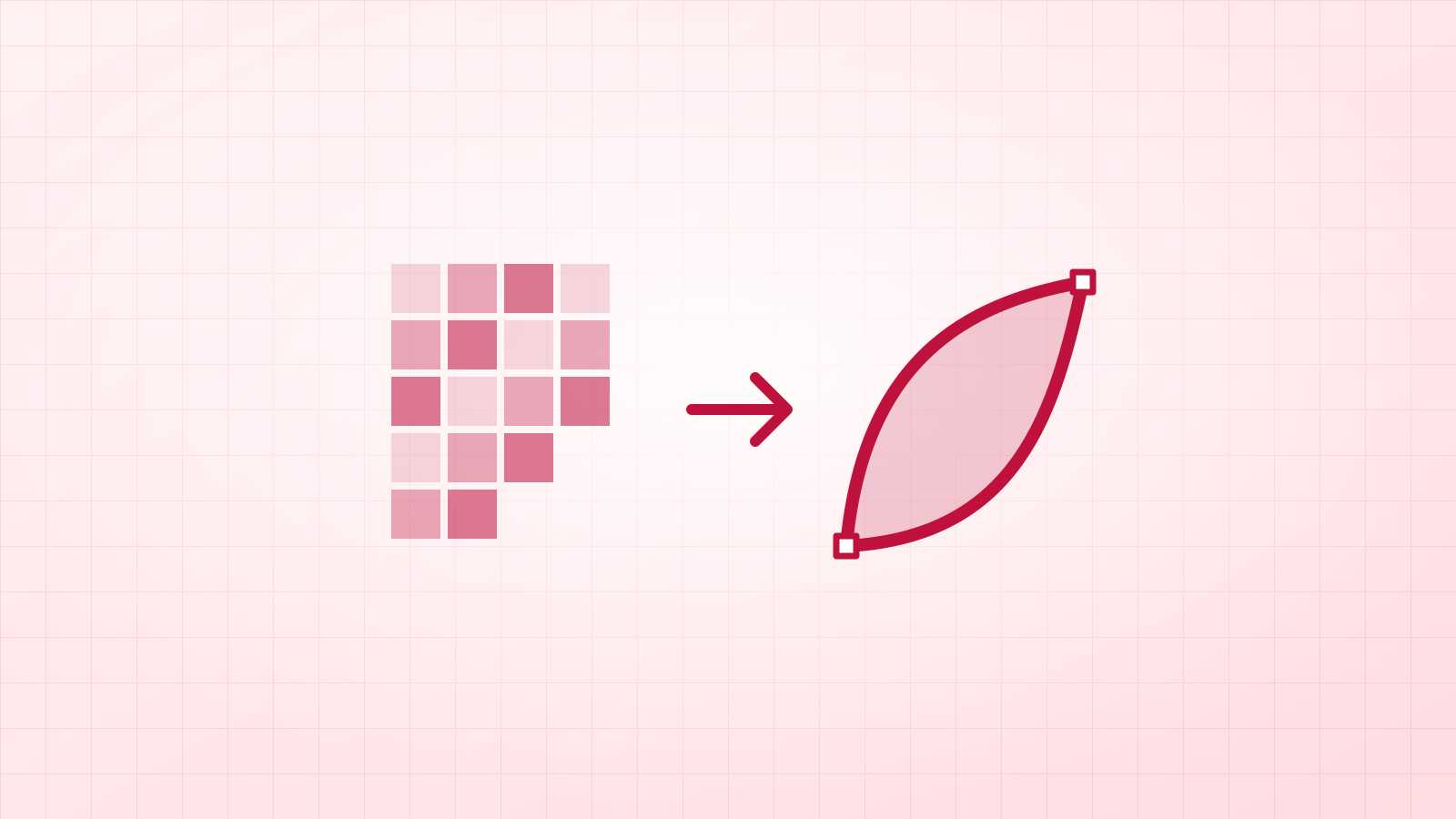
- Raise the quality. Vectorize clear designs; AI-upscale painterly or photo-like ones.
- Export for the product. Look up its print size and make a PNG to match.
- Order one sample before you sell. It is the cheapest quality check there is.
Which route suits your design?
| Your AI art | Best route | Why |
|---|---|---|
| Sticker, logo, line art, flat illustration | Vectorize | Sharp at any size, small file, easy to recolour |
| Poster-style art with clear shapes | Vectorize, then compare | Very sharp, with a slightly more graphic look |
| Watercolour or oil-paint look | AI upscale | The texture is the point; vectors simplify it |
| Photo-real image | AI upscale | Natural detail would turn into colour patches |
How much sharper is a vector?
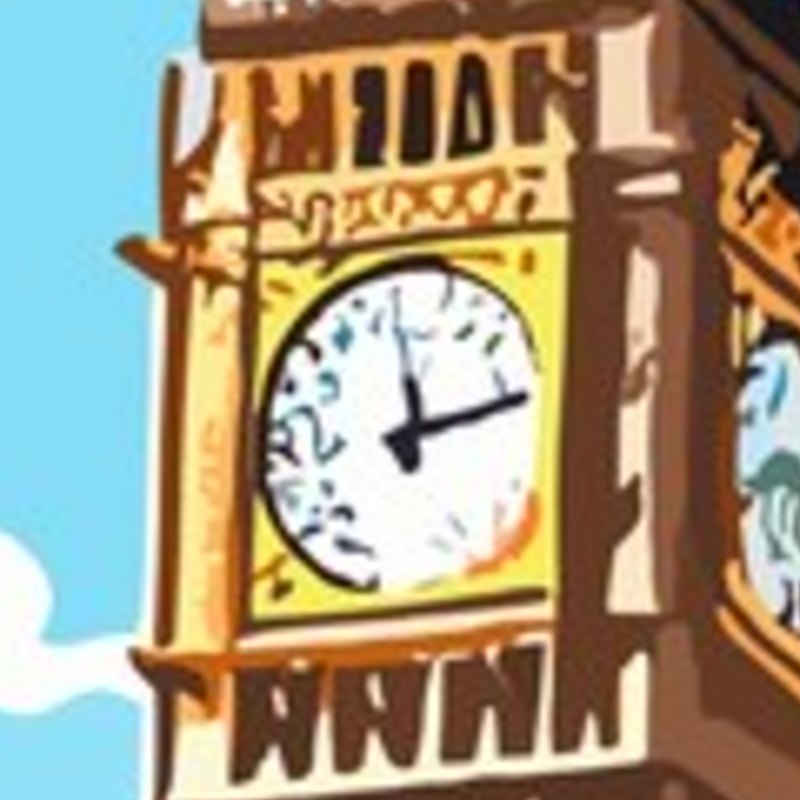
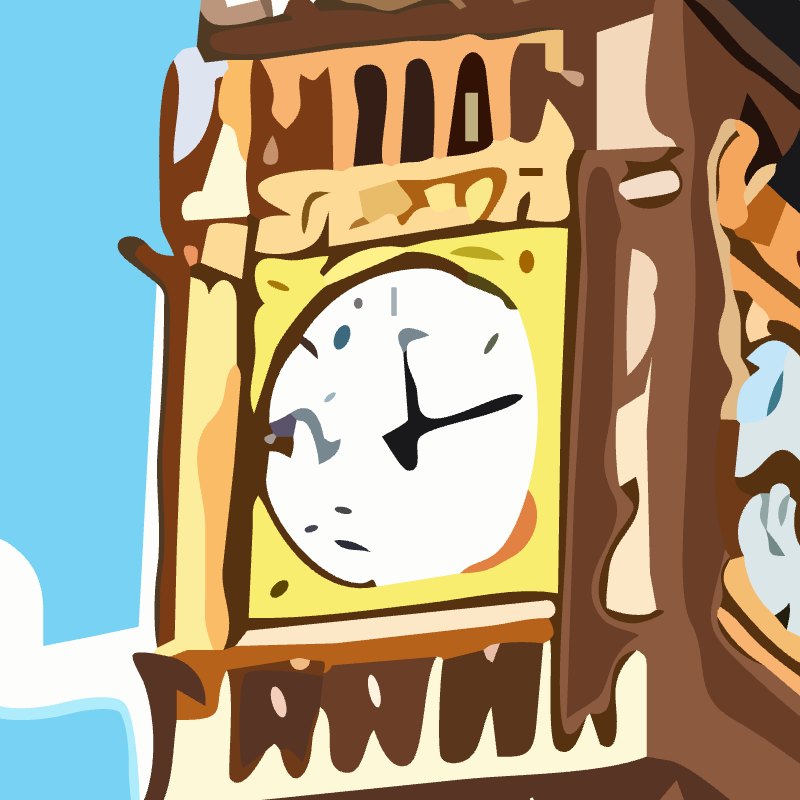
We vectorized a 960 × 1,280 px travel poster with Vectacle in about 10 seconds. It became 1,484 shapes in a 539 KB SVG. Here is a small part of it, enlarged about 6.7×:
From the SVG, the free SVG to PNG tool makes a PNG at the print size you type in, with a transparent background if your design has one.
What should you check before selling?
- The AI tool’s terms: some plans treat commercial use differently.
- The marketplace’s rules: Etsy, for example, requires AI use to be disclosed in the listing description.
- Trademarks: no brand logos, famous characters or team crests, even if the AI drew them for you.
- Your own honesty: if a buyer expects hand-painted work, tell them it isn’t.
For how style affects the result, see vectorizing AI storybook art.
Questions
Can I sell AI art on Etsy?
Etsy allows AI creations based on your own original prompts, listed as designed by a seller. You must say in the listing description that AI was used. Check Etsy’s current Creativity Standards, as rules can change.
Do I own the AI art I make?
It depends on the AI tool’s terms for your plan, and on local law. In the US, the Copyright Office says prompts alone aren’t enough for copyright, though human changes and arrangement can be protected. For a real business, ask a lawyer.
What makes AI art look cheap in print?
Soft edges, blotchy JPEG artefacts, warped hands and garbled letters. Enlarging makes all of them easier to see, so check at full size before you list.
What AI style is easiest to sell as print?
Flat colours and clear outlines: stickers, line art, logos and simple illustrations. They stay sharp, recolour easily and suit shirts, mugs and vinyl.
Sources: Etsy: Creativity Standards · Printify Help: print file requirements · US Copyright Office: AI report, Part 2