PNGJPGWebPSVG
Images to SVG with real gradients
Most tracers turn a smooth sunset into dozens of stripes. Vectacle finds the fades and draws them as true SVG gradients, so skies and shading stay smooth.
- Cut files for Cricut & Silhouette
- Real gradients
- Crisp small text
- Nothing is stored
- Upscaling small image
- Reading colours
- Sharpening edges (AI)
- Tracing shapes
- Smoothing curves
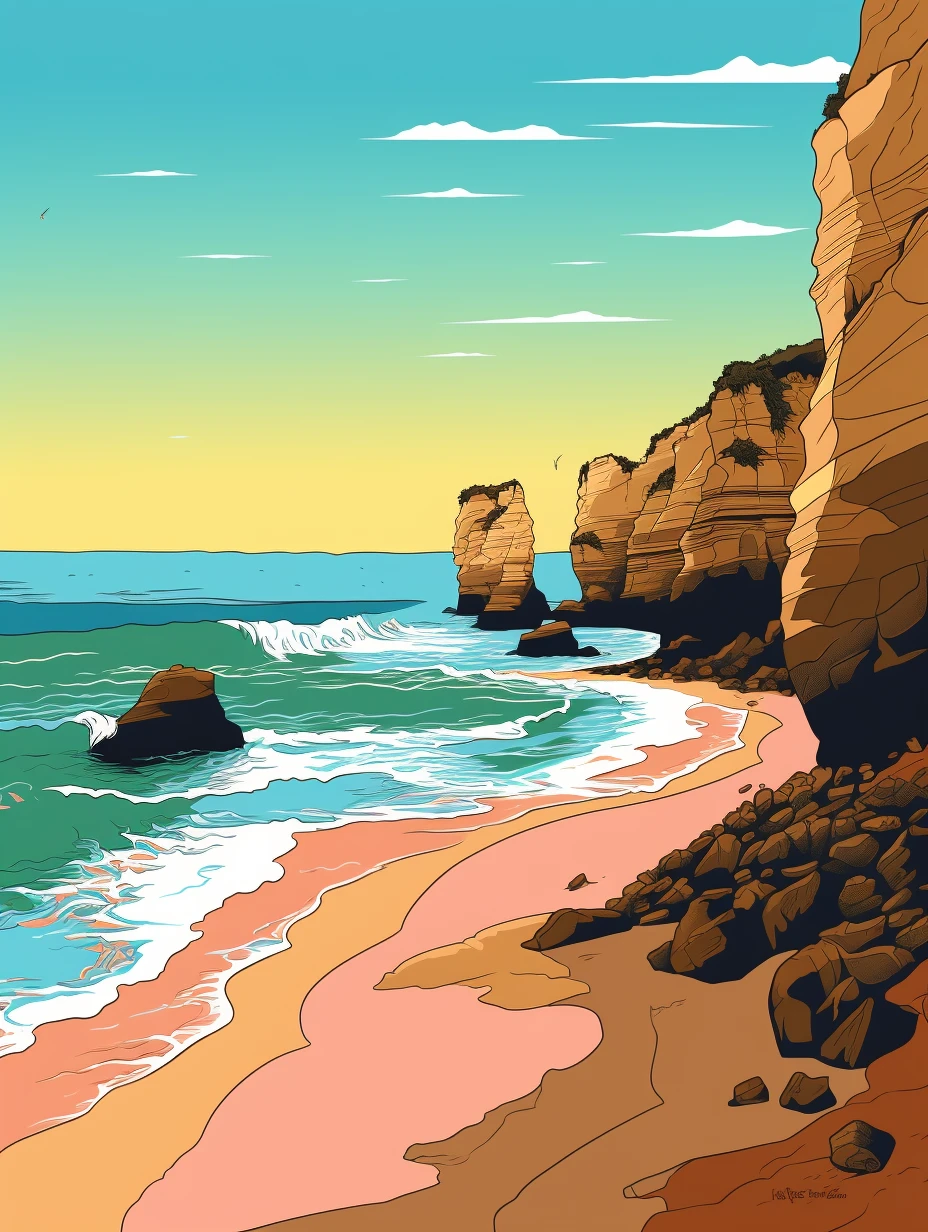
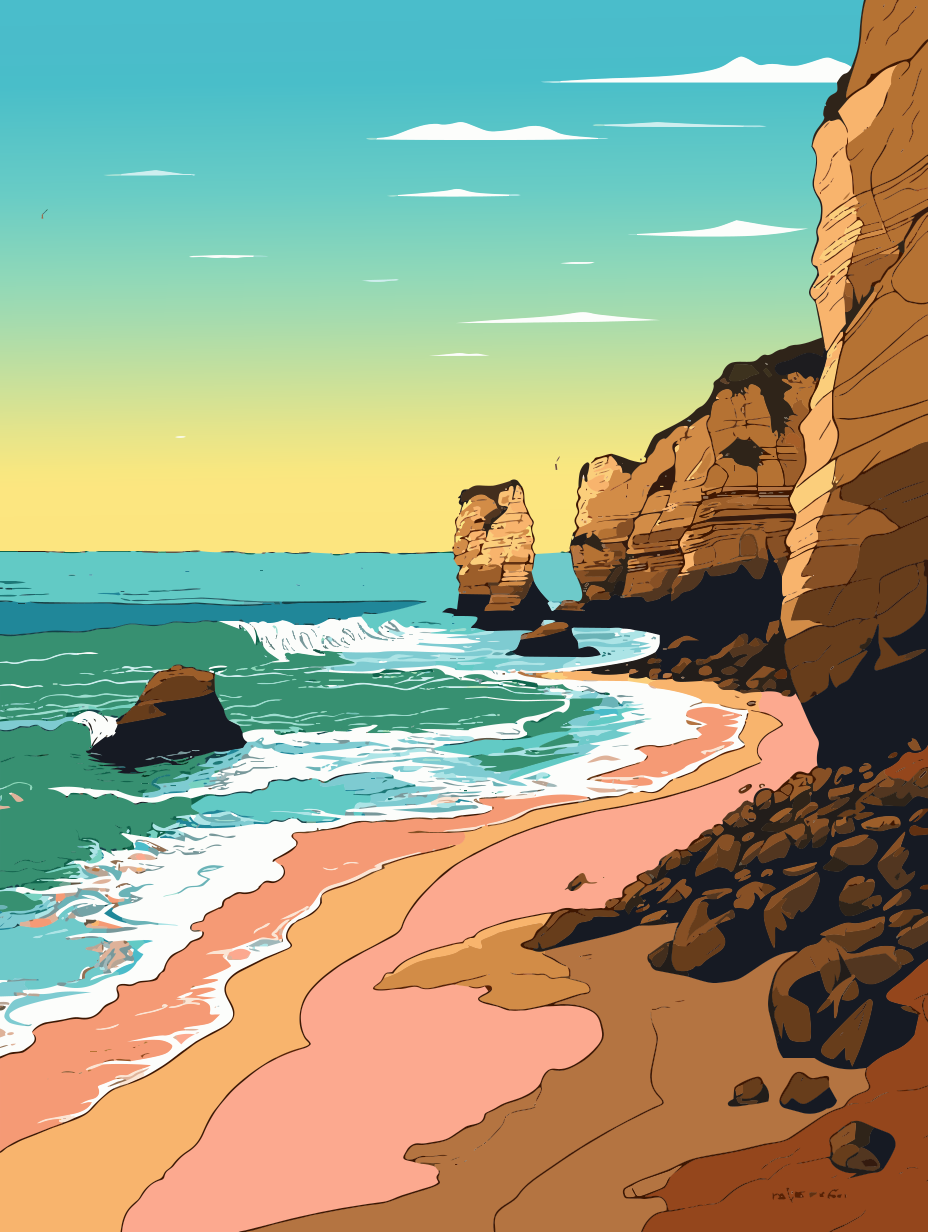
Stripes vs. real gradients
Typical tracer
A sunset becomes 30–100 flat colour bands. You see the steps, the file is large, and recolouring it means editing every band.
Vectacle
The same sky becomes one shape with one gradient fill. It looks like the original, prints smoothly, and you can change the colours in two clicks.
Glows and light
Round glows, like a sun or a lamp, become radial gradients, layered over linear fades where both are present.
Only where it’s really smooth
Flat areas stay flat and edges stay crisp. Gradients are used only where the original truly fades.
How to convert an image with gradients
- Drop your image: a PNG, JPG or WebP. Illustrations, posters, logos with fades and AI art work well.
- Keep Auto, open More options and tick Smooth gradients.
- Zoom in on the fades and compare them with the original.
- Download the SVG. The gradients are standard SVG and stay editable in any vector app.
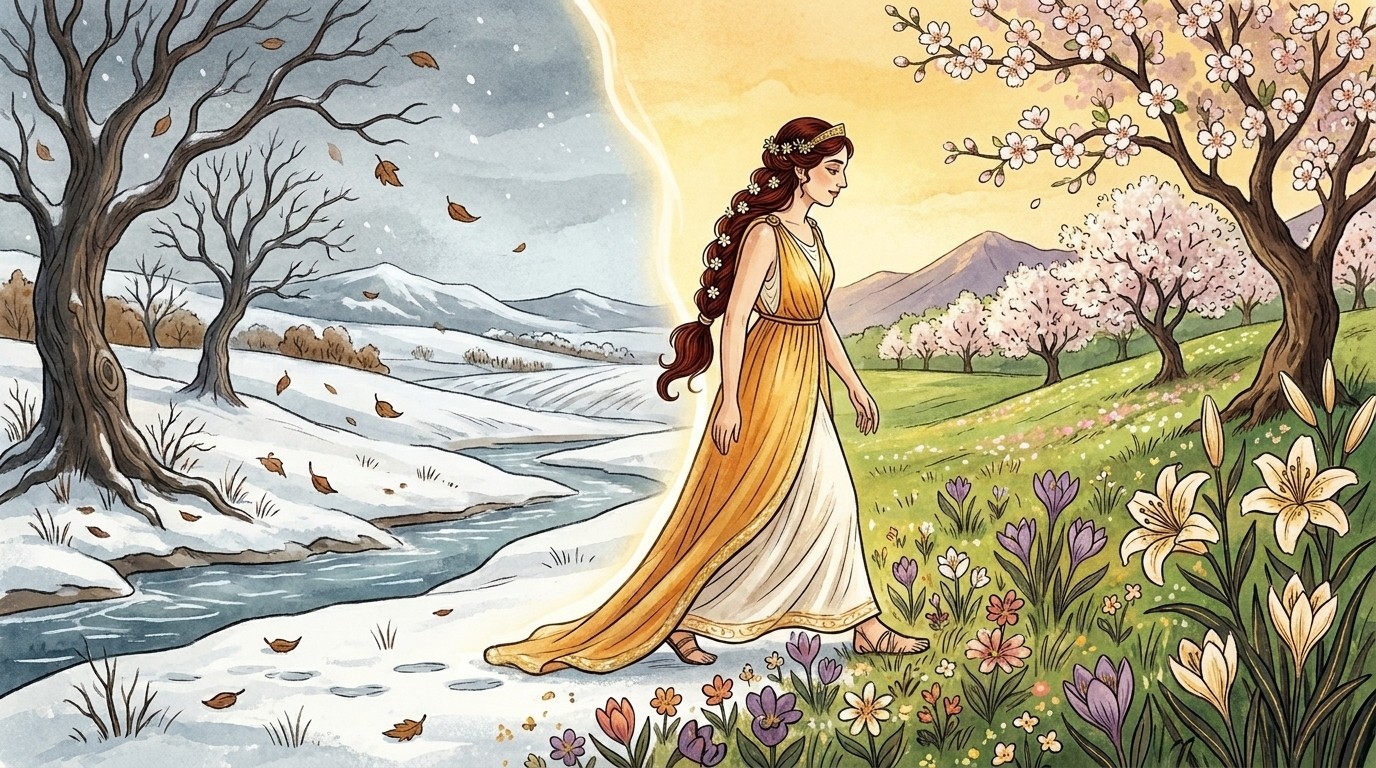
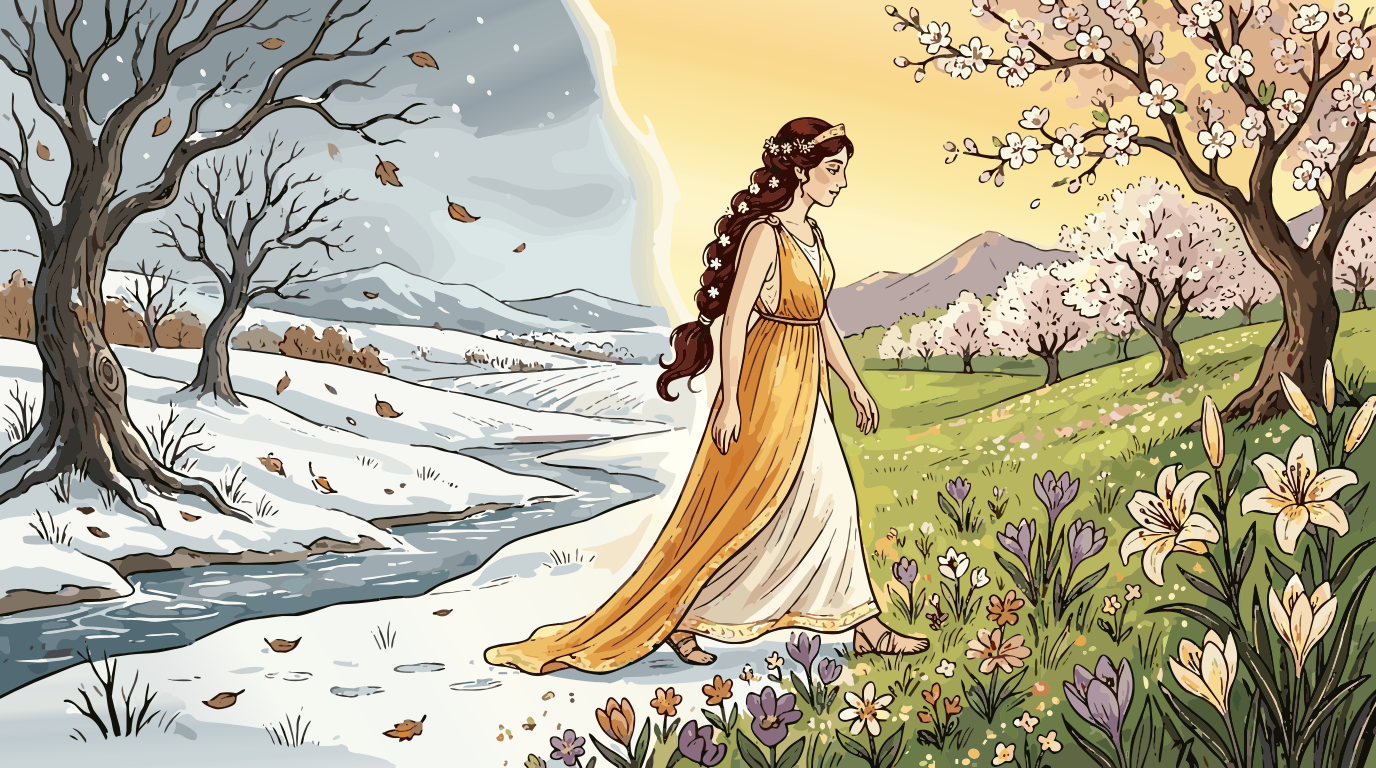
More examples
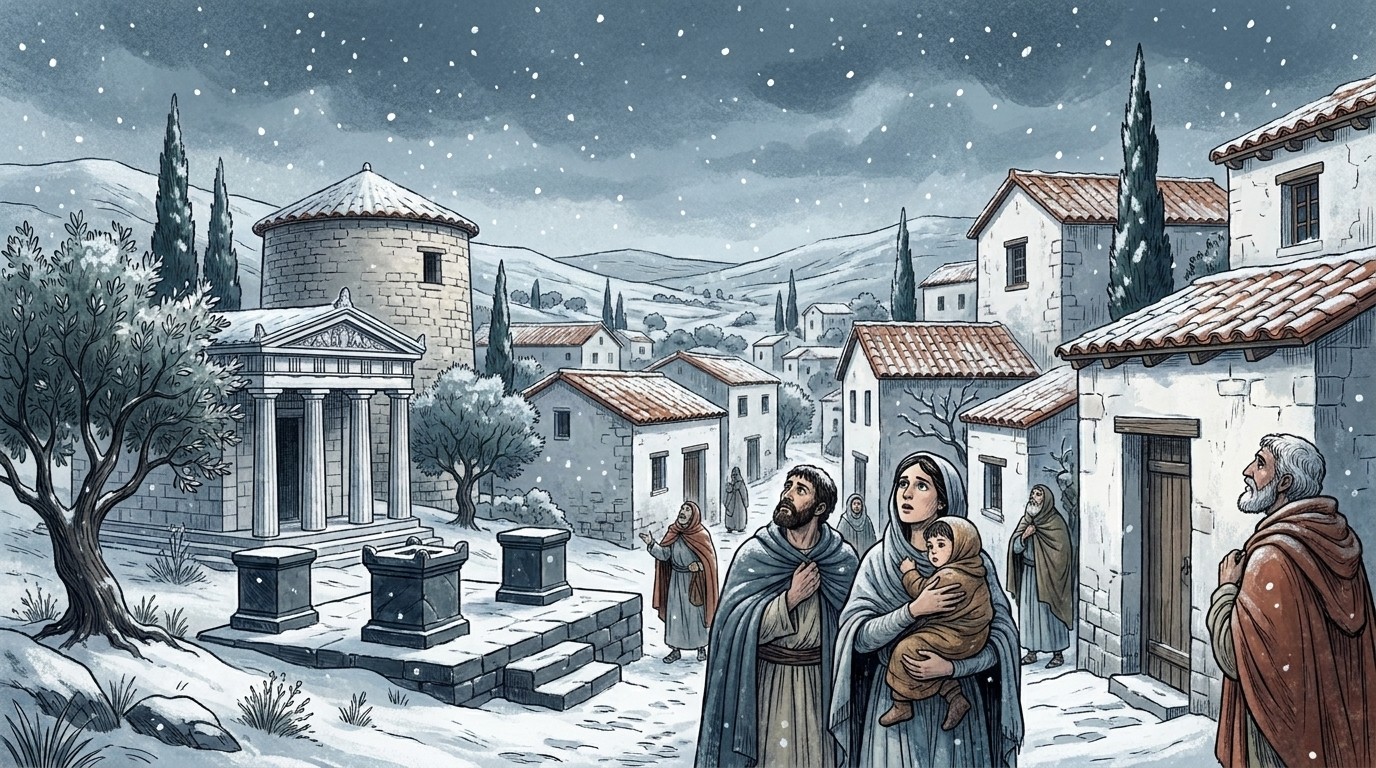
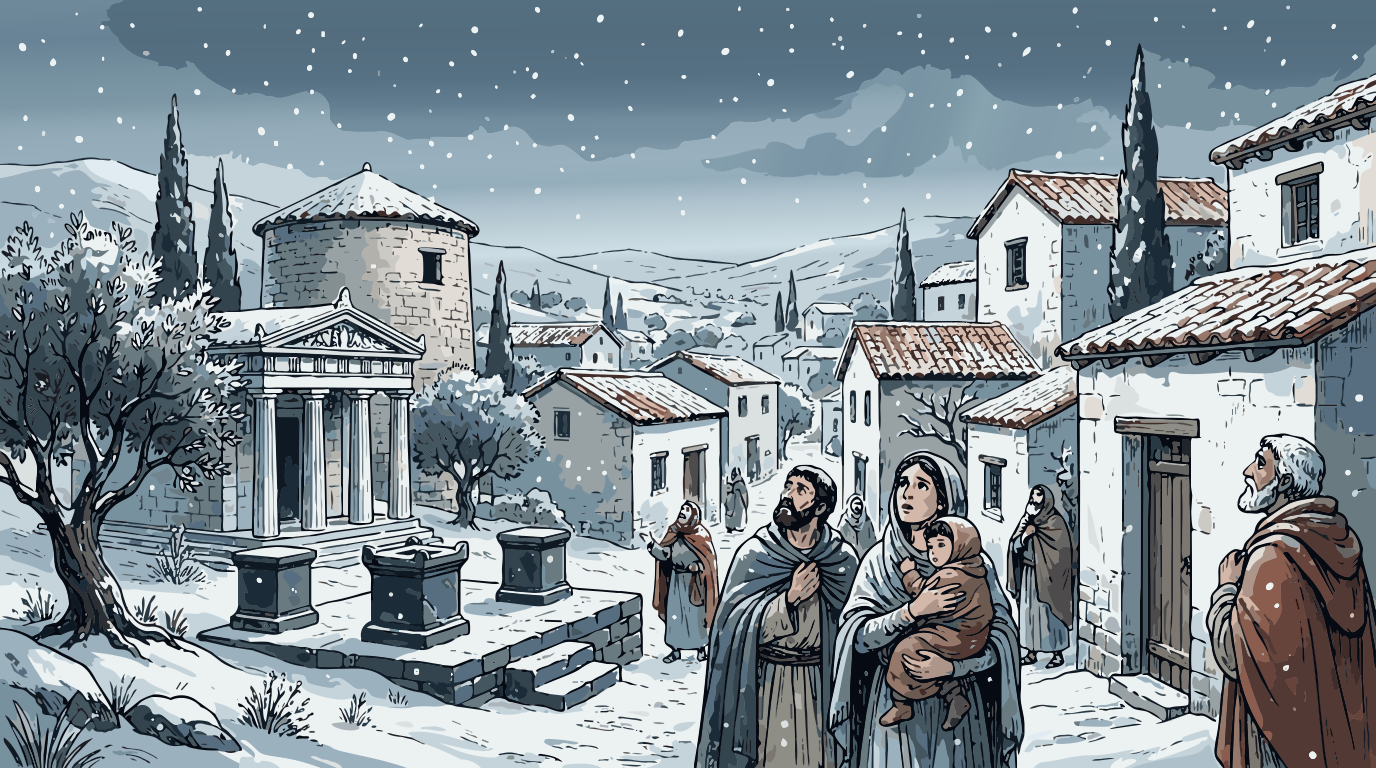


Guides and articles
Questions
What kind of gradients does Vectacle make?
Linear gradients (straight fades, like a sky) and radial gradients (round glows), and both together where a design has a fade and a glow on top of each other. They are standard SVG gradients that open in Illustrator, Inkscape, Figma and browsers.
Why do other converters make stripes?
Most tracers can only fill a shape with one flat colour. A fade gets cut into many flat bands, which looks stripy and makes the file much bigger. Vectacle checks each area and uses a gradient where the original is truly smooth.
Can I turn gradients off?
Yes. Gradients are only used if you tick Smooth gradients under More options. Cut-file modes (Logo / 1 colour, Clip art / stickers) always use flat colours, because cutting machines can’t cut a gradient.
Will gradients work in Cricut Design Space?
Design Space handles gradients only for Print then Cut. For vinyl and other cut projects, use a cut-file mode, which gives flat colour layers.
Is it free and private?
Yes, free while Vectacle is new, and your image is not stored.