PNGJPGWebPSVG
AI art and illustrations to vector
Made a picture with Midjourney, DALL·E, Firefly or Ideogram? Turn it into an SVG that prints sharp on a poster, a mug or a shirt.
- Cut files for Cricut & Silhouette
- Real gradients
- Crisp small text
- Nothing is stored
- Upscaling small image
- Reading colours
- Sharpening edges (AI)
- Tracing shapes
- Smoothing curves
How to turn AI art into a vector
- Download your image from the AI tool at the largest size it offers (use its upscale button first if it has one).
- Drop it in above. Auto reads the style and picks the colours.
- Zoom in and compare faces, hands, text and fine lines with the original.
- Use Remove background for sticker-style art on a plain background.
- Download the SVG for print and editing, or a large PNG or PDF.
AI illustrations, vectorized
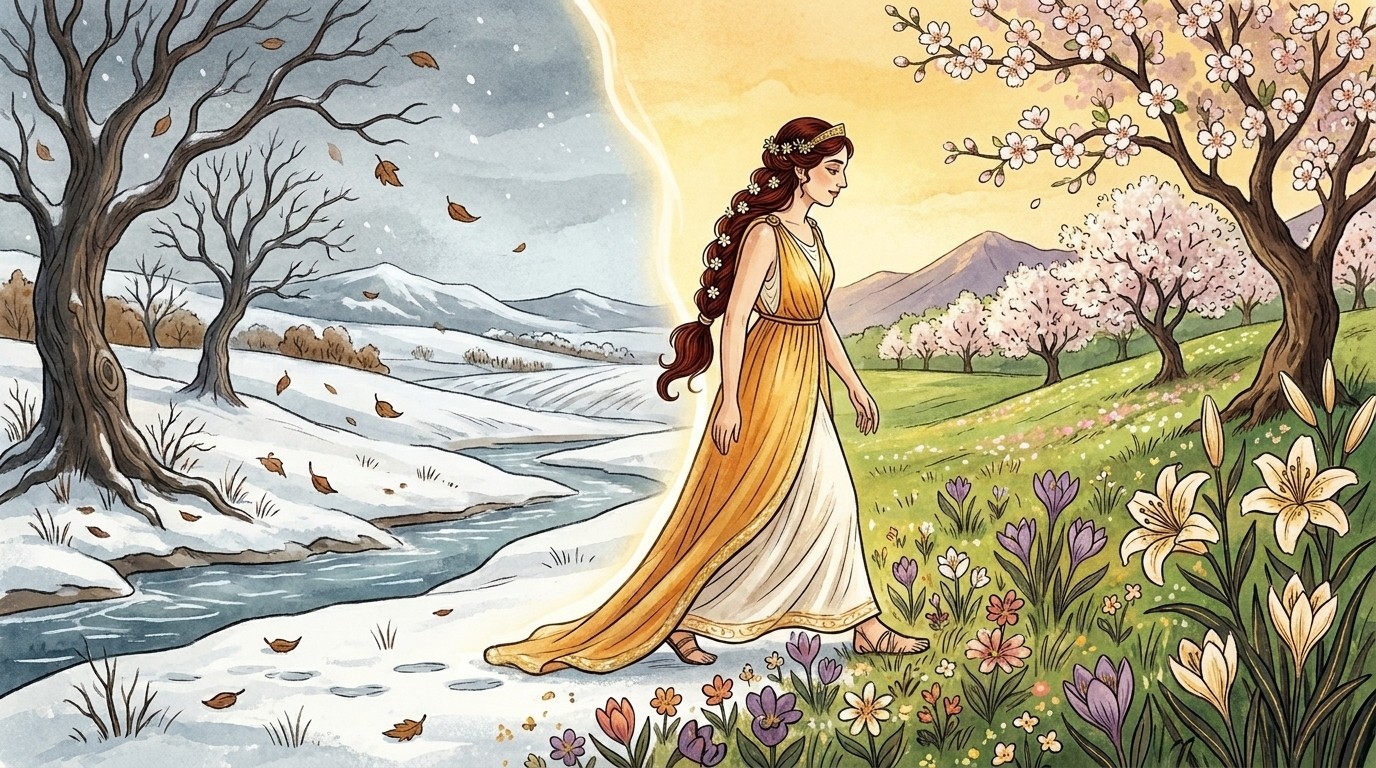
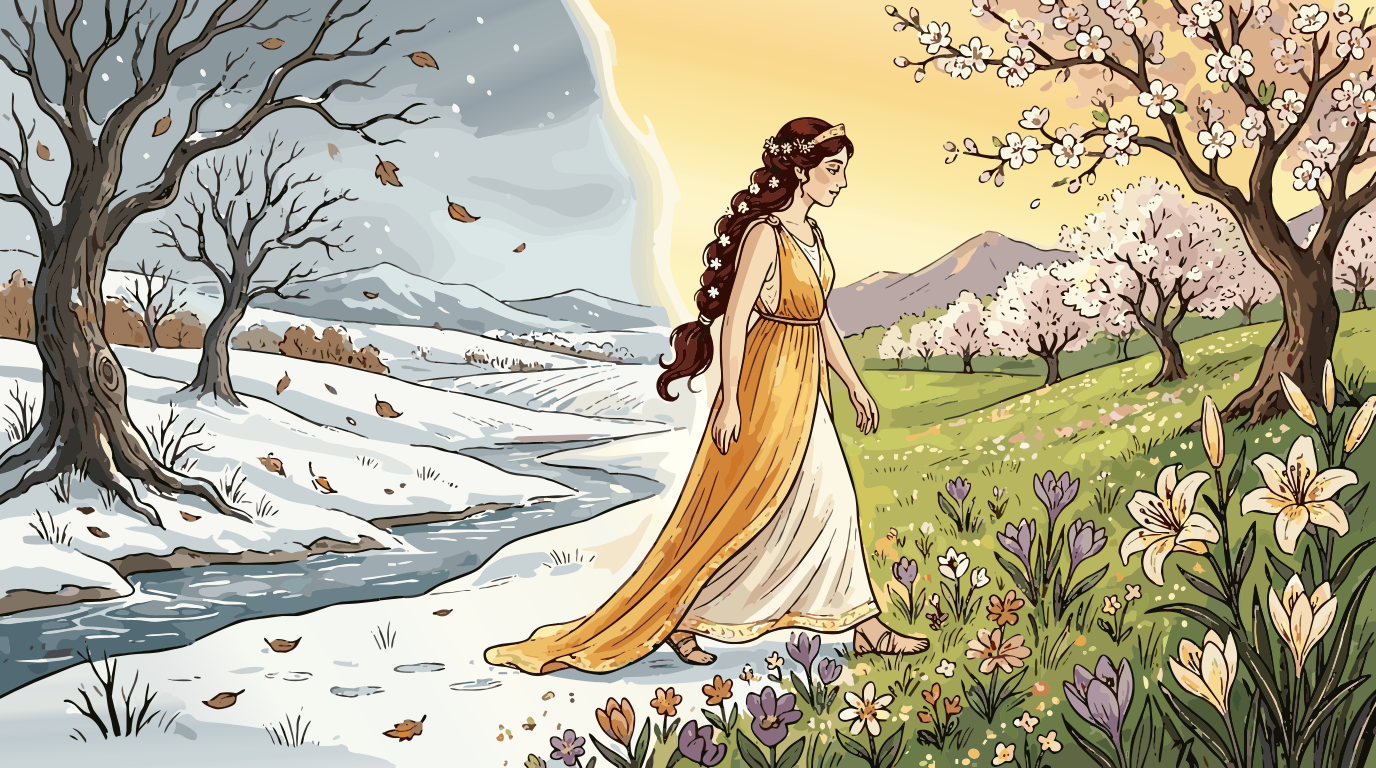
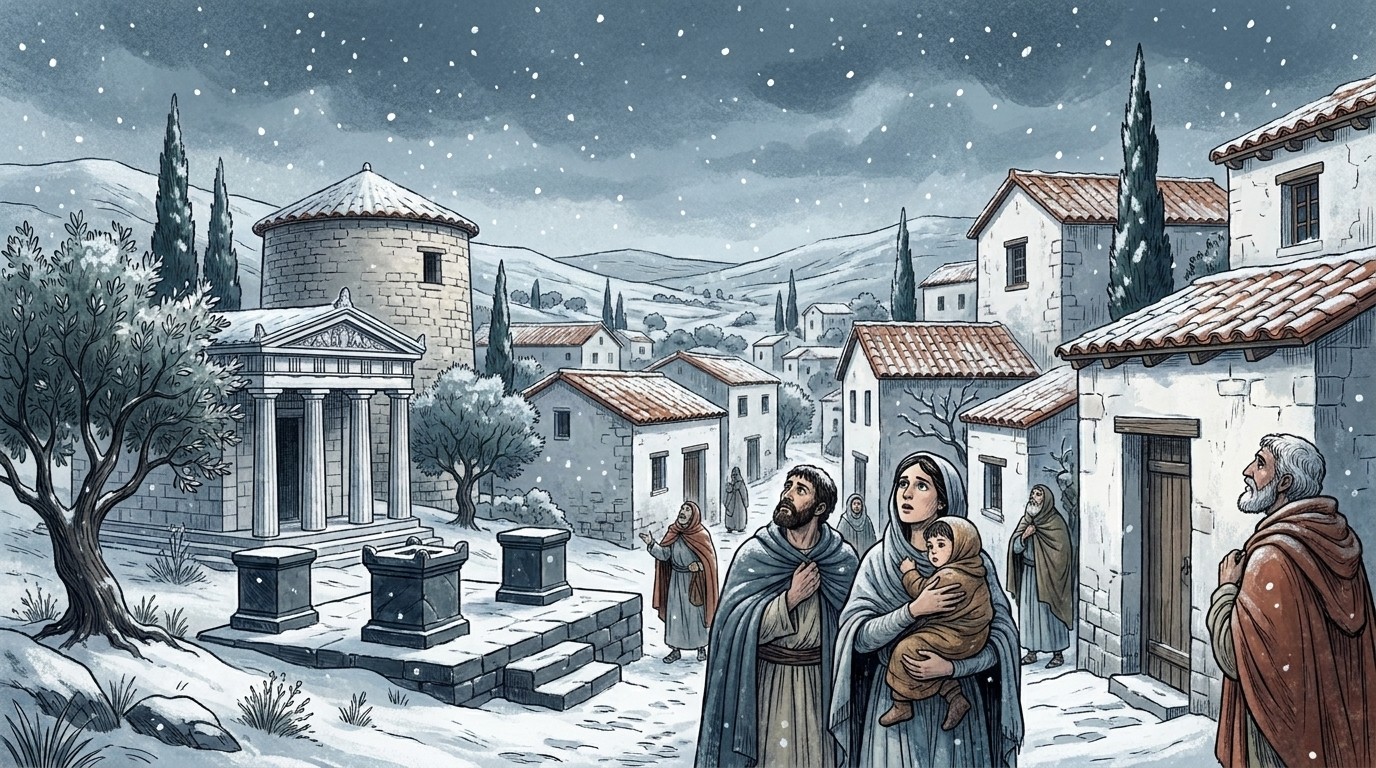
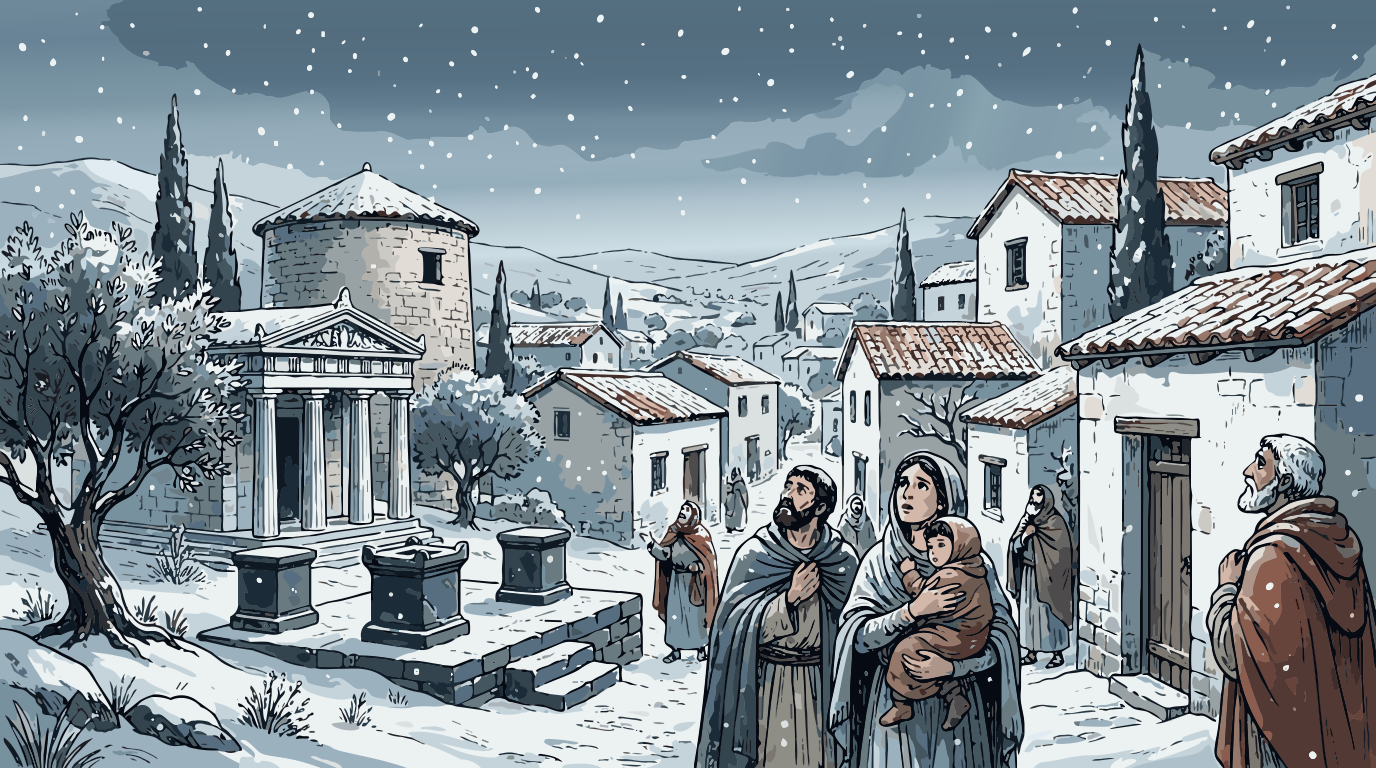
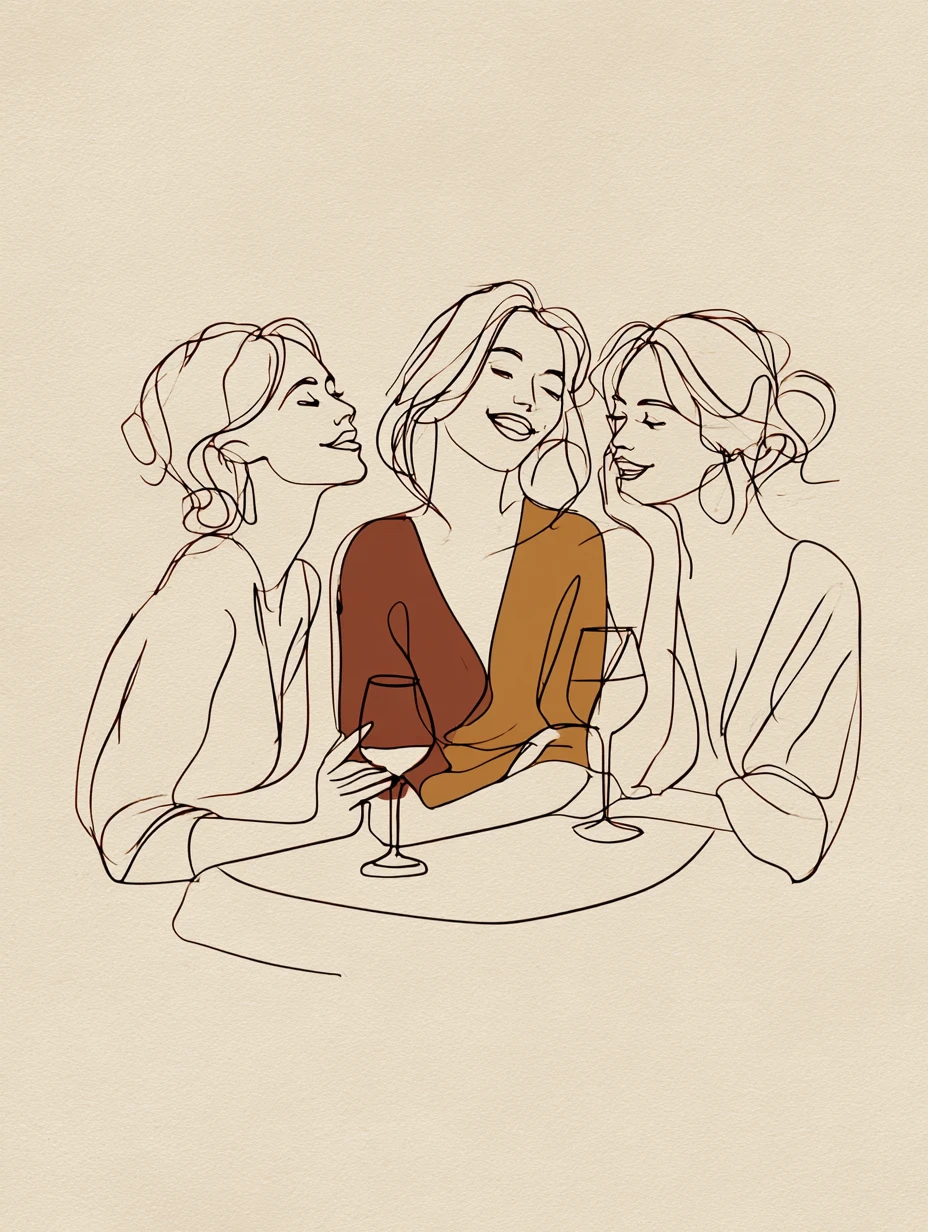
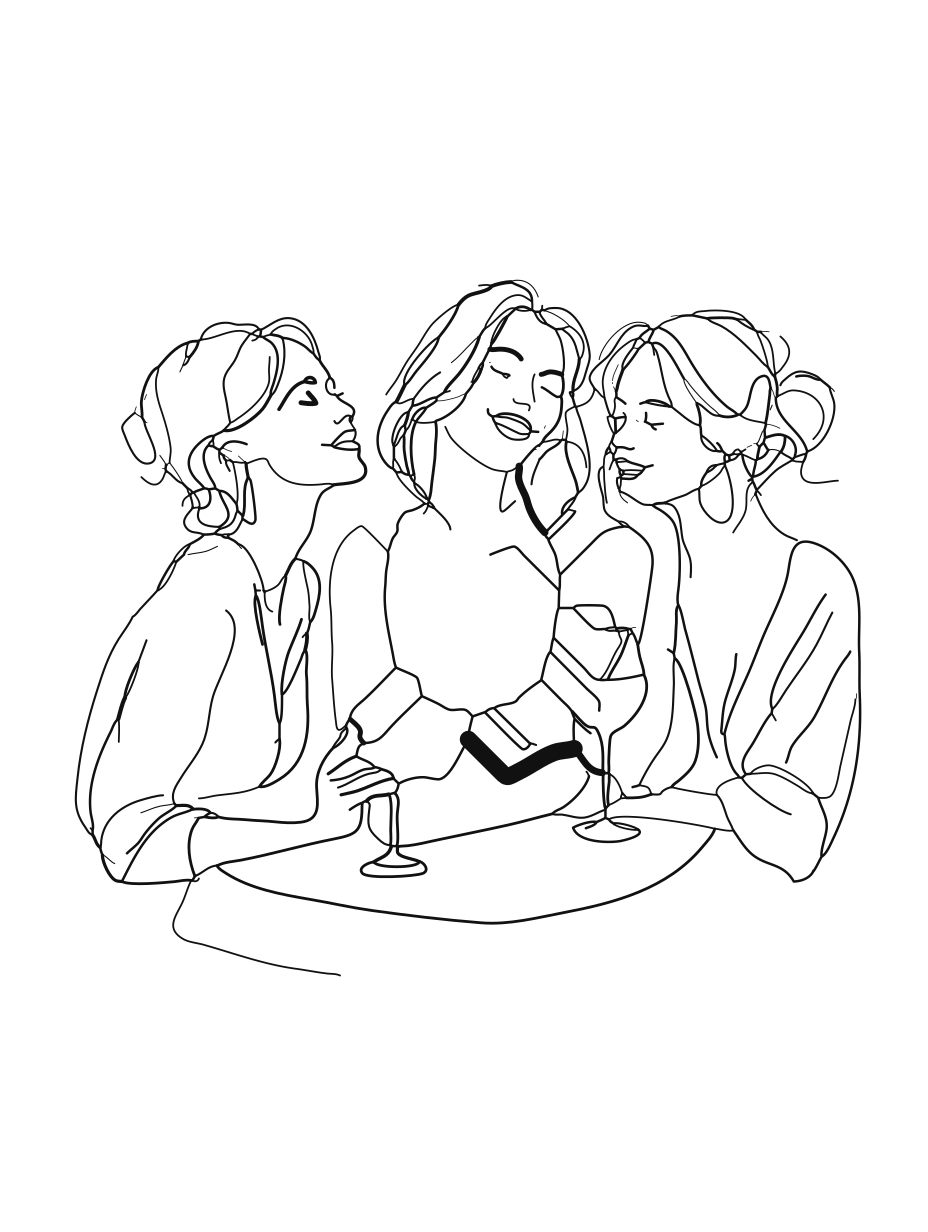
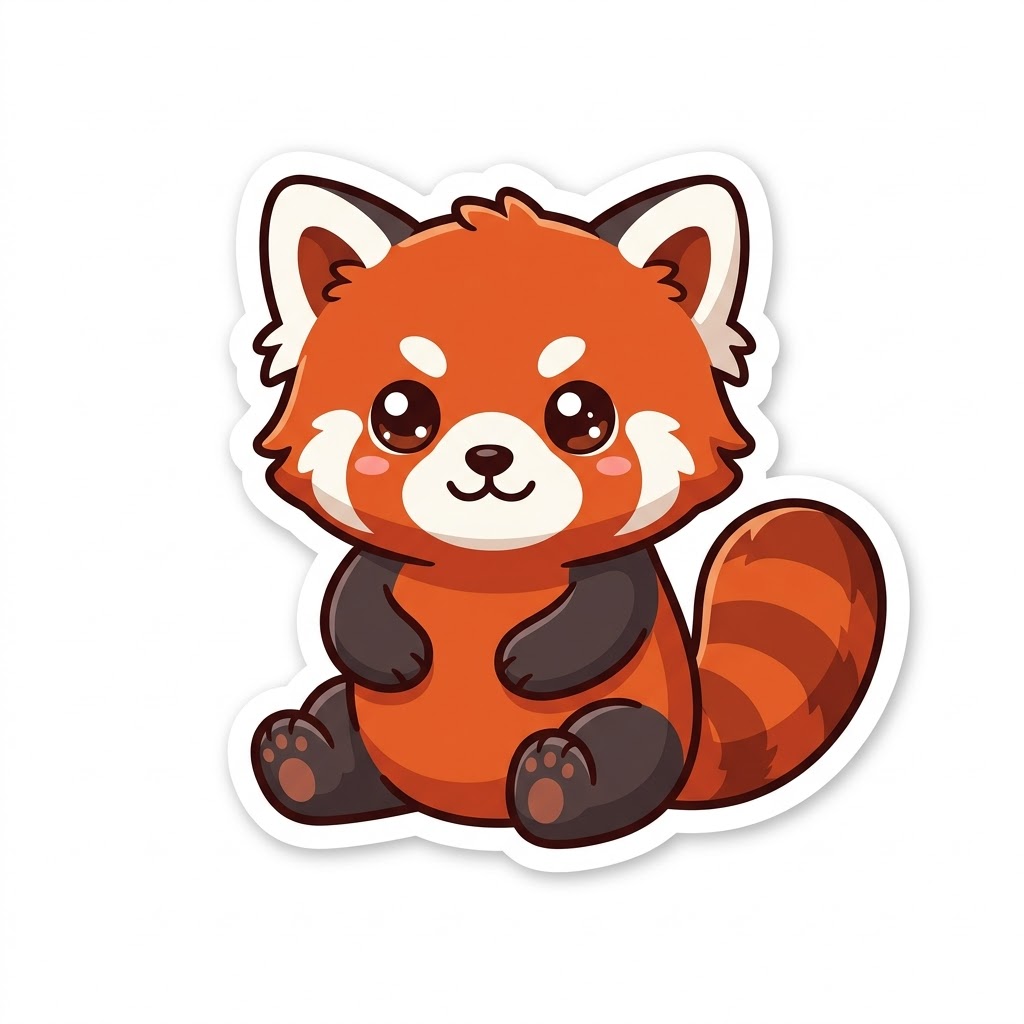
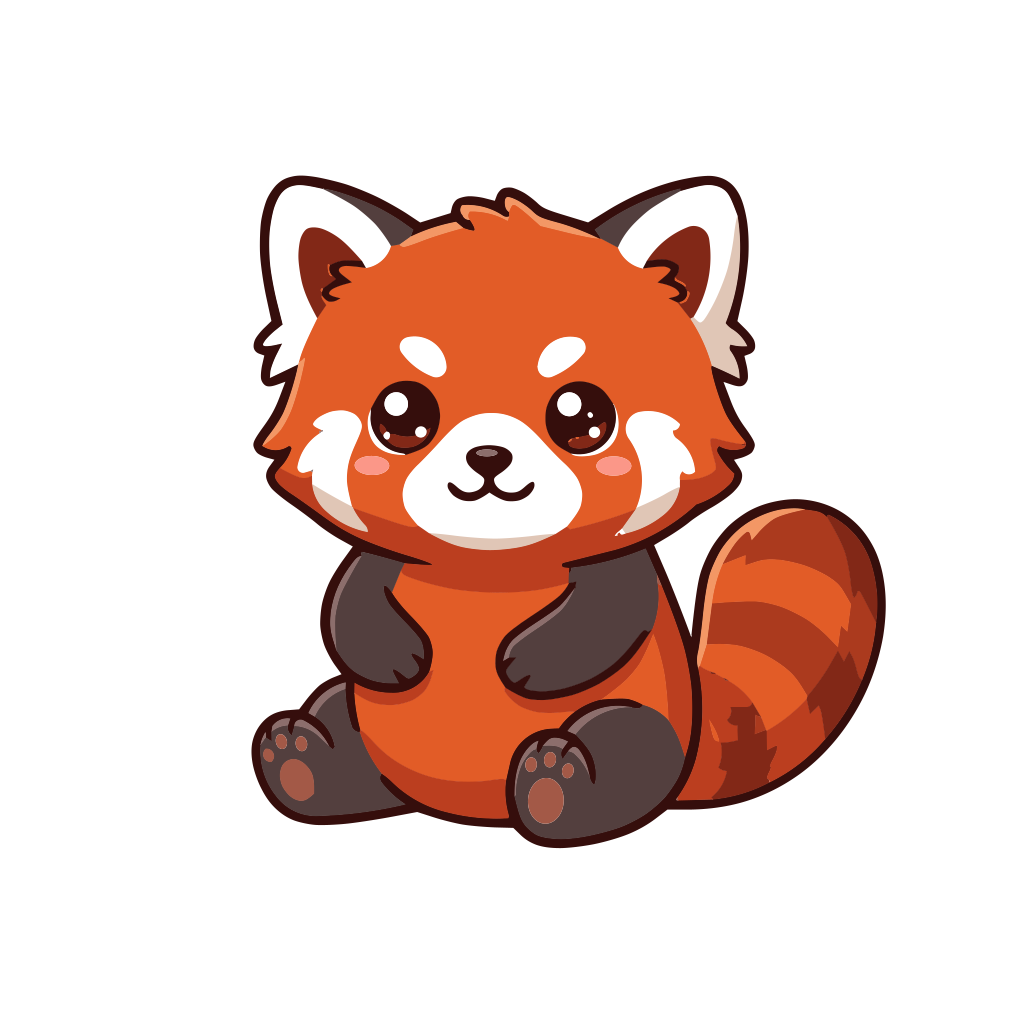
All made with AI and converted by Vectacle. Original on the left, SVG on the right.
What to expect from different AI styles
Flat, sticker and logo styles
Near-perfect. Clean outlines, flat colours and a small file. Ideal for merch, Cricut and print on demand.
Line art
Strokes stay smooth and even. Try the Line art mode for drawings made only of lines.
Storybook and watercolour
Shapes and outlines stay crisp; soft washes and glows become smooth bands, giving a clean poster look.
Sunsets and skies
Smooth colour fades become real SVG gradients, not dozens of stripes. See gradient to SVG.
More ways to use Vectacle
Guides and articles
Questions
Why vectorize AI art?
AI images come out at about 1–2 megapixels. That’s fine on screen but soft on a poster, a shirt or a large sticker. As an SVG, the picture is made of shapes, so it prints sharp at any size and you can recolour or edit parts of it.
Will a detailed illustration look exactly the same?
Close, but not identical. Flat colours, outlines and line work stay crisp. Soft watercolour washes, glows and paper texture become a few smooth bands or gradients, which gives a clean, poster-like look. Simpler styles (flat, line art, stickers) give the most faithful result.
Can I sell products made from vectorized AI art?
The SVG files you make are yours to use. Whether you can sell the artwork itself depends on the AI tool’s terms and on the law where you sell, so check those first.
Which AI art styles work best?
Flat vector-style art, line art, stickers, logos and illustrations with clear outlines. Photoreal images and heavy painterly textures turn into many colour patches.
Is my image stored?
No. It’s converted and then forgotten; Vectacle keeps no copy.