PNGJPGWebPSVG
Free SVG maker: any picture to SVG
Make an SVG file from a picture in seconds: clean outlines, true colours and real gradients, ready to edit, print, upload or cut.
- Cut files for Cricut & Silhouette
- Real gradients
- Crisp small text
- Nothing is stored
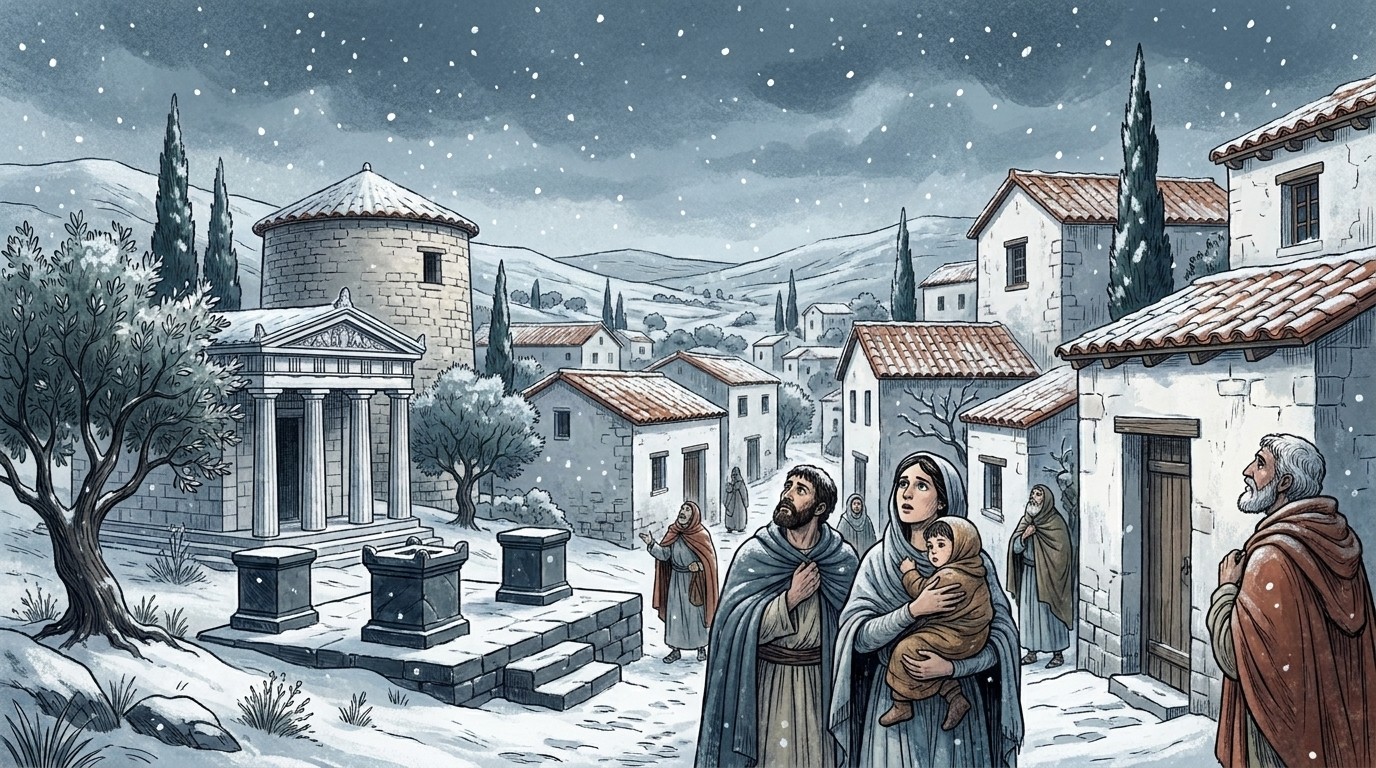
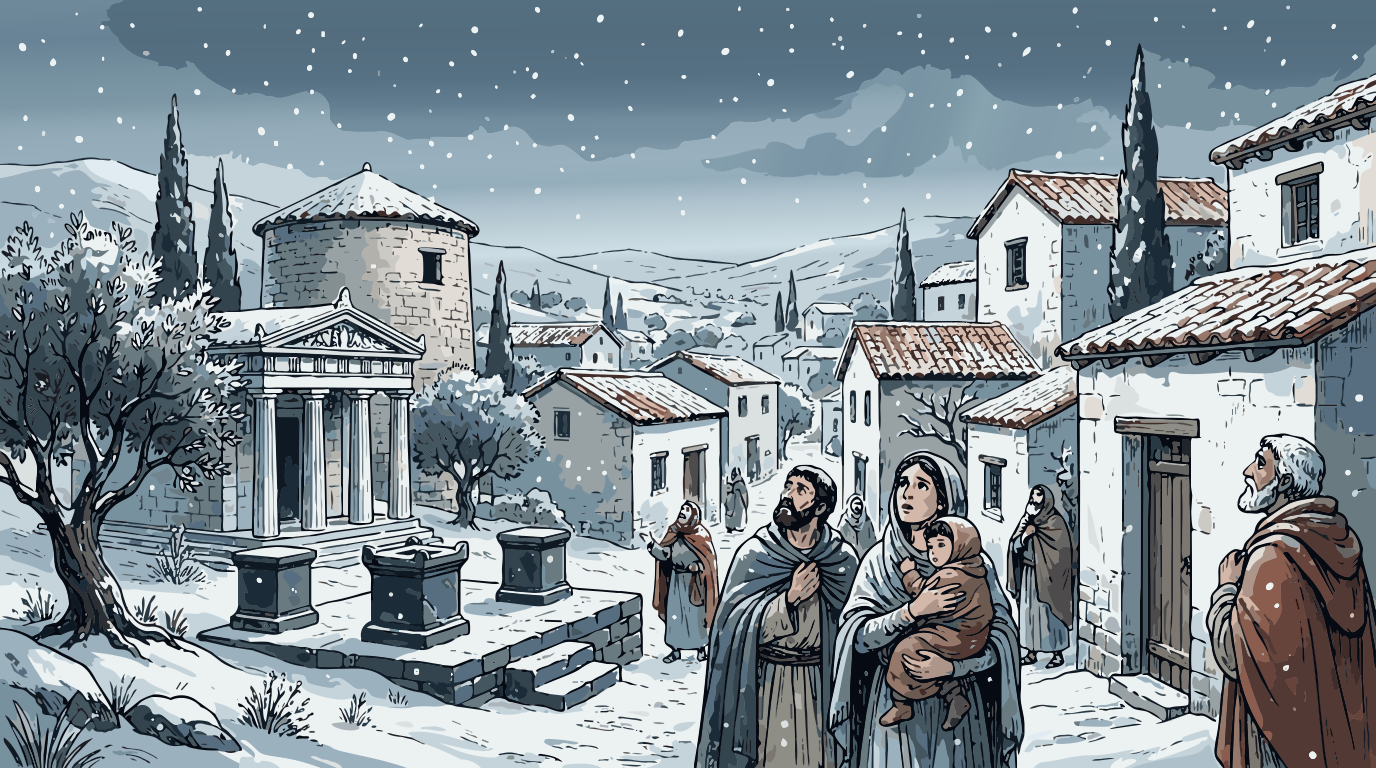
- Upscaling small image
- Reading colours
- Sharpening edges (AI)
- Tracing shapes
- Smoothing curves
How to make an SVG file from a picture
- Drop a picture above: PNG, JPG or WebP. The bigger and sharper, the better the SVG.
- Choose what you’re making. Auto for most pictures, Logo / 1 colour for a single cut shape, Clip art / stickers for flat colour layers, Line art for drawings.
- Remove the background if the design sits on a plain box.
- Check it side by side with the original, zoomed in.
- Download the SVG. Set the width in inches first if it’s for a cutting machine.
What can you make?
Cut files
One-colour decals and layered vinyl for Cricut and Silhouette, sized in inches.
Logos
A sharp, scalable vector from a small or blurry logo. See logo to vector.
Stickers
Background removed and a white sticker border added for Print then Cut. See sticker to SVG.
Illustrations
AI art and drawings as SVG for posters and merch, with real gradients. See AI art to vector.
SVGs made with Vectacle
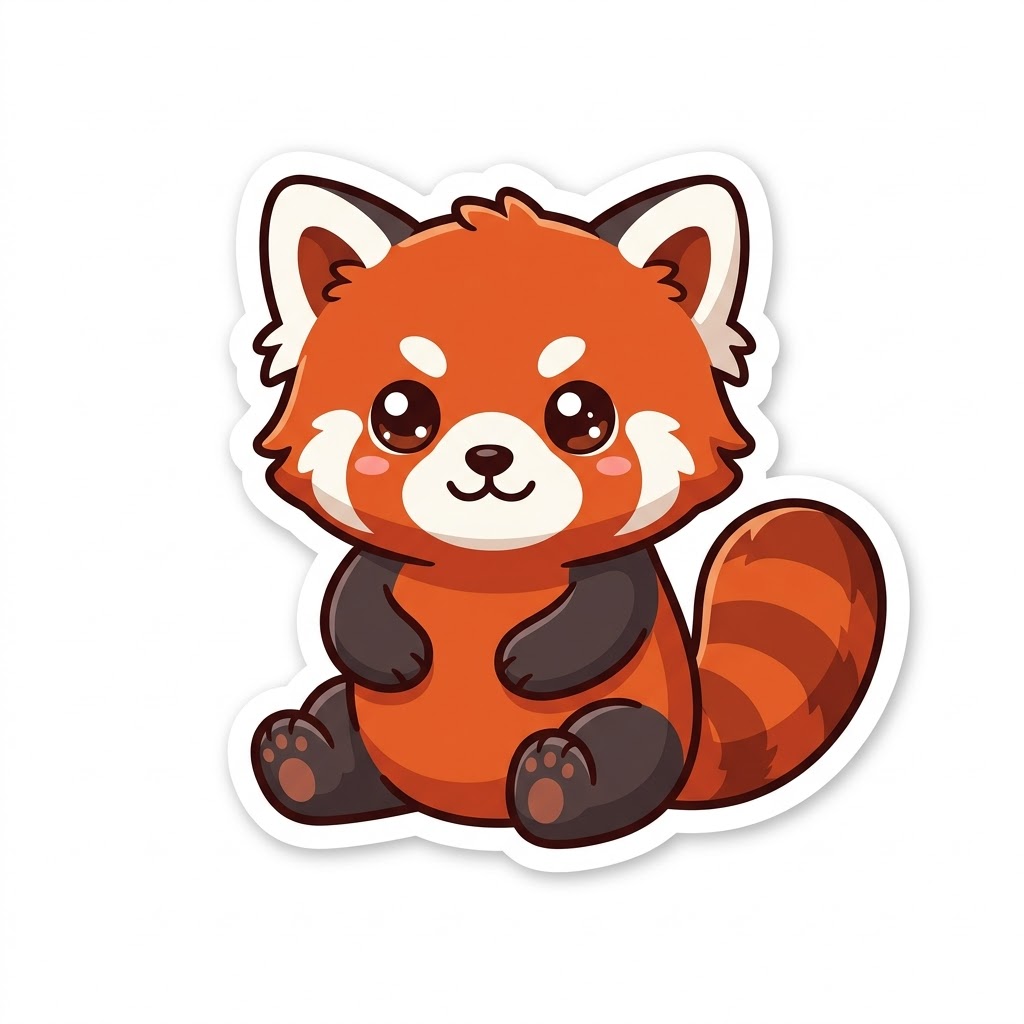
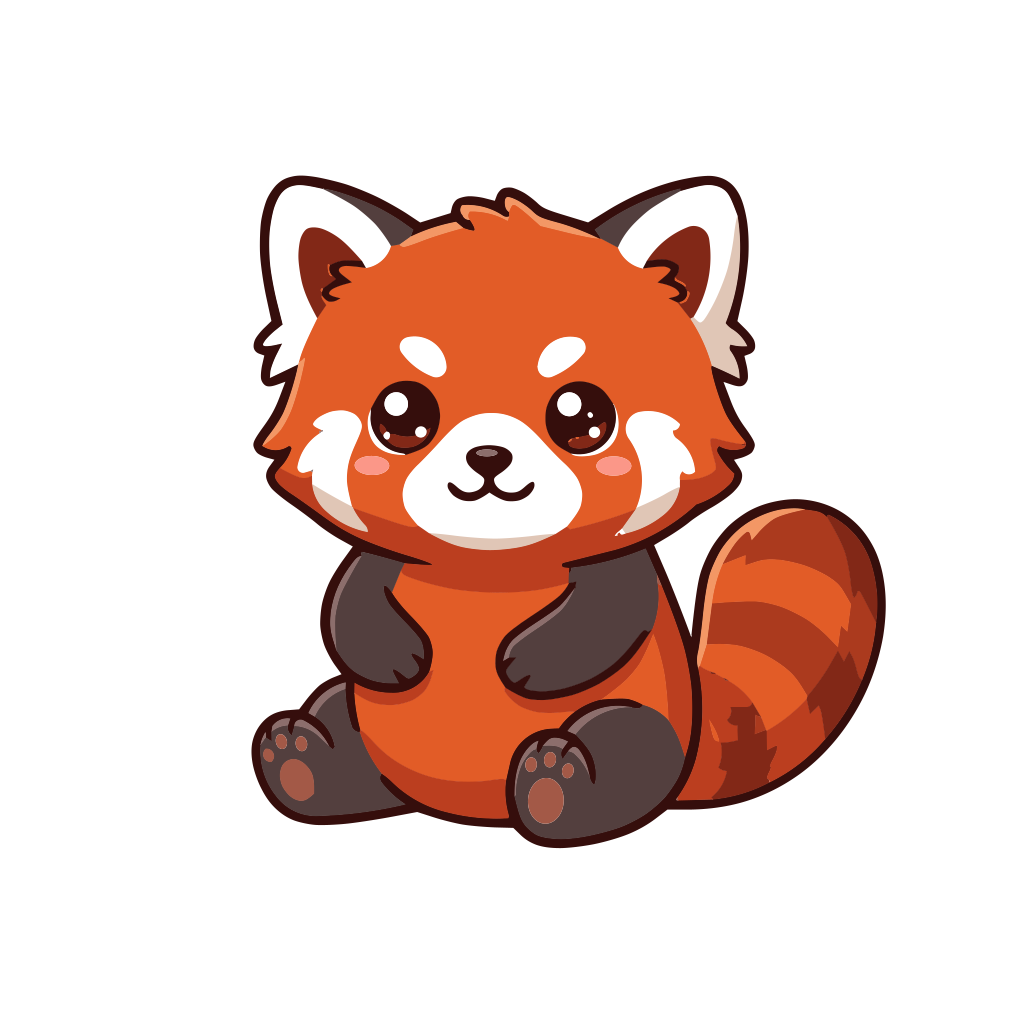
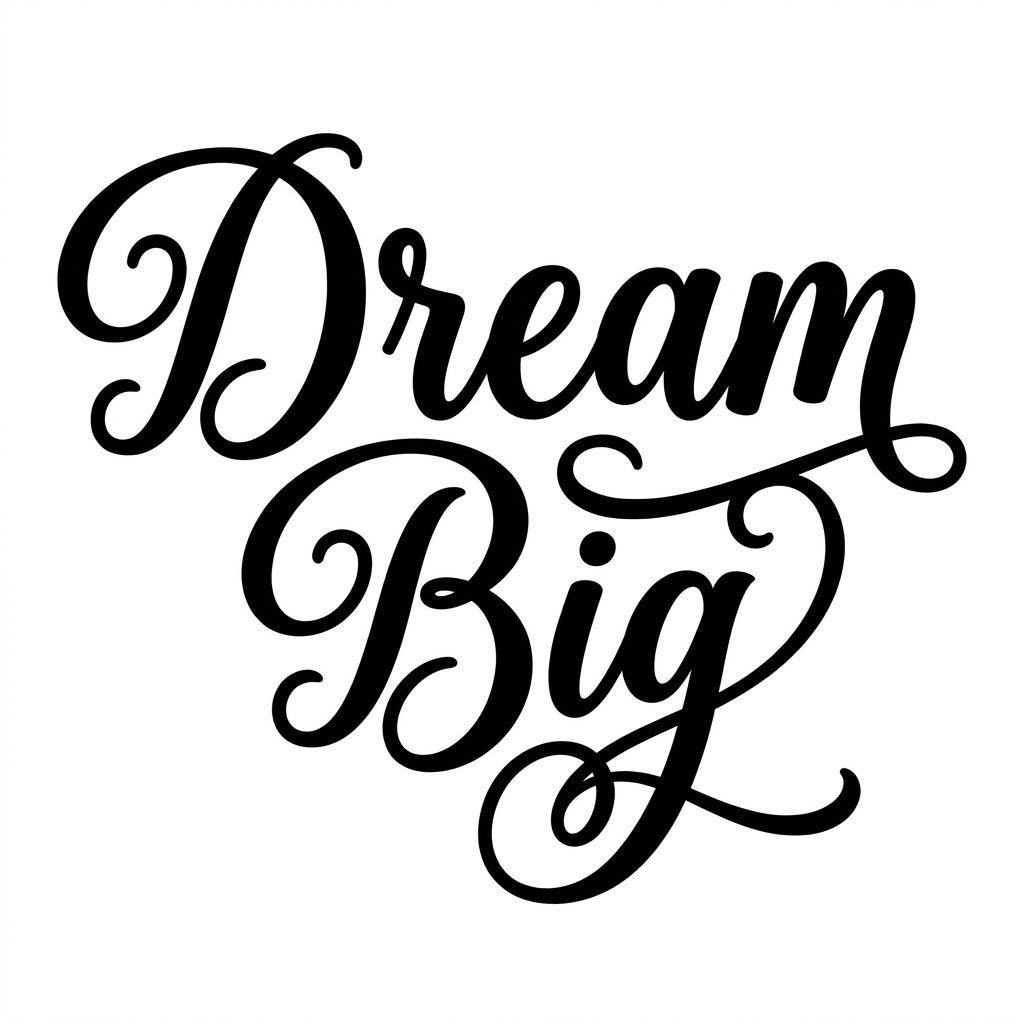
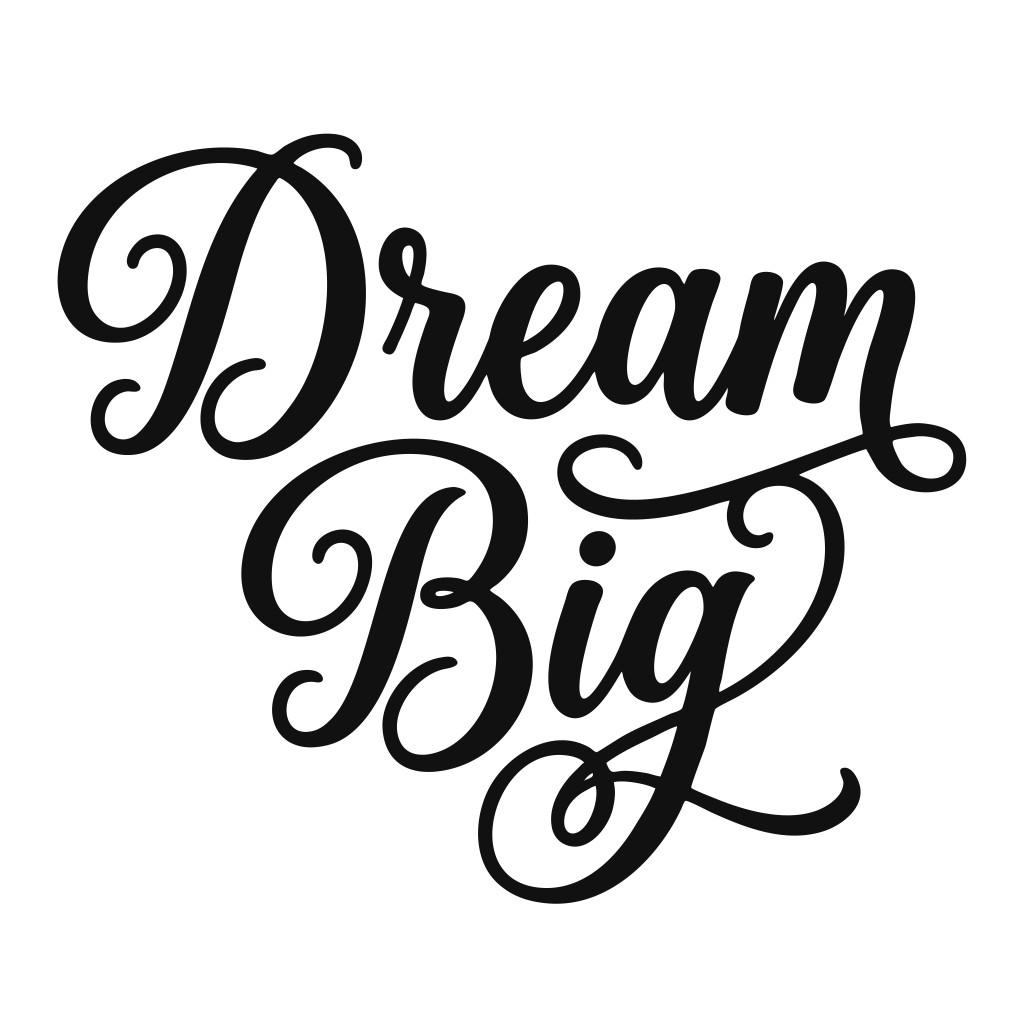
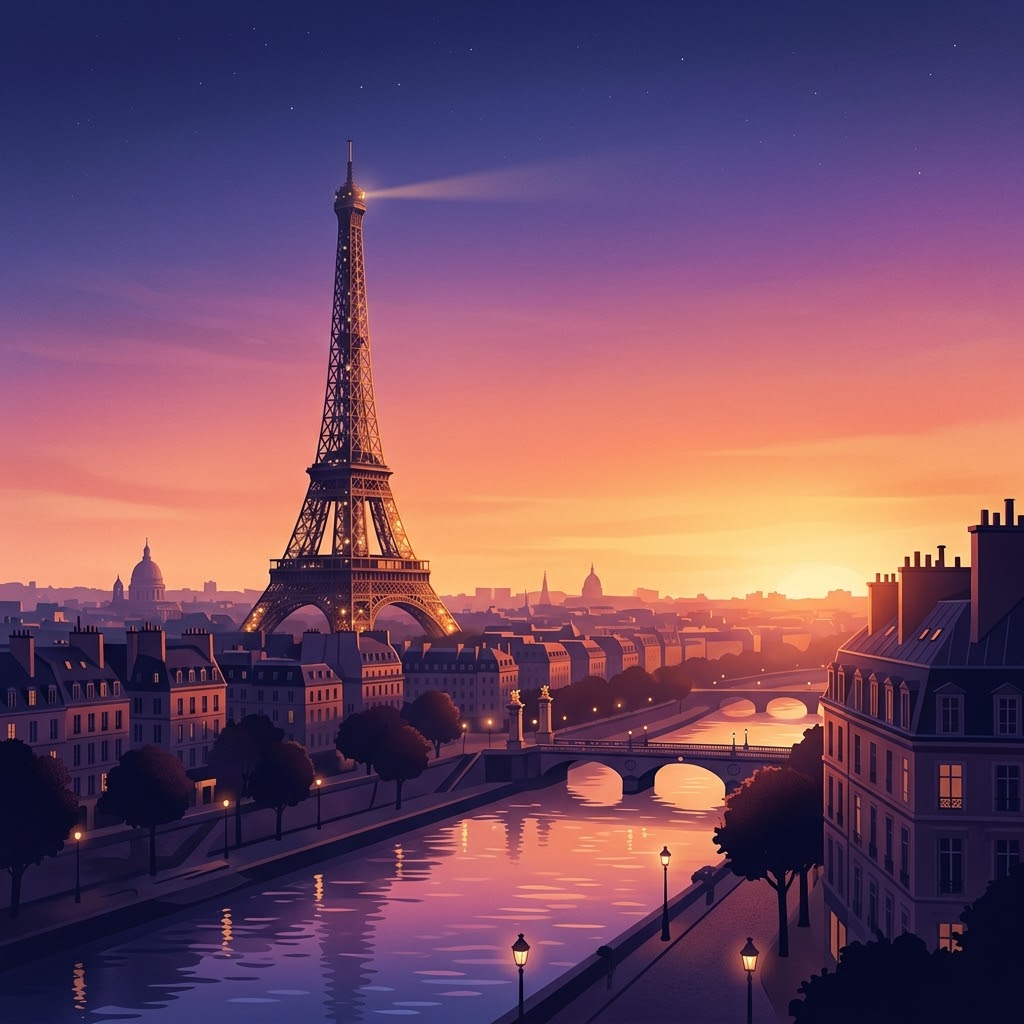
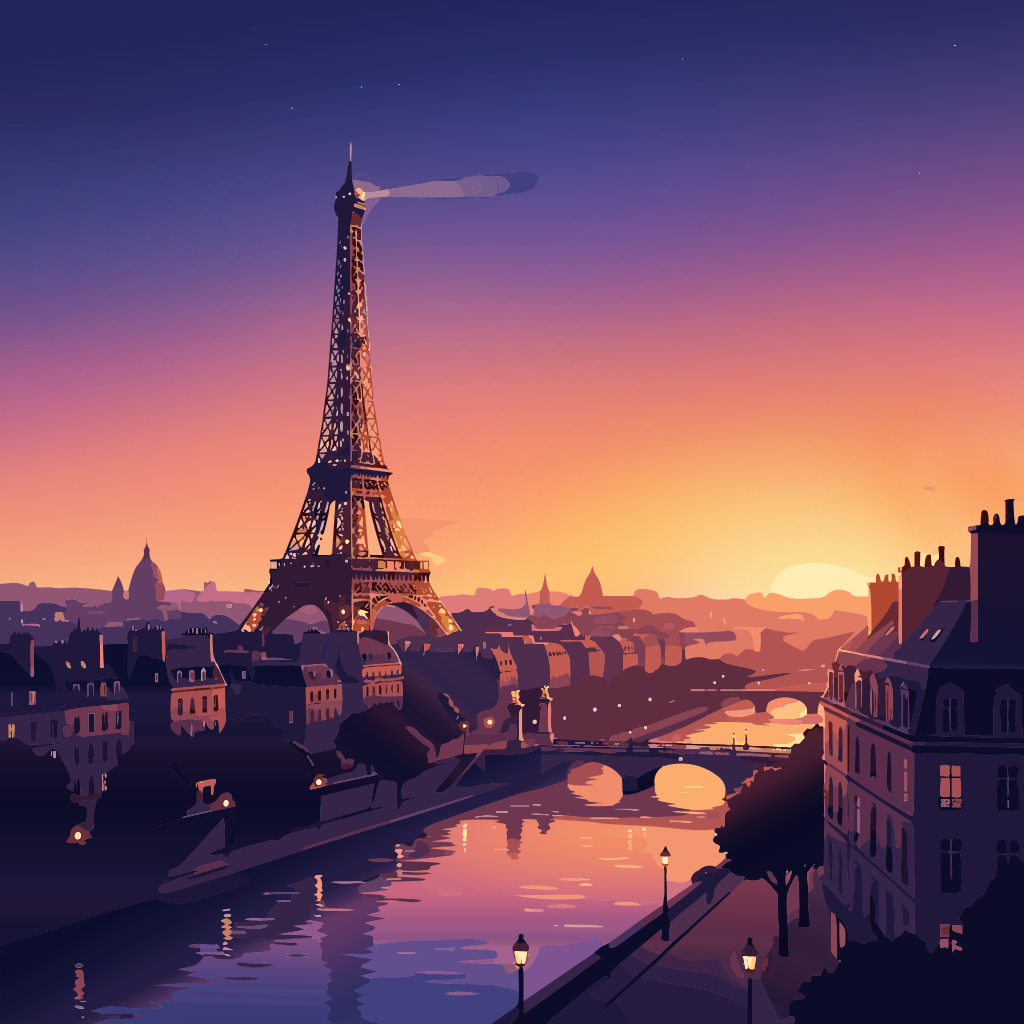
Learn more
Guides and articles
Questions
What is an SVG maker?
A tool that creates an SVG file, the standard vector format. Vectacle makes SVGs from pictures: it traces a PNG, JPG or WebP into shapes, so you don’t have to draw anything yourself.
Can I make an SVG from text or from scratch?
Vectacle starts from a picture. To make an SVG from scratch (typing text, drawing shapes), use a vector editor like Inkscape, Illustrator, Affinity or Canva, or design the picture first and then trace it here.
Will the SVG work in Cricut Design Space, Canva and Illustrator?
Yes. The SVG opens in Cricut Design Space, Silhouette Studio Designer Edition, Canva, Illustrator, Inkscape, Affinity and Figma. For cutting, choose Logo / 1 colour or Clip art / stickers.
Is the SVG maker free?
Yes, free while Vectacle is new. No sign-up, no watermark, and nothing is stored.
How long does it take?
A few seconds for a simple logo, up to about 30 seconds for a detailed illustration.