PNGJPGWebPSVG
Turn any PNG or JPG into a clean SVG
Logos, lettering and clip art become smooth vector shapes you can scale, print or cut — traced right here in your browser.
- Cut files for Cricut & Silhouette
- Real gradients
- Crisp small text
- Nothing is stored
- Upscaling small image
- Reading colours
- Sharpening edges (AI)
- Tracing shapes
- Smoothing curves
- 4download formats: SVG, PNG, PDF and DXF
- 30images at once in one batch
- 0images stored, no account needed
- 5languages: English, Español, Français, Deutsch, Português
How it works
Three steps, about half a minute. No sign-up, nothing stored.
- 01
Drop your image
A PNG, JPG or WebP. Clear edges and solid colours give the cleanest result.
- 02
Pick a type
Auto finds the colours for you. Choose Logo / 1 colour for a single cut layer, or Clip art for layered vinyl.
- 03
Check and download
Zoom in on the original and the SVG side by side, then download SVG, PNG or PDF.
Made with Vectacle
Real results from the converter. Hover a picture to see the original; click it to convert it yourself.
Built for clean results
Most free tracers leave wobbly edges and thousands of tiny shapes. Vectacle is tuned for files that look right and cut right.
Straight lines stay straight
Lines, arcs and sharp corners are fitted as real geometry, so logos keep their crisp shapes.
Smooth gradients
Where your design fades from one colour to another, the SVG gets a true gradient fill instead of stripes.
Readable small text
Lettering is detected and traced with extra care, so letters keep straight stems and round curves.
Private by design
No account, no cookies, and your images are not stored: they are converted and forgotten.
Everything in one free tool
No add-ons and no upgrades to unlock: every option is right next to your image.
- Remove the background
- Remove or change any colour
- White sticker border
- Width in inches for cutting machines
- Real gradient fills
- Crisp small text
- Line art as smooth strokes
- Up to 30 images at once
- Cut-line preview
- Zoom and compare side by side
- AI upscale for small images
- Download SVG, PNG, PDF or DXF
Pick your project
The same engine, set up for the job you’re doing.
 SVG for CricutSVG · DXFOne clean cut layer or layered vinyl, sized in inches.Open
 SVG for SilhouetteDXF · SVGCut files for the Cameo, plus a route for Basic Edition.Open
 Sticker to SVGSVG · PNG · PDFFlat colours and white borders, background taken away.Open
 Logo to vectorSVG · PDFRebuild a small or blurry logo as a sharp vector.Open
 AI art to vectorSVG · PDFMidjourney, DALL·E or Firefly art, ready for print.Open
 Gradient to SVGSVG · PDFSkies and glows as true gradients, not stripes.Open
 PNG to SVGSVG · PNG · PDFAny PNG to clean shapes, with colour and gradients.Open
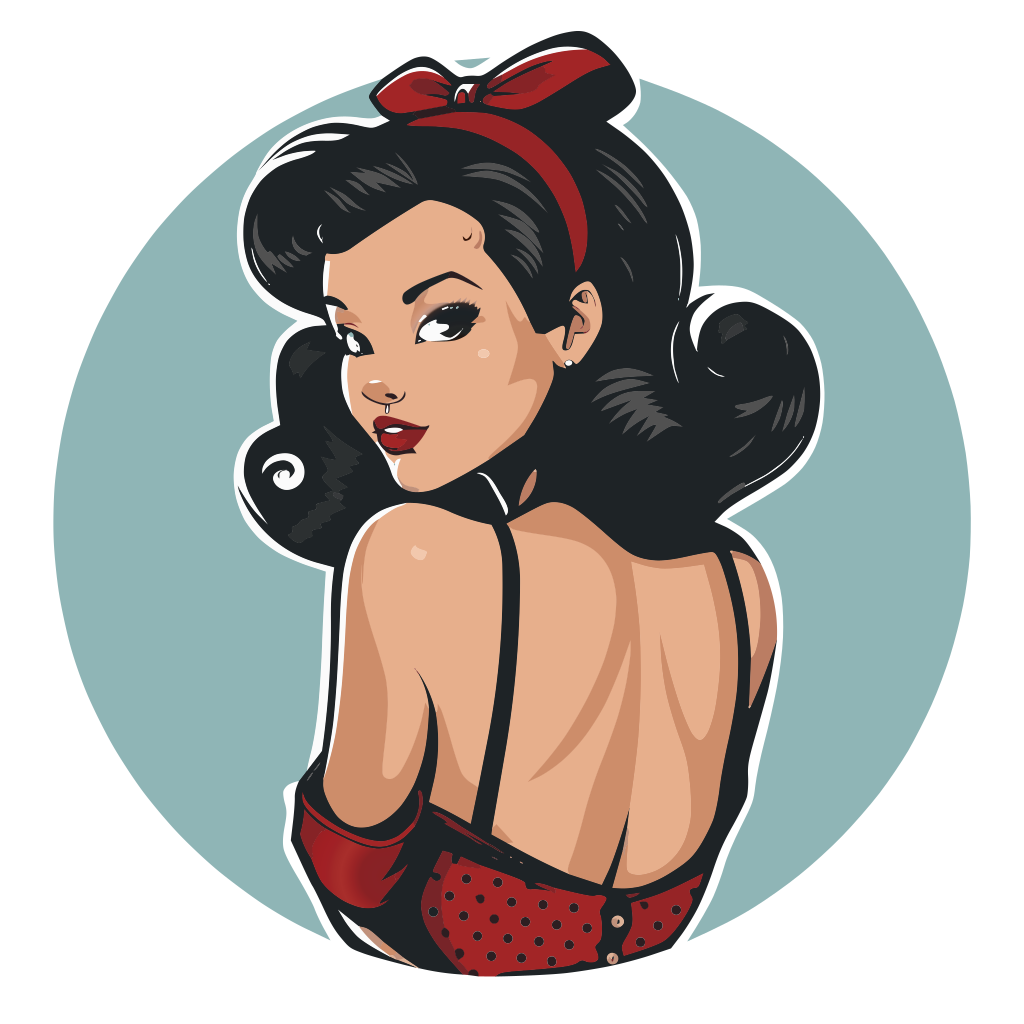 JPG to SVGSVG · PDFLook past JPEG blur and noise to clean outlines.Open
SVG to PNGPNG · JPGThe other way: crisp PNG or JPG at any size, for print.Open
Guides
Step-by-step help for Cricut, Silhouette, Illustrator, Canva and more.
 Cricut
How to Print Then Cut on a Cricut
Use Cricut Print Then Cut: prepare the image, flatten it, print with bleed and cut along the sensor marks. Plus file tips and fixes for common errors.
 Cricut
How to make stickers with a Cricut
Make stickers with a Cricut step by step: prepare the design with a white border, Print then Cut on sticker paper, and fix common cutting problems.
 Vectorizing
How to make an SVG file: three ways
Three ways to make an SVG file: convert a picture online, draw it in a vector editor, or export from a design app. Steps, pros and cons.
Ready when you are
Drop a PNG or JPG and get a clean SVG in about half a minute. Free, no sign-up, nothing stored.
Questions
Is my image stored?
No. Your image is converted and then forgotten: nothing is stored and there is no account. On most computers the conversion runs right in your browser; on phones and slower computers it may run on our server instead, where it is processed in memory and deleted straight away.
Will the SVG work in Cricut Design Space and Silhouette Studio?
Yes. Choose “Logo / 1 colour” for a single cut layer, or a colour mode for layered vinyl and print-then-cut. Set the width in inches before downloading and the file opens at that size.
What kind of images work best?
Logos, lettering, stickers, clip art and t-shirt graphics with clear edges. Photos and watercolour paintings can be traced, but they turn into many flat colour patches rather than a clean vector.
Why does it take a few seconds?
Vectacle sharpens the edges with a small AI model and fits real lines, arcs and curves before it draws the SVG. A large design can take 10–30 seconds on a laptop. Phones use a quicker setup.
Does it keep gradients?
Yes, if you tick Smooth gradients under More options (it is off by default). Smooth fades then become real gradient fills instead of dozens of colour bands. Cut-file modes always use flat colours, because cutting machines can’t cut a gradient.
Is Vectacle free?
Converting and downloading are free while Vectacle is new. No sign-up is needed.